★★★★★Used and validated by Hong Kong SME teams

Education Centre Management System

Manage lesson credits, attendance, tuition and parent self-service requests in one place, so your centre can see each student's class and payment status clearly.

Lesson and tuition tracking Parent and student portal AI front desk assistant
See our background

Common education centre bottlenecks

Lesson credits and tuition are hard to reconcile

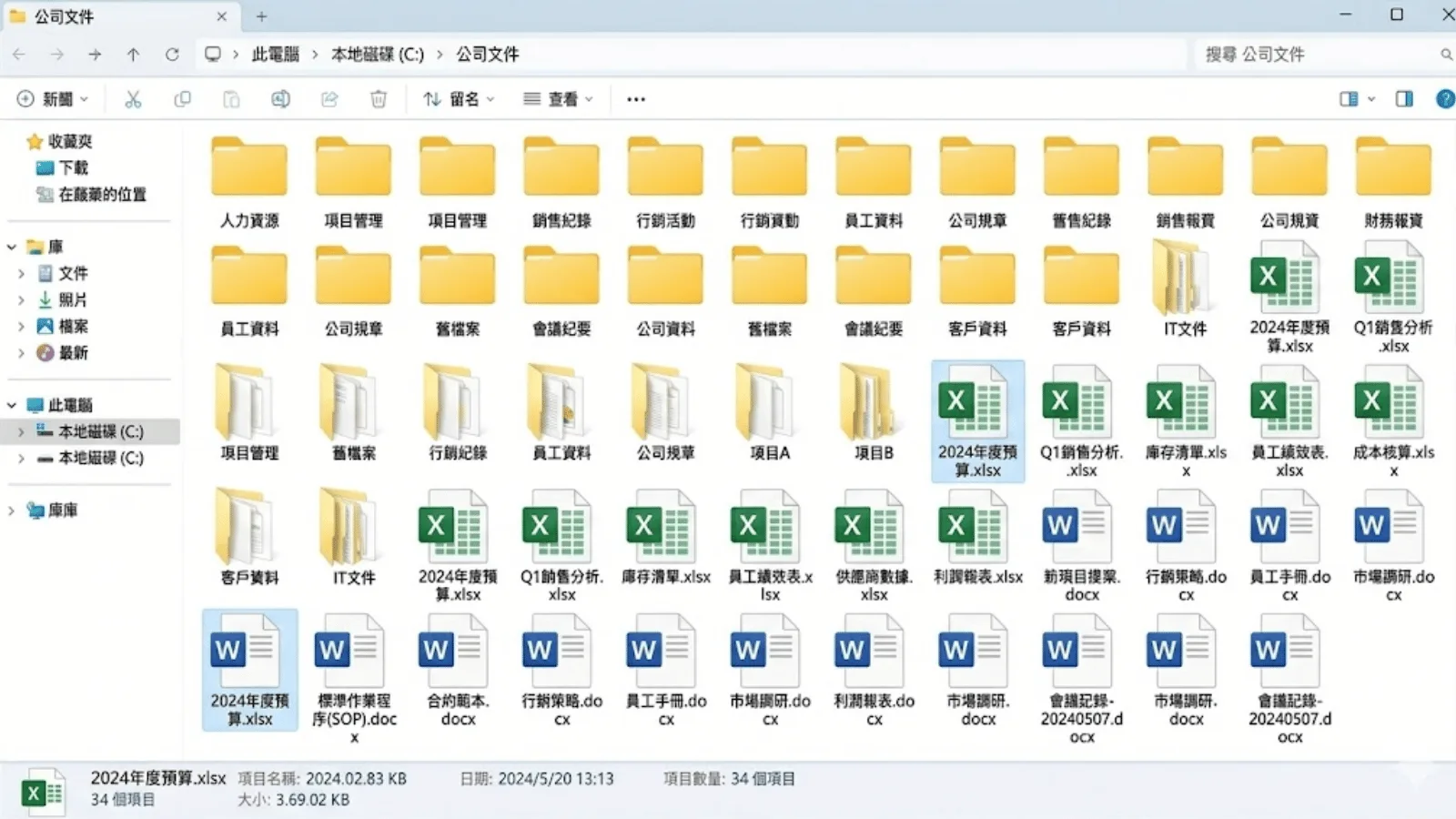
  • Enrolment dates, leave, make-up lessons and payment records are scattered
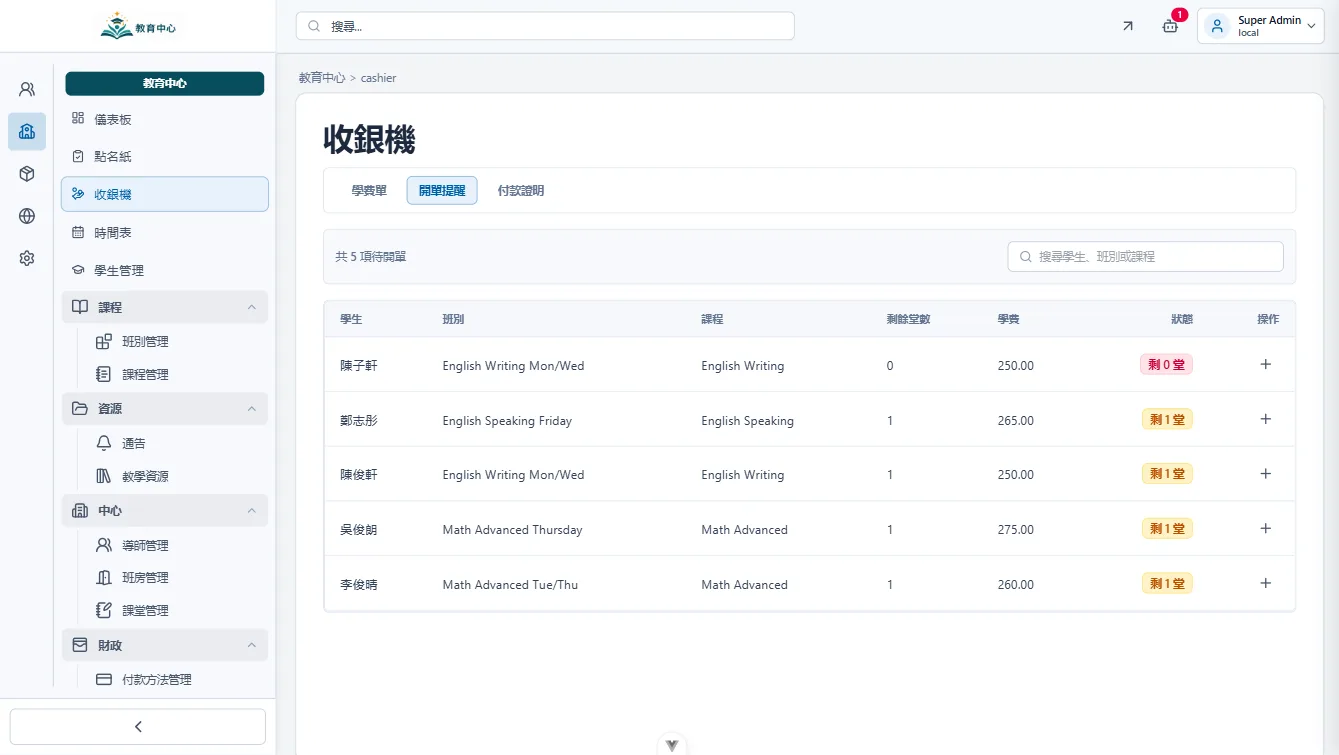
  • Front desk staff need to check files one by one for credits and receivables
  • When overdue payment status is unclear, follow-up takes longer

When enrolment dates and billing cycles differ, can front desk staff instantly see remaining lessons and unpaid fees?

Lesson credits and tuition are hard to reconcile

Leave and make-up lesson records are scattered

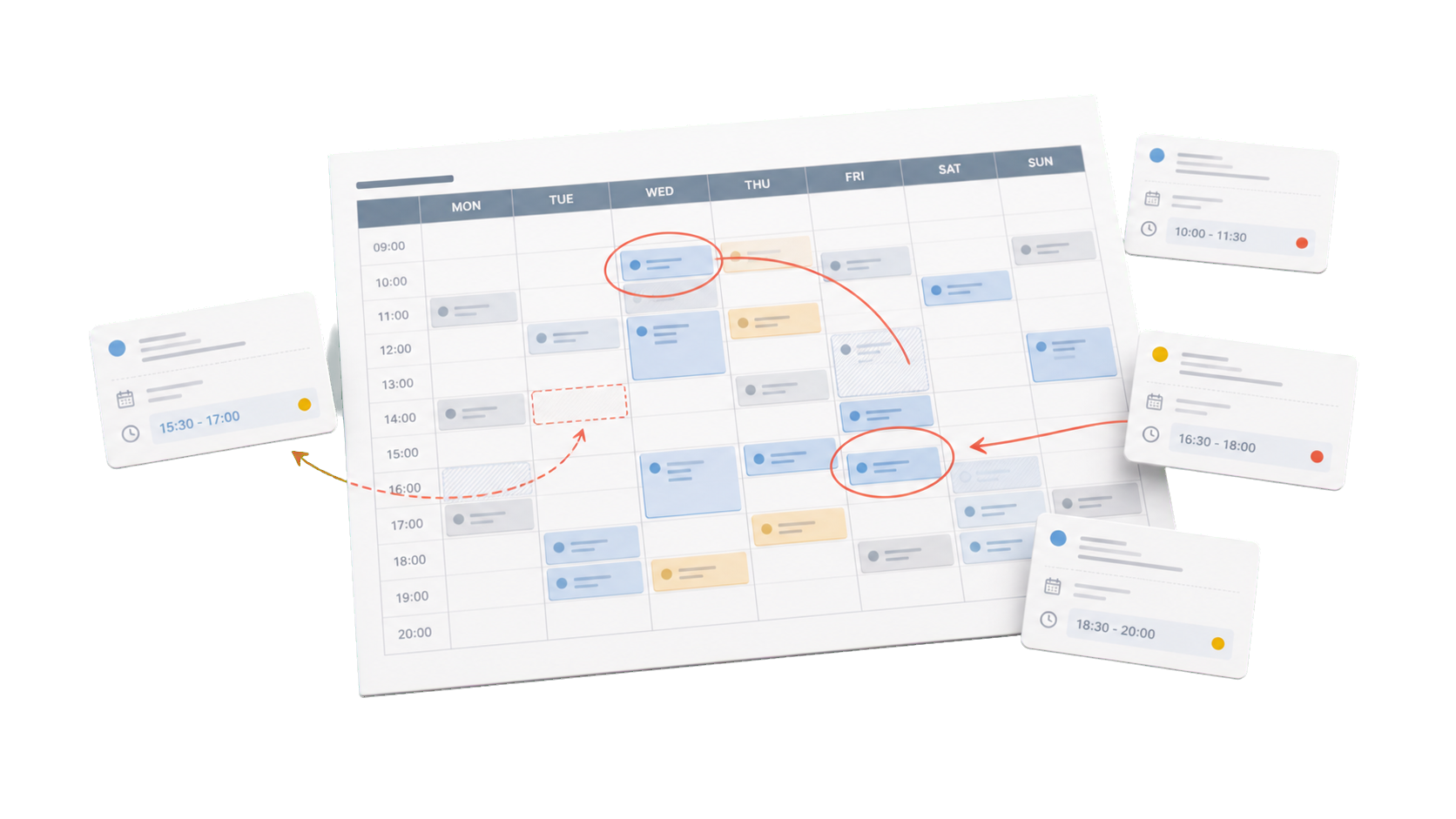
  • Leave, make-up and rescheduling requests are only recorded in messages
  • Tutors, front desk staff and parents may hold different versions
  • Class arrangement becomes easier to miss or duplicate

If parents handle leave, make-up and rescheduling through WhatsApp, does your team have one reliable record?

Leave and make-up lesson records are scattered

Parent enquiries take up front desk time

  • Parents often ask about timetable, payment, overdue fees, leave and materials
  • Daily operations are interrupted when every reply depends on front desk staff
  • Without self-service access, repeated enquiries keep increasing

When parents ask about timetable, fees, make-up lessons or materials, does the front desk still reply one by one?

Parent enquiries take up front desk time

How the system helps

Lesson, attendance and tuition calculation

The system updates remaining lessons and receivables from enrolled courses, attendance, leave, make-up lessons and payment records.

Lesson, attendance and tuition calculation

Parent and student self-service portal

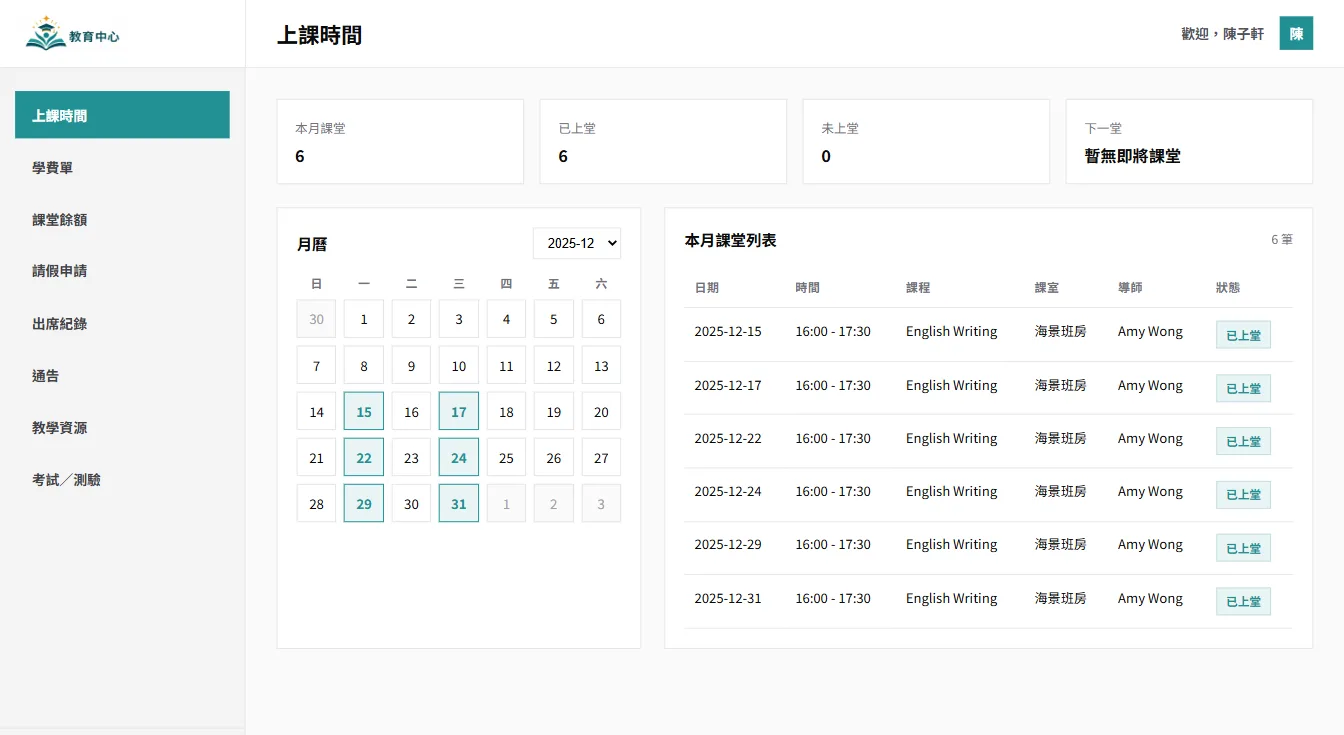
Parents or students can check timetables, overdue fees, payment records and notices, and upload payment proof themselves.

Parent and student self-service portal

Leave, make-up lesson and material management

Parents can submit leave and make-up requests, while tutors can assign materials by student or class.

Leave, make-up lesson and material management

Use AI to support repetitive operational tasks

Connect AI agents through MCP, and start system tasks with one instruction

AI operations assistant

Education centre manager

Organise today’s absent students, assign make-up lesson videos with a one-week deadline, and prepare WhatsApp parent notices, then send them for approval.


AI education operations agent

  • Read today’s attendance and student course records
  • Match absences with make-up videos and deadlines
  • Prepare WhatsApp notice drafts for parents
  • Wait for approval before assigning videos and sending notices

Make-up lesson arrangements are ready, including video assignments, viewing deadlines, and WhatsApp notices to parents. Please review before sending.

AI task approval

Approve AI to assign make-up videos and notify parents?

AI that works under your team

Give each team member an AI assistant. People give instructions, and AI does the work.

AI that works under your team

People approve key actions

AI can prepare tasks. Important actions still need a person to check and approve.

People approve key actions

Clear access rules

AI only sees the data it is allowed to use. This helps keep business data safer.

Clear access rules

Connect your AI tools

Connect tools like Manus and Claude to daily work. Keep tasks, permissions, and results in one system.

Connect your AI tools

More tools for daily wholesale operations

Back-office tools for daily education centre operations

QR code attendance check-in

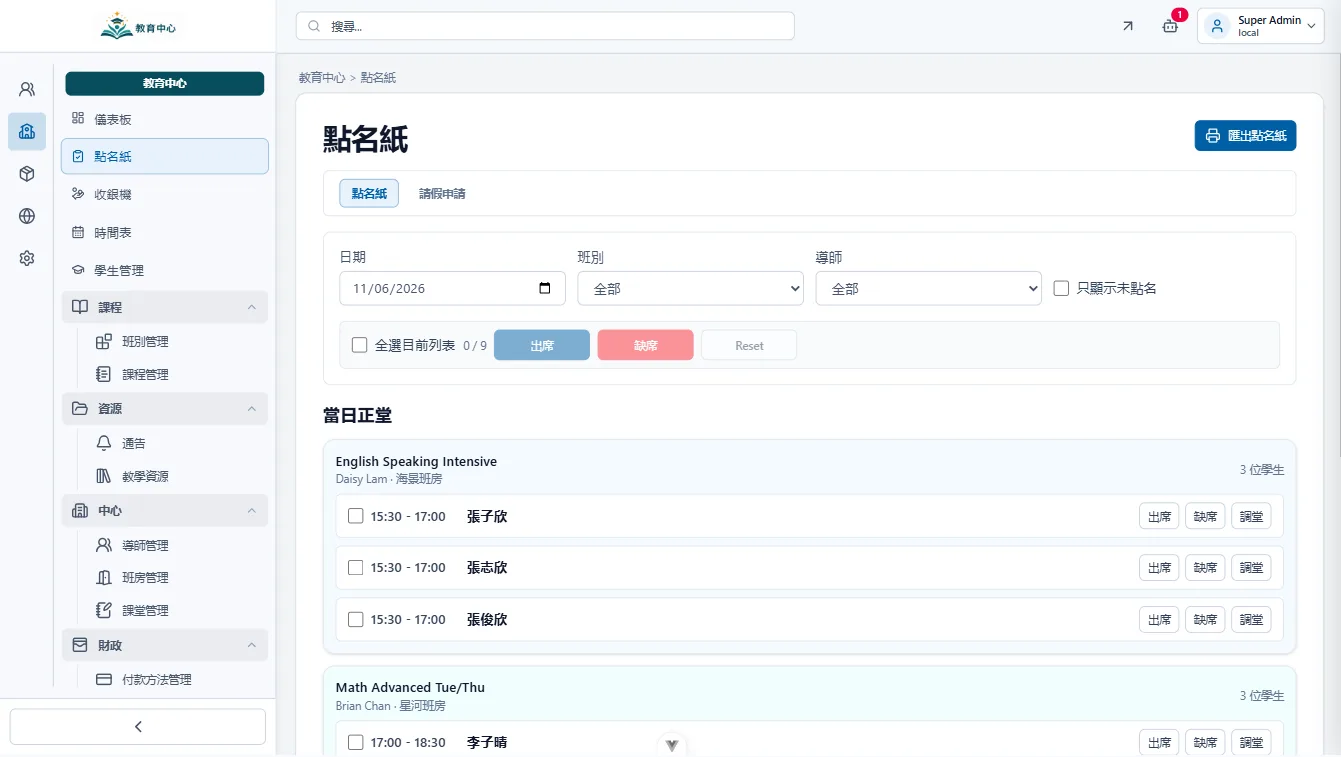
Students scan a QR code on arrival. The system records attendance, lateness and absence, with status visible in the portal.

Centralised student profiles

Keep student details, enrolled courses, remaining lessons, payment records and notes in one place with role-based access.

Multi-branch data management

Each branch can manage its own timetable, tutors and students, while head office reviews overall operations and payment status.

Automatic attendance reports

Organise attendance by student, class or date so the centre can follow up on absence, make-up classes and parent enquiries.

Centralised parent notices

Send class, course, activity and payment notices by class or student, reducing scattered WhatsApp threads.

Trial lesson conversion tracking

Track trial lesson bookings, attendance, follow-up and enrolment status so every enquiry has a clear next step.

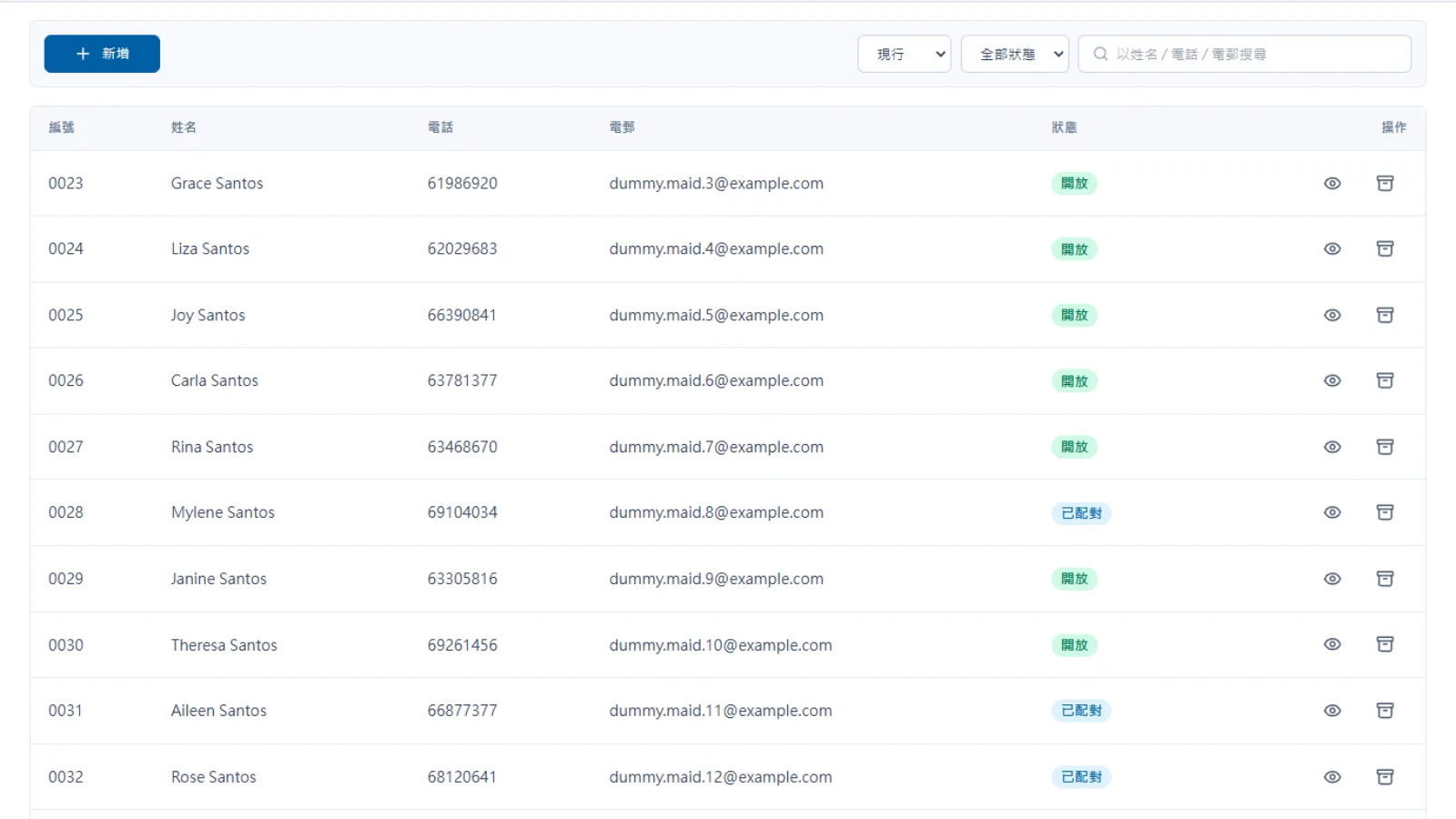
Each student's lesson credits, attendance and payment status can update in one backend. Parents can check records and submit requests through the portal, so the front desk no longer needs to reconcile everything through WhatsApp.

Expected operational return

Turn front desk admin into trackable workflows

Show attended lessons, leave, make-up lessons and remaining credits by student, so staff no longer check records one by one.

Centre backend

Organise receivables, paid amounts and payments pending review by student and course, making overdue follow-up clearer.

Centre backend

Leave, make-up lesson and payment proof requests sit in one approval flow, so the team can see progress clearly.

Parent and student portal
Before
After
Lesson credit checking
Excel and messages are recorded separately
Remaining and attended lessons shown by student
Leave and make-up lessons
Confirm one by one on WhatsApp
Portal request and backend approval
Tuition collection
Manual payment and overdue checking
Receivables and paid amounts tracked by invoice
Learning materials
Tutors send files separately
Materials assigned by student or class

Worried your IT project will drag on?

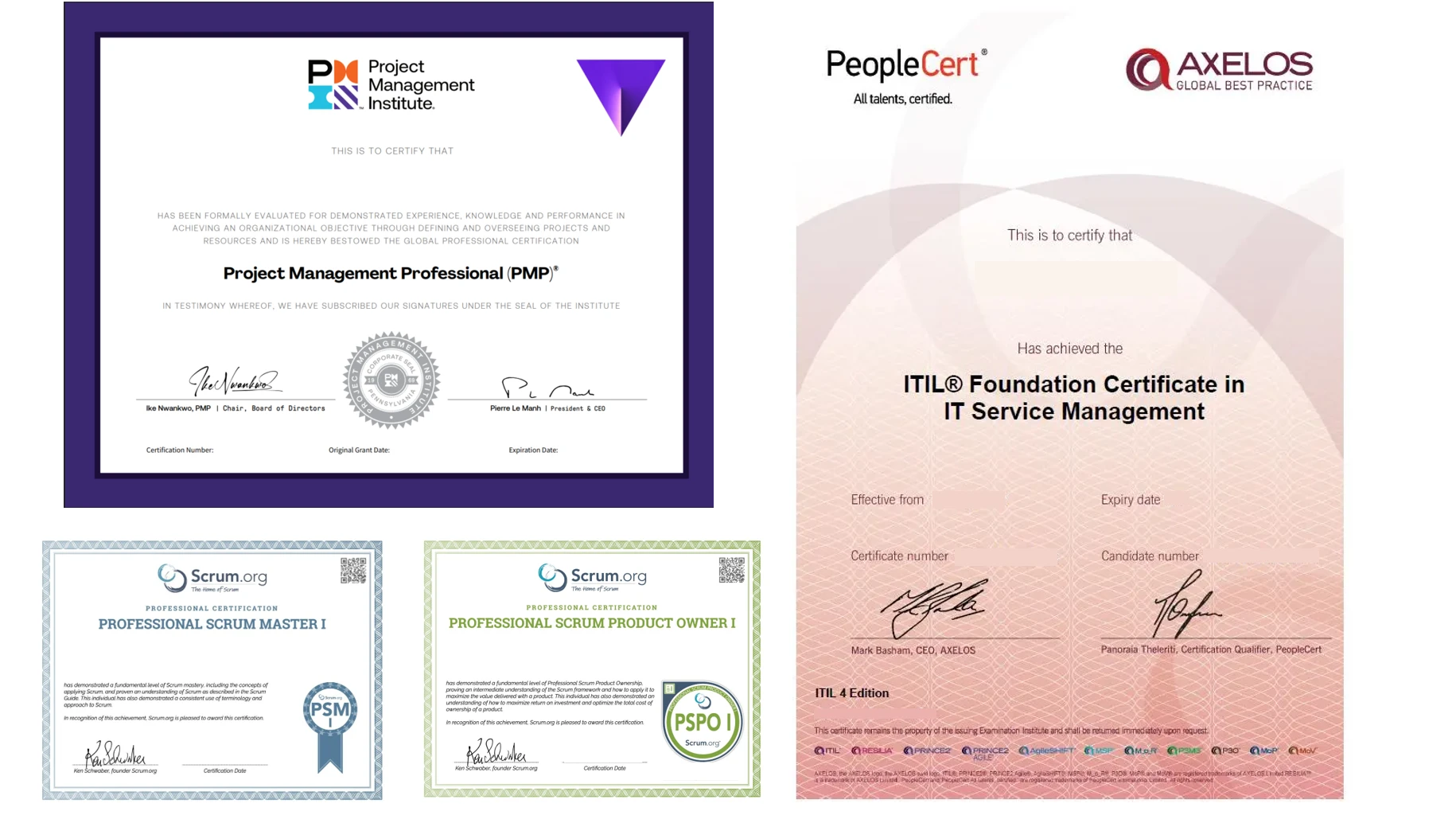
Managed by PMP® consultants with a clear delivery process

01

Discovery

Turn business goals into system logic, instead of forcing a template.

  • Workflow review: identify pain points in the current process
  • Solution walkthrough: align expected results before build
02

Data migration

We help organise and import existing data to reduce the migration burden.

  • Data cleanup: prepare old records before import
  • Acceptance testing: verify key flows before launch
03

Launch

After setup, the system can go live with local support available by priority.

  • System handover: launch after required settings are complete
  • Ongoing support: local team follows up on usage issues

How much budget should you plan?

Flexible plans matched to your team size

Subscription Plan

$798/ month

For education centres that want to launch quickly with predictable monthly costs.

  • System accounts: 1-30 users
  • Active students: 150
  • Course, scheduling, student and payment management
  • Cloud storage: 10GB
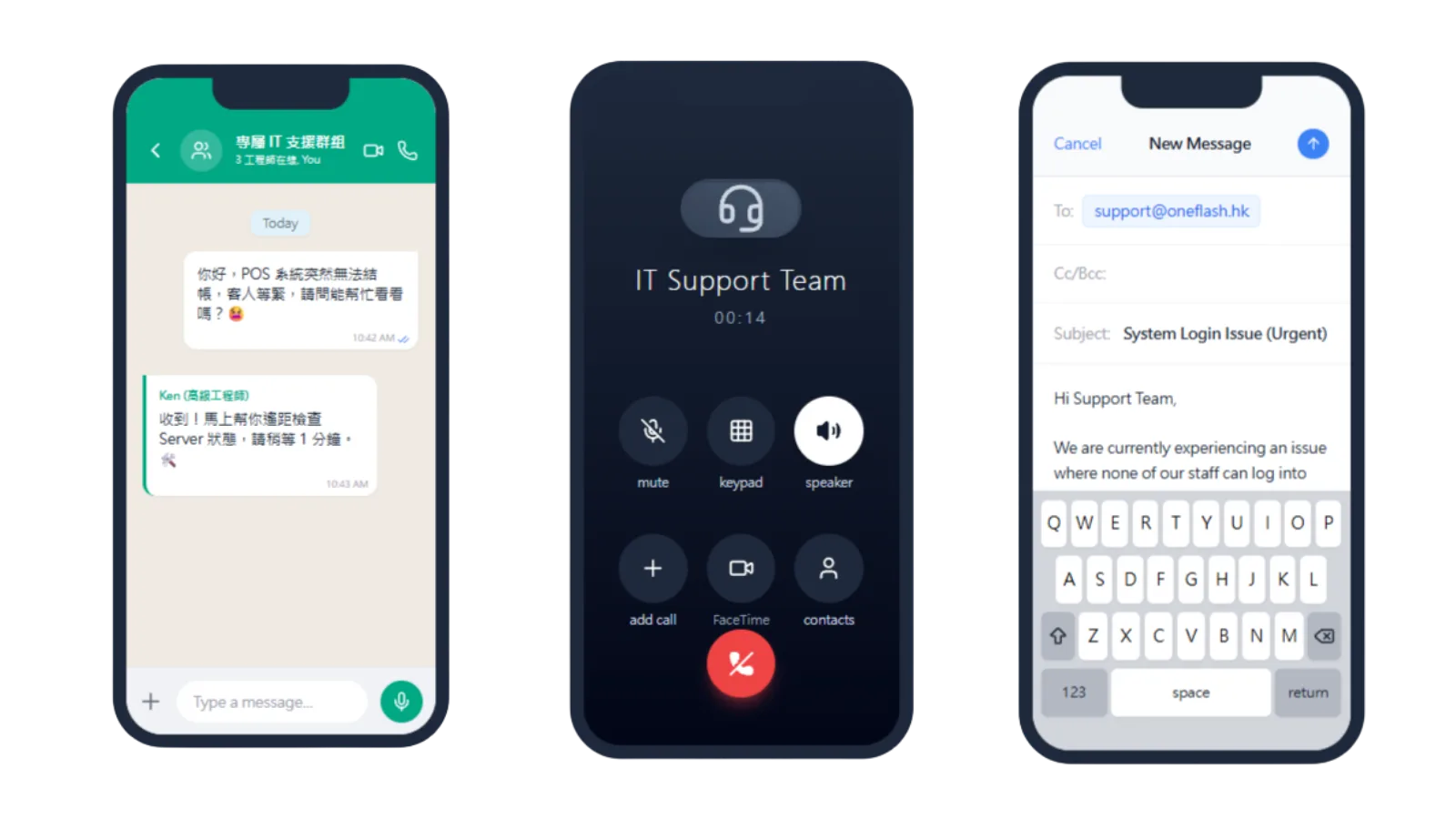
  • WhatsApp, email and phone support
  • Ongoing system updates and maintenance

Custom Plan

Quoted by scopeOne-off / phased

For education groups that need multi-branch management and deeper workflow customisation.

  • Includes all subscription features
  • Active students: no fixed limit
  • Central backend for multiple branches
  • Custom course packages and pricing rules
  • Integration with existing website and accounting systems
  • Dedicated customer success manager

We understand the questions that come before a new system goes live

Common questions before implementation

Is student and parent data protected?

Student and parent data is protected with access control and backup

Student, parent, course and payment data are stored with encryption and permission controls:
  • Encrypted transmission for forms, payment records and student data
  • Role-based access for front desk, tutors and management
  • Regular backup to reduce data loss risk
Is student and parent data protected?

Will learning the system take long?

Clear interface with launch training

The system follows daily education centre workflows:
  • Lessons, students, fees and make-up classes in one backend
  • Setup and training before launch
  • WhatsApp or email support after launch
Will learning the system take long?

What if the team has questions during daily use?

Local support for daily operations

Support is based on real education centre workflows:
  • WhatsApp or email support for quick operational questions
  • Remote assistance for settings, permissions and workflows
  • Ongoing adjustments to fields, forms and notices
What if the team has questions during daily use?

How do you keep the project on schedule?

Phased launch with clear progress

We launch by scope and milestone:
  • Core workflows first: students, courses, fees, leave and make-up lessons
  • Milestone review after each completed module
  • Pre-launch checks for permissions, notices, data and forms
How do you keep the project on schedule?

Do we need to re-enter old student data?

Student, course, tutor and fee data can be imported

No need to re-enter everything manually:
  • Clean up student, parent, course and tutor fields first
  • Import lists, enrolment records and fee data in batches
  • Check key records together before launch
Do we need to re-enter old student data?

Can we keep our own backup?

Data can be exported and backed up

Yes. Your centre keeps control of its operating data:
  • Export student, course, attendance and fee data
  • Keep offline copies in your own drive or folder
  • Reuse data even if system arrangements change later
Can we keep our own backup?

Can another team maintain it later?

Open structure and handover notes support long-term maintenance

Yes. For centres that need more autonomy, we can support handover:
  • System settings, core workflows and data structure notes
  • Exportable student, course and fee data
  • Maintenance by Oneflash or another technical team later
Can another team maintain it later?

What is Oneflash Agentic Business Suite?

Not a single tool, but an extensible operating system

Oneflash Agentic Business Suite is an AI agentic business system for SMEs:
  • Unified data: students, parents, courses, fees and notices
  • Expandable modules: CRM, payment, reports or portal later
  • AI collaboration: connect MCP agents to search data, draft records and trigger workflows
What is Oneflash Agentic Business Suite?

Is the team experienced enough?

A Hong Kong team with enterprise system experience

The Oneflash team combines AI agent, enterprise system and local SME experience:

  • Recognition from listed companies and business awards
  • Experience in ERP, CRM and operating systems
  • Local understanding of Hong Kong SME workflows
Is the team experienced enough?

More implementation and support questions

Education centre management system FAQs

How many branches can be managed?
The system can support multiple branches. Each branch can manage its own timetable, tutors and fees, while head office reviews combined reports.
What types of courses are supported?
Single lessons, regular classes, tutoring groups, interest classes, summer courses and bundled courses can be configured with custom duration, pricing and tutors.
Can existing Excel student data be imported?
Yes. Student, tutor and course data can be imported from Excel, and system data can also be exported for backup or analysis.
Does it support online payment?
Parents can pay through web or app by supported payment methods. The system records payment status for the front desk to review.
How are student leave and make-up lessons handled?
Parents can submit leave requests through the portal. The centre can approve them and arrange available make-up lesson times in the backend.
Can tutors view their own timetables?
Yes. Tutors can have personal accounts to view their schedules, student lists and attendance records.
Does the system include permission control?
Yes. Owners, admins, tutors and front desk staff can be assigned different permissions by role.
Where is data stored and is it secure?
Data is stored in a cloud environment with encrypted transmission and regular backup arrangements.
What if the team has questions during daily use?
Support is available through WhatsApp, email or phone, with launch training and setup assistance for new clients.

Put lesson credits, tuition, attendance and parent requests into one system, so the centre runs from the same record every day.

Do you have 5 minutes ?

Organise classes, make-up lessons, tuition and parent enquiries

Preferred Call Time *

Contact us

Consultants Online:0, Last Updated: 2026-06-22, 05:00

Please leave a message and we will reply on the next business day.