★★★★★Used and validated by Hong Kong SME teams

Online Course Management System

Automatically open course accounts, manage learning access and build a branded online learning entry point.

Built for SMEs Automated knowledge monetisation
See our background

In 2026, is your course delivery still relying on manual account setup?

Manual account setup is inefficient

  • Payment still needs manual checking before accounts are created
  • Login links and passwords are sent by the team manually
  • Students buying outside office hours may not start learning immediately
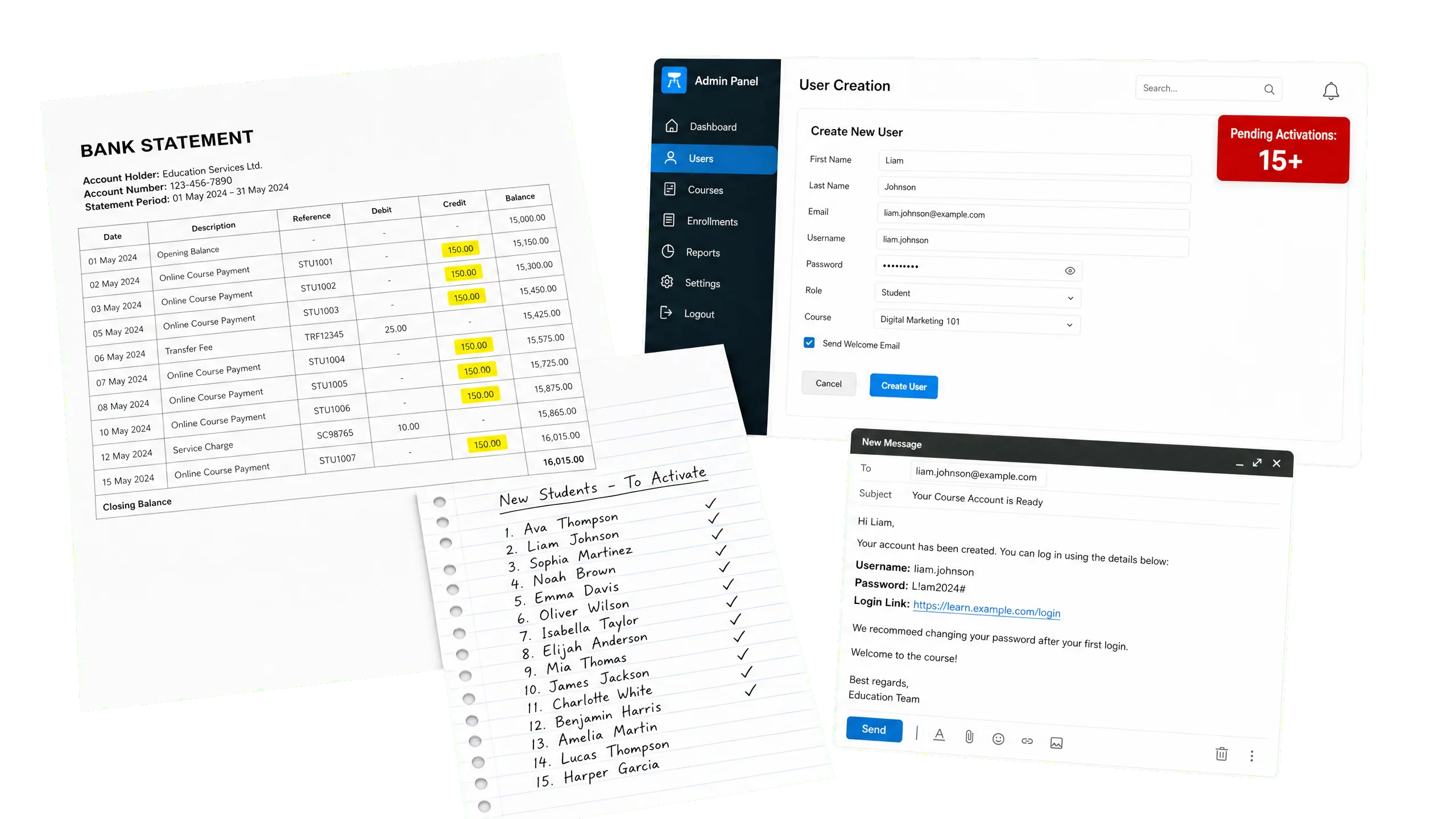
When payment checks, account creation and login details still depend on manual work, the learner experience is easily delayed.

Manual account setup is inefficient

Delivery format affects brand trust

  • Content hosted on YouTube or Google Drive can feel fragmented
  • A lack of branded interface makes course value harder to present
  • External ads or distractions can affect learning focus

If course content is delivered only through cloud links, the experience feels scattered and less professional.

Delivery format affects brand trust

Subscription access is hard to manage continuously

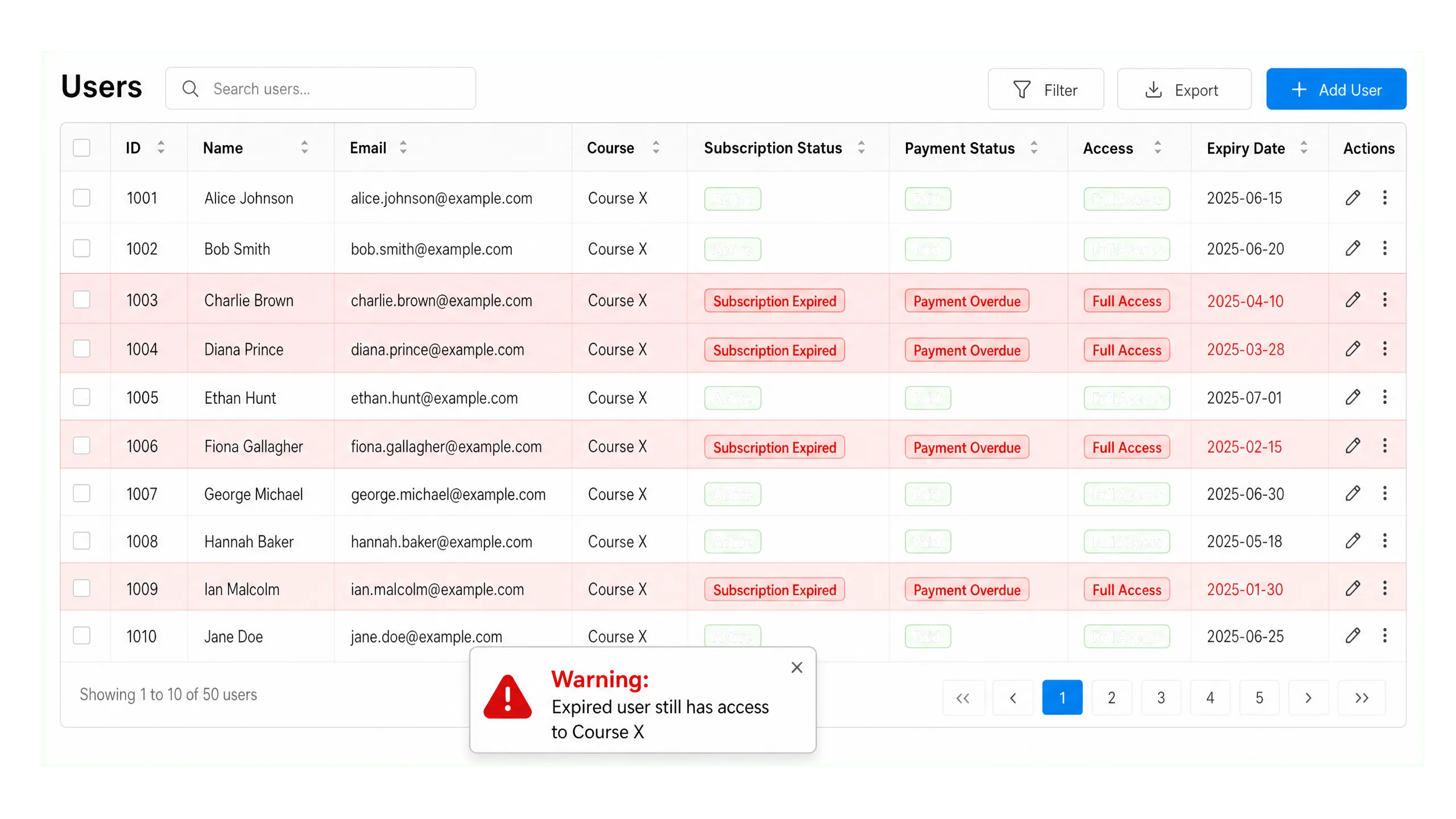
  • Monthly courses need access adjusted by renewal status
  • Excel-based monthly checks can delay account suspension
  • Unclear access control affects content protection and subscription experience

For monthly courses, manual payment checks and account suspension can lead to missed fees or incorrect access.

Subscription access is hard to manage continuously

Is there a clearer way to manage course delivery?

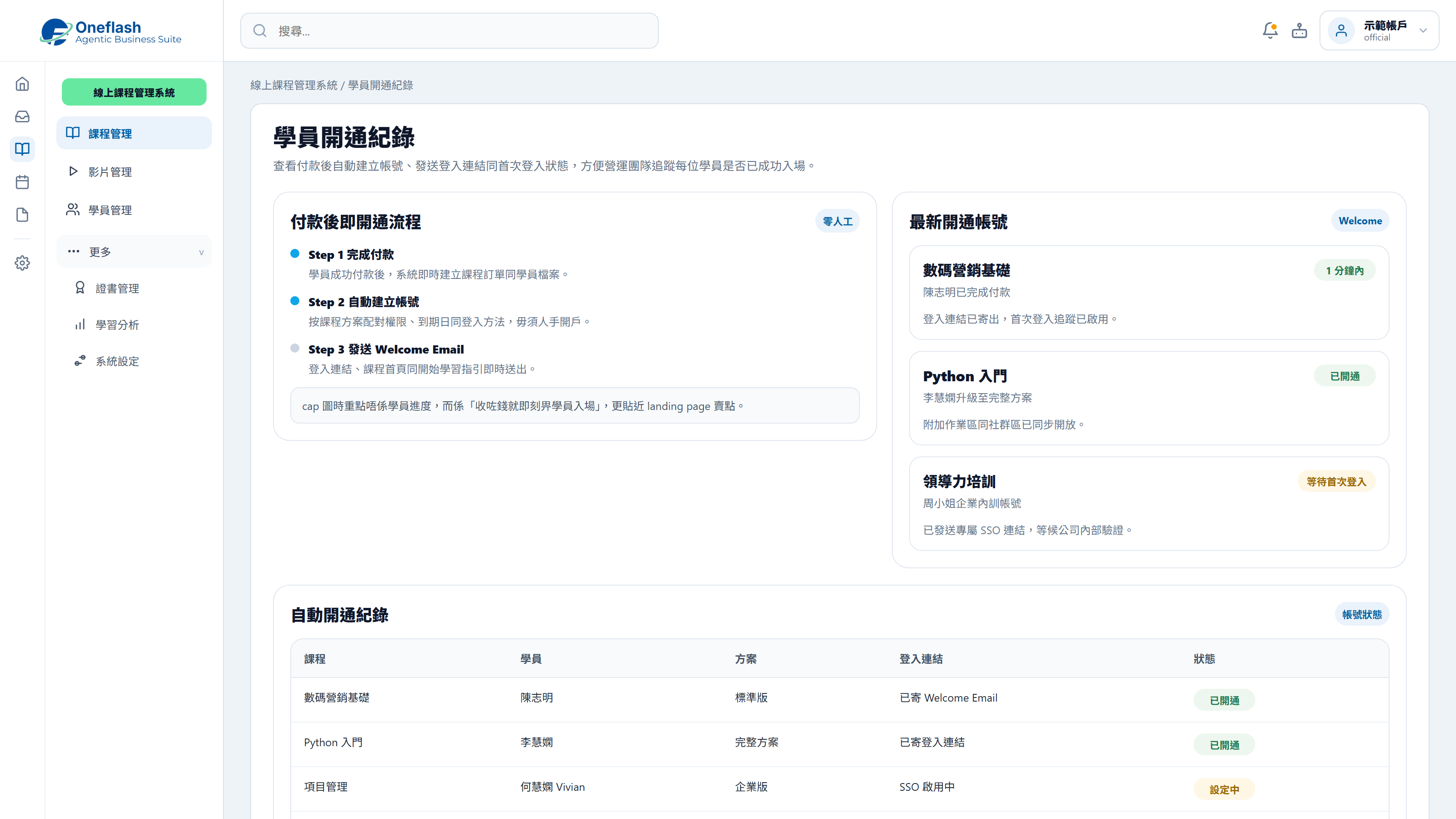
Automatic Account Setup

Create accounts and send login links automatically after payment.

Automatic Account Setup

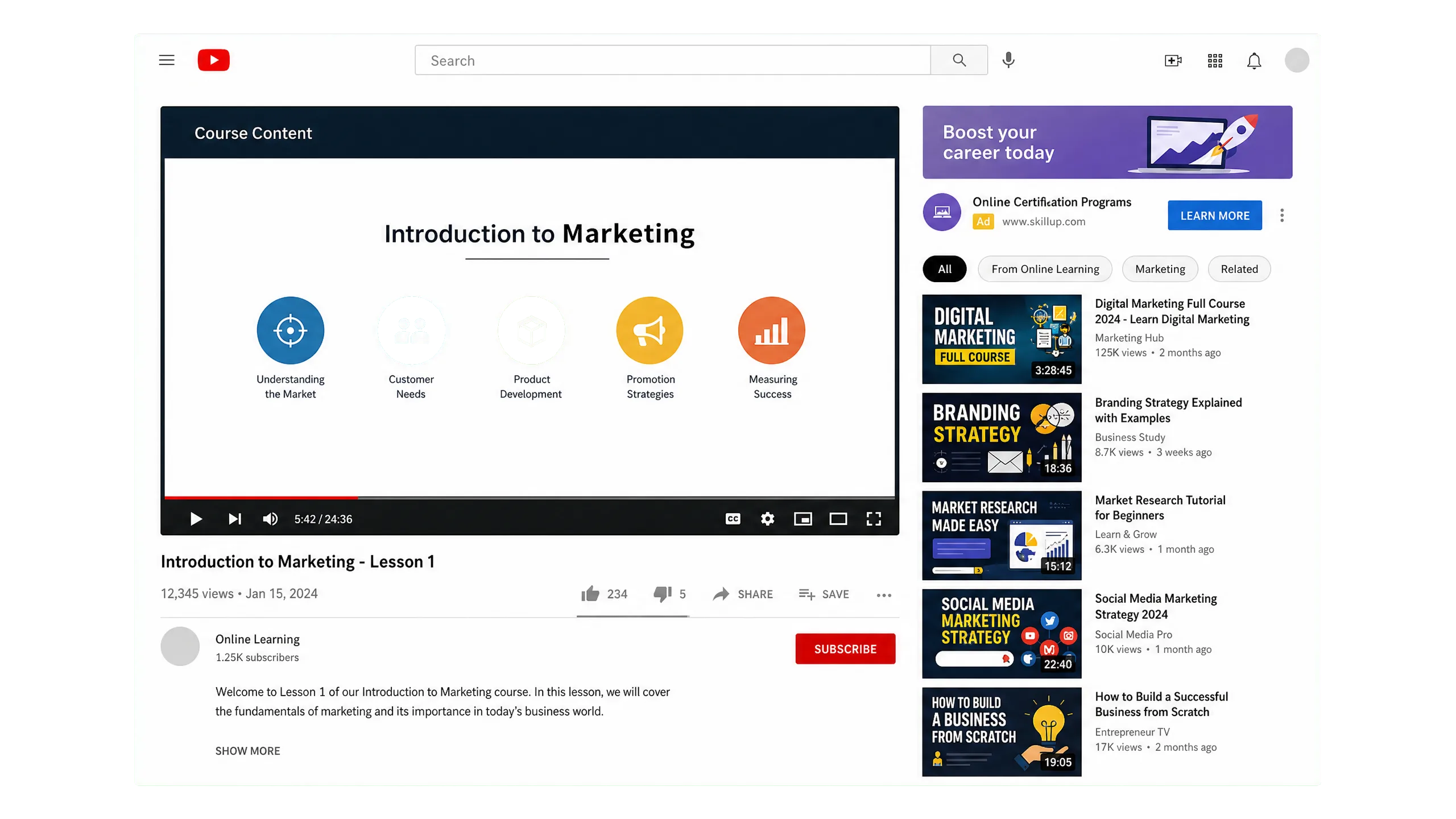
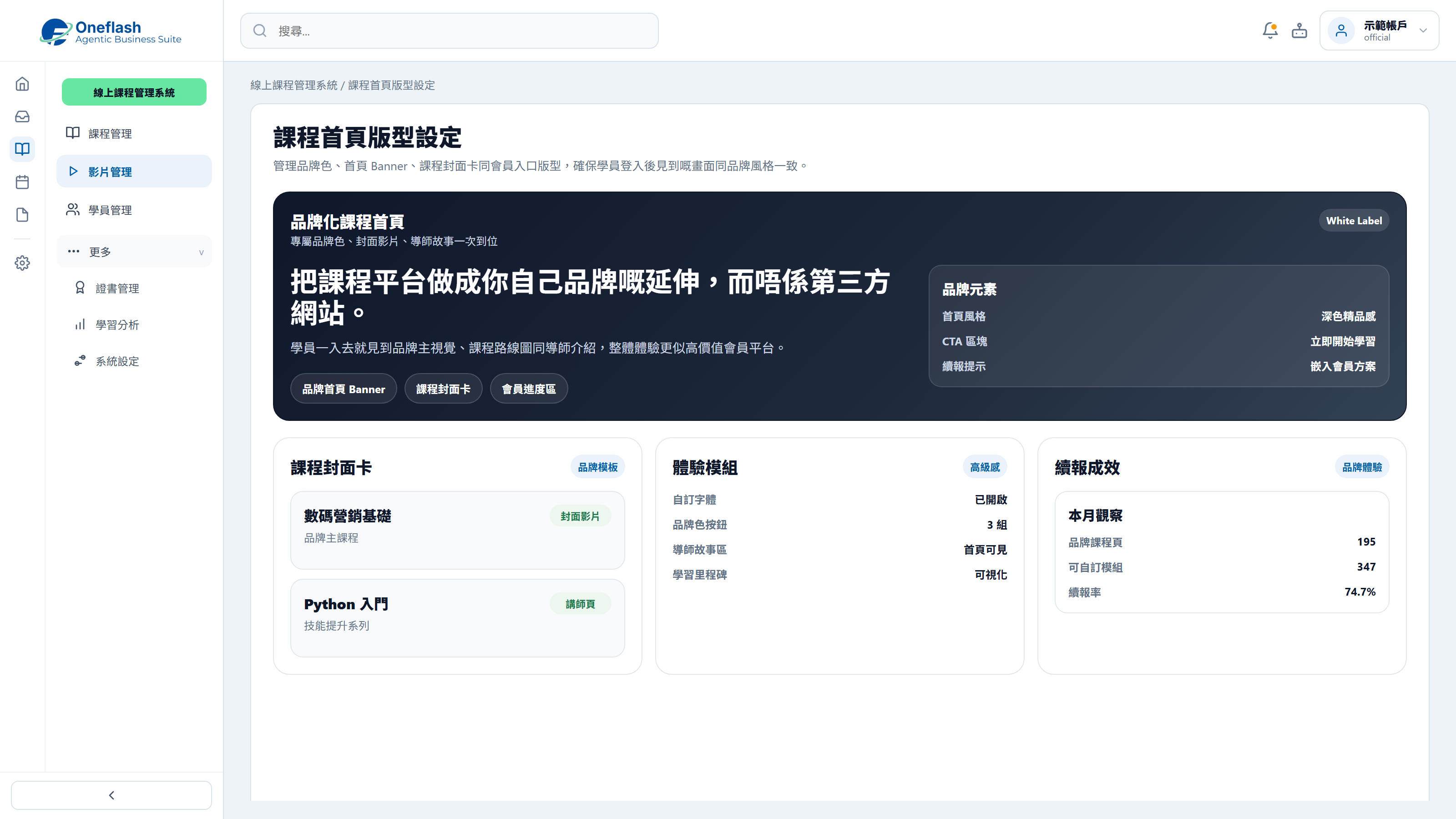
Branded Course Interface

Design course pages around your brand instead of a generic third-party layout.

Branded Course Interface

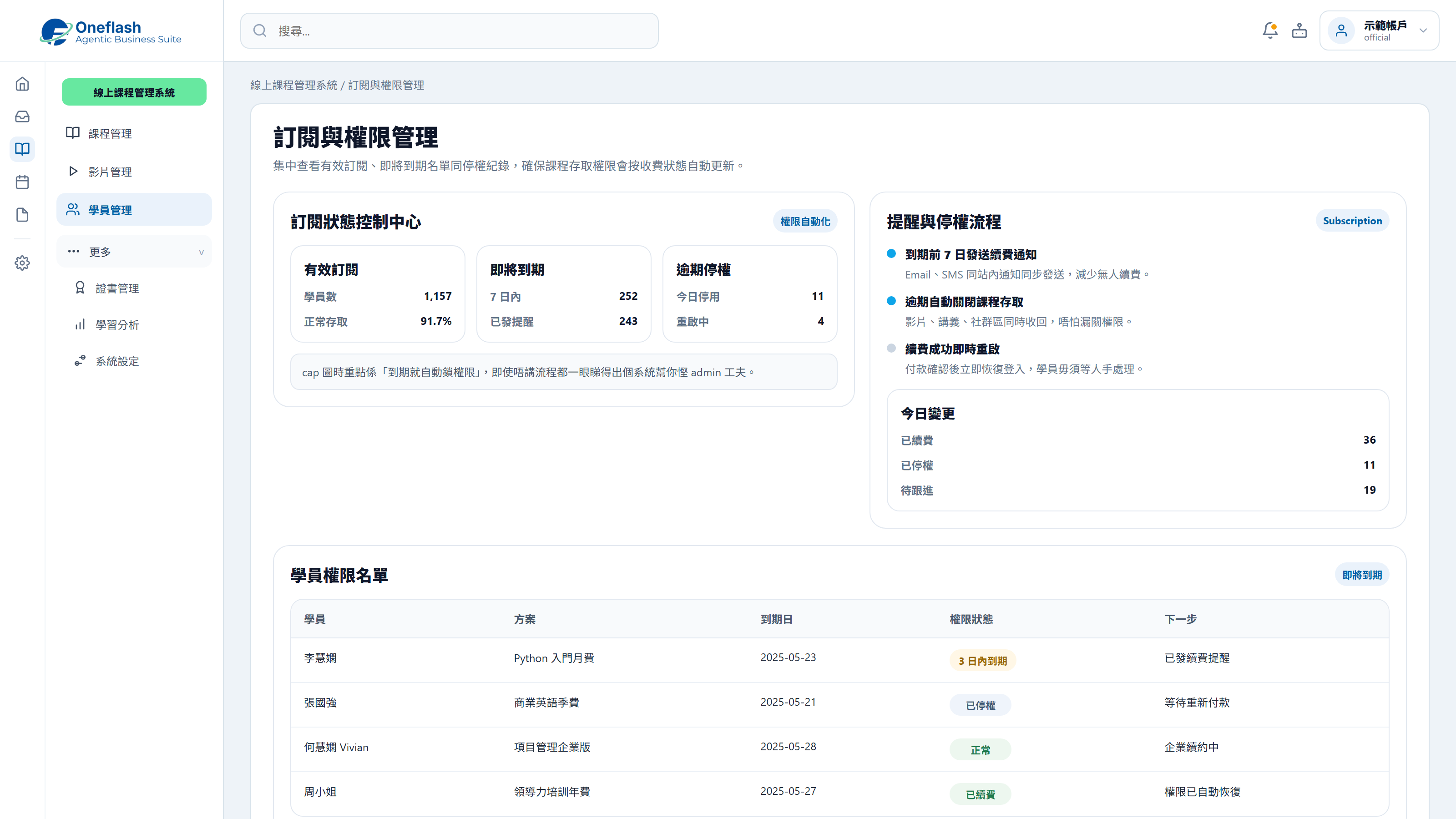
Subscription and Access Control

Control course access automatically based on payment and subscription status.

Subscription and Access Control

Could one instruction handle repeated work?

Connect AI agents through MCP and start system tasks with one instruction

AI operations assistant

Course manager

Publish the new course. Prepare modules, materials, schedule, and student notices, then send them for approval.


AI course agent

  • Read current course structure and material format
  • Organise modules, resources, and schedule
  • Create course draft and notification content
  • Wait for approval before opening enrolment

The new course draft is ready, including modules, materials, timetable, and student notice. Please review before publishing.

Course publishing approval

Approve AI to publish this course?

AI that works under your team

Give each team member an AI assistant. People give instructions, and AI does the work.

AI that works under your team

People approve key actions

AI can prepare tasks. Important actions still need a person to check and approve.

People approve key actions

Clear access rules

AI only sees the data it is allowed to use. This helps keep business data safer.

Clear access rules

Connect your AI tools

Connect tools like Manus and Claude to daily work. Keep tasks, permissions, and results in one system.

Connect your AI tools

In 2026, does course delivery need a more complete management setup?

More Course Management Tools for Access, Permissions and Student Follow-up

Enterprise Video Protection

Advanced download protection and domain controls help reduce course content leakage.

Drip Content Release

Unlock new lessons by schedule or student progress to support a steady learning rhythm.

Learning Progress Dashboard

Teachers can review watch time and completion status for more informed follow-up.

No-download Mobile Experience

Students can open a link on mobile and use a smooth app-like experience without downloading an app.

Built-in Quizzes and Assignments

Add quizzes, assignment uploads and auto-marking to make the teaching flow more complete.

Automated Digital Certificates

Generate and send personalised certificates when students complete the required progress.

Manage course publishing, student access, payments and progress follow-up in one place for more stable course delivery.

Which delivery workflows should improve after launch?

Measure results through course activation, access control and admin time

A branded, ad-free learning environment can significantly improve course completion.

Research Institute of America

Learners say smooth activation and usage experience directly affects course reputation.

eLearning Industry

Automated account and access management can greatly reduce operating cost for education teams.

HolonIQ
Before
After launch
Account activation
Manual checks and passwords
Auto-activated after payment
Brand image
Third-party platform links
Dedicated branded course interface
Access control
Manual Excel checks for expiry
Expired accounts disabled automatically
Content protection
Public links are easy to forward
Enterprise-grade encrypted protection
Learning data
Student progress cannot be tracked
Clear watch and completion tracking

Worried your IT project will drag on?

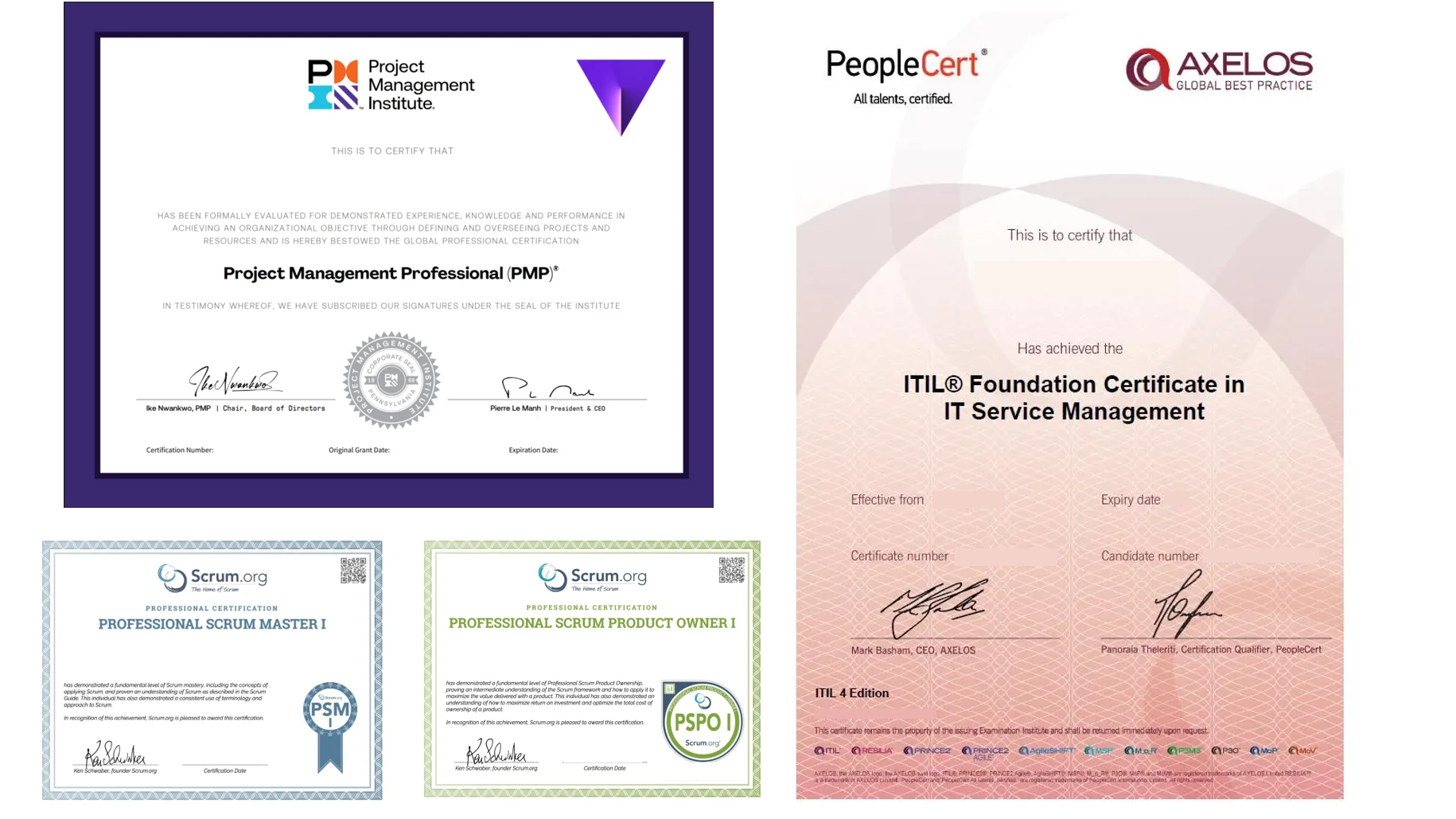
Managed by PMP® consultants with a clear delivery process

01

Discovery

Turn business goals into system logic, instead of forcing a template.

  • Workflow review: identify pain points in the current process
  • Solution walkthrough: align expected results before build
02

Data migration

We help organise and import existing data to reduce the migration burden.

  • Data cleanup: prepare old records before import
  • Acceptance testing: verify key flows before launch
03

Launch

After setup, the system can go live with local support available by priority.

  • System handover: launch after required settings are complete
  • Ongoing support: local team follows up on usage issues

We understand the questions that come before a new system goes live

Common questions before implementation

Is our data protected?

Enterprise cloud protection and encrypted data handling

Your course content and student data are protected through a cloud-based setup:

  • Live protection: SSL encryption and DDoS protection
  • Data encryption: course and student data secured in transit and at rest
  • Recovery support: backup and restore capability for operations
Is our data protected?

Will it take long to learn the new system?

Designed for automatic access after payment with minimal manual steps

The platform is designed for a simple learning experience:

  • Simple UI: students move from purchase to course access in a few steps
  • Workflow fit: designed for self-paced learning
  • Low training need: students can start learning immediately after purchase
Will it take long to learn the new system?

What if daily operation issues come up?

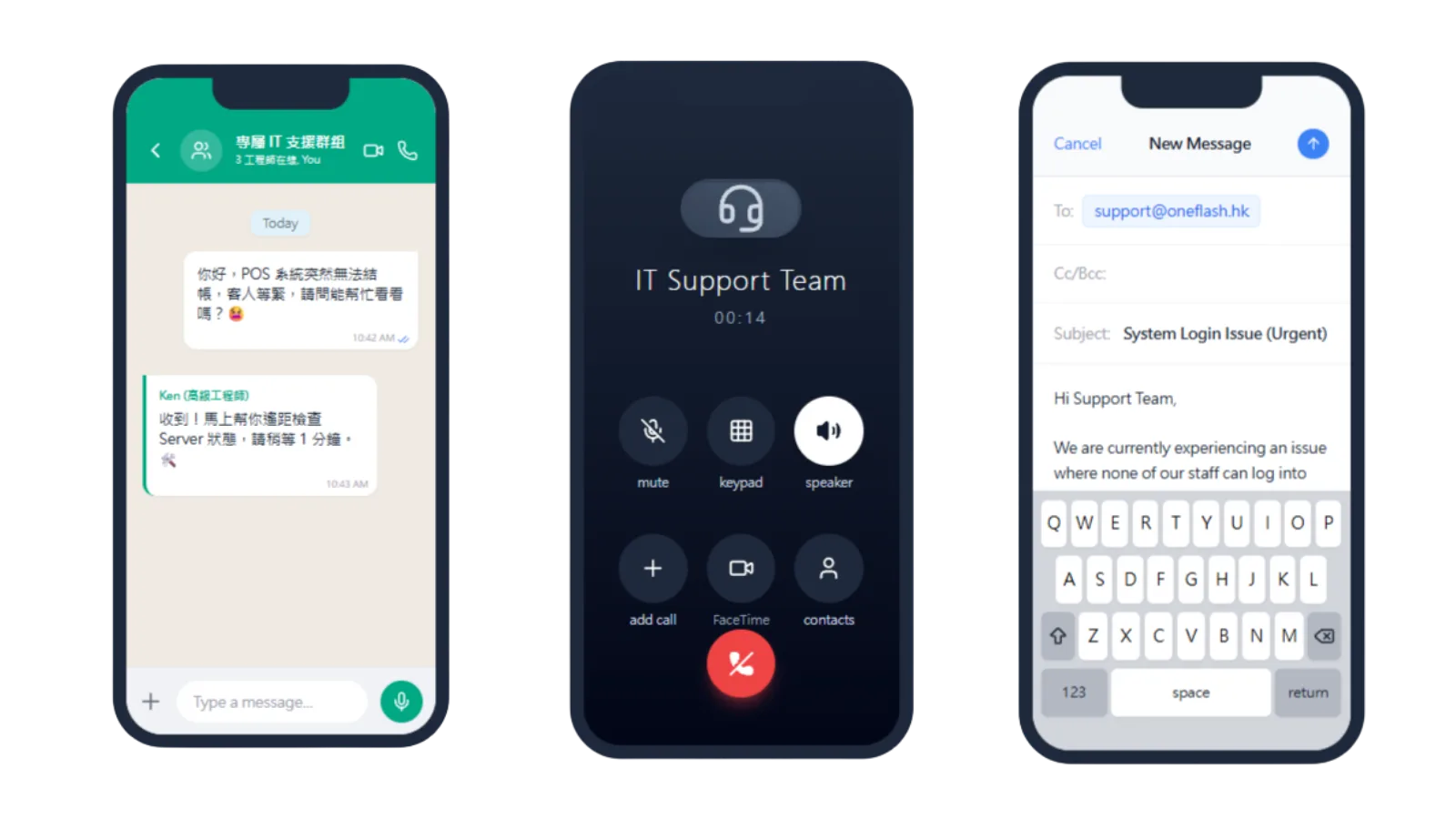
Local technical support through WhatsApp

Our local team can support your online course platform directly:

  • WhatsApp group: handle course upload or student access questions faster
  • Operational follow-up: reduce disruption to the learner experience
  • Consultant input: provide practical course operation advice
What if daily operation issues come up?

How do you keep the project on schedule?

Consultant-led delivery with clear project milestones

We manage course platform projects with clear delivery steps:

  • Consultant-led setup: experienced support throughout implementation
  • Clear milestones: each setup stage is visible
  • Business fit: align platform logic with your education workflow
How do you keep the project on schedule?

Do we need to enter old data manually?

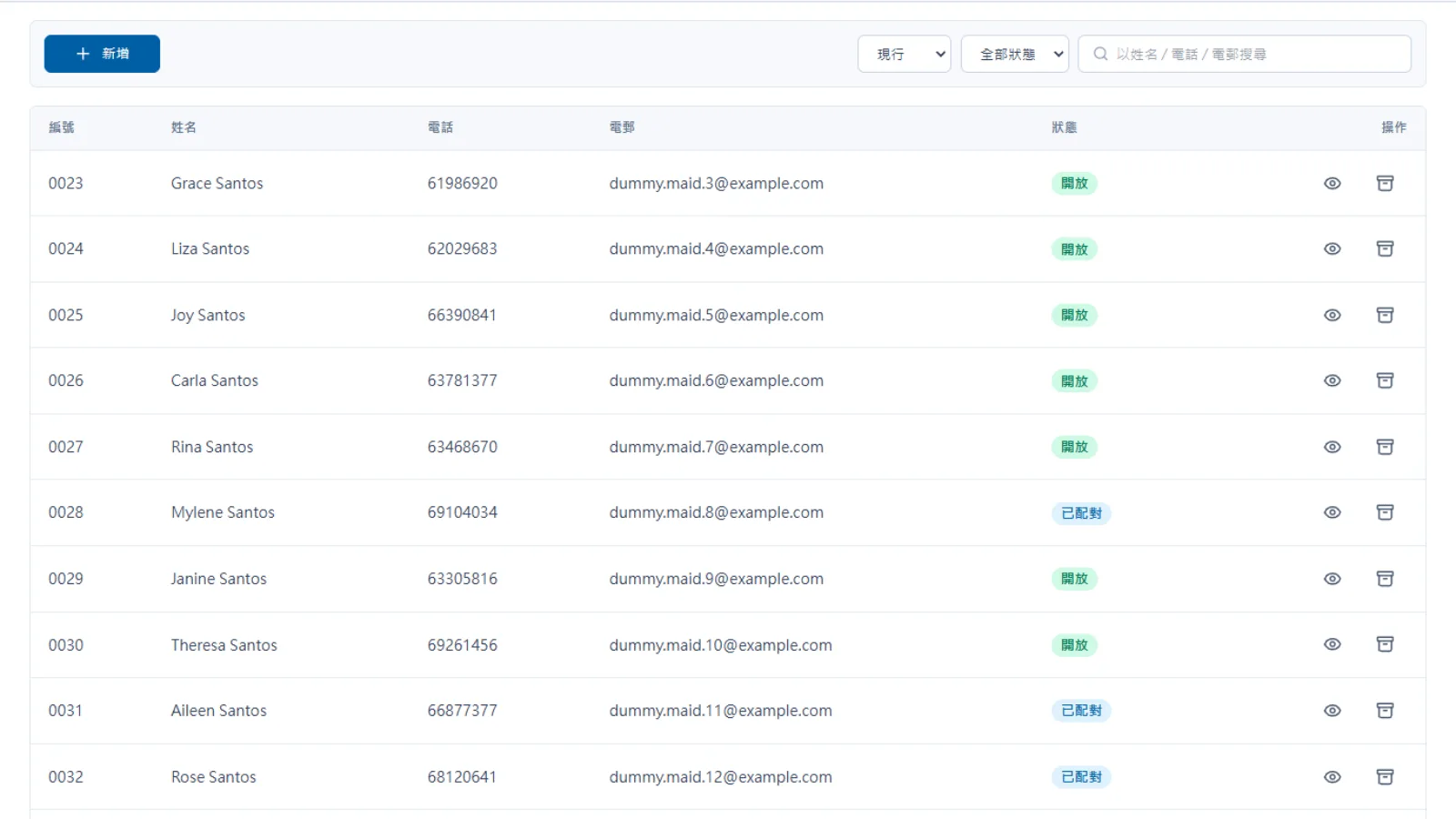
Course and student data migration support

We can help migrate course content and student records:

  • Data cleanup: prepare old course materials and student records
  • Migration support: reduce repeated manual entry of historical data
  • Quality check: review migrated course and student data before launch
Do we need to enter old data manually?

Can we keep our own backup?

Backups can sync to your own cloud storage

You can keep more control over course and student data:

  • Auto sync: encrypted course and student backups to your selected cloud drive
  • Data access: keep course content and student records available
  • Transparent setup: easier governance for course data management
Can we keep our own backup?

Can another company maintain it later?

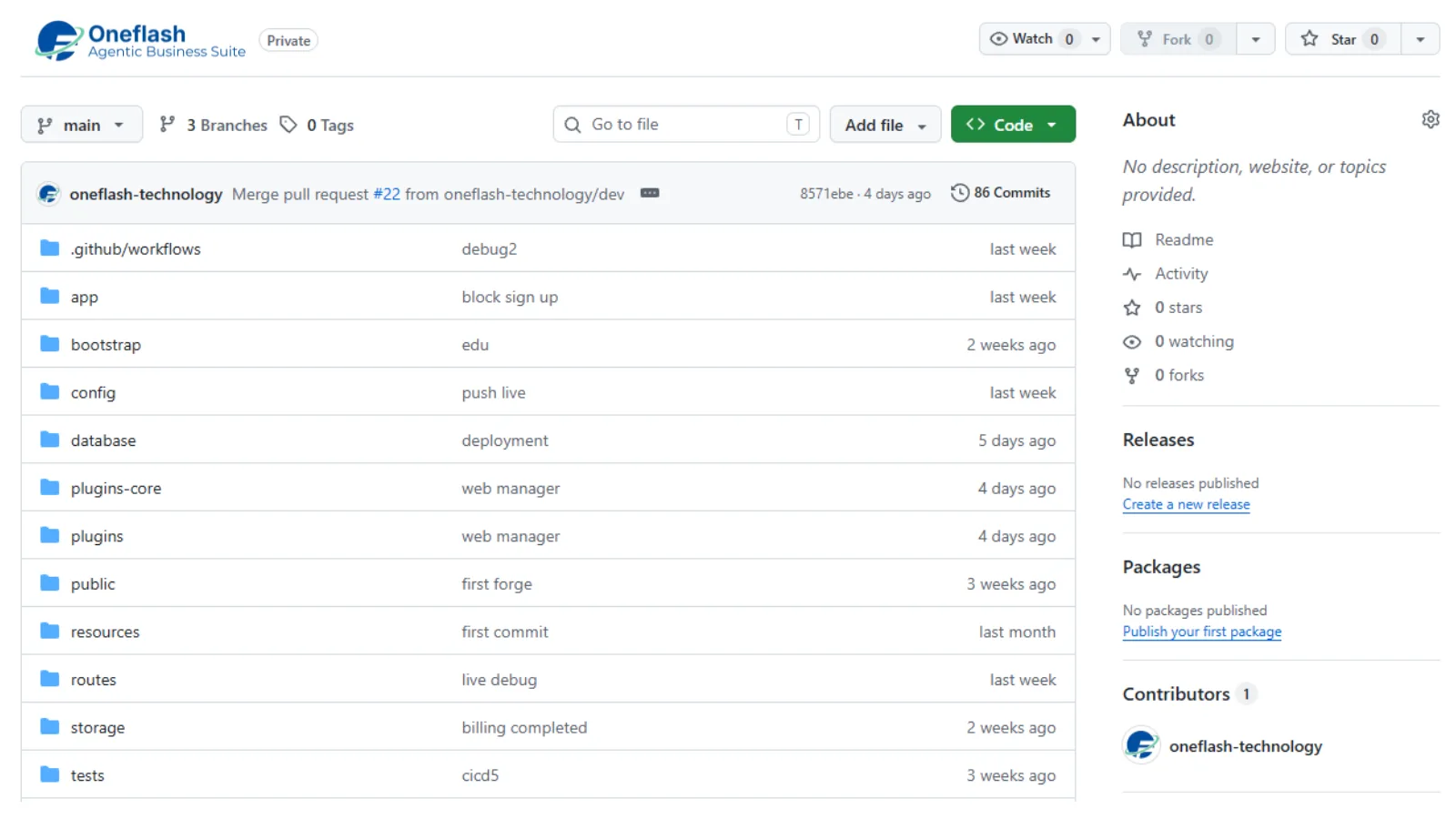
Source-code options help reduce vendor lock-in risk

For teams with advanced technical requirements, we can provide extra safeguards:

  • Source-code option: available for selected plans
  • Lower lock-in: support future self-hosting or third-party maintenance
  • Asset protection: stronger control over long-term operations
Can another company maintain it later?

How does Oneflash Agentic Business Suite support course operations?

More than a course platform: an extendable learning operation system

Oneflash Agentic Business Suite is an AI agent business system for SMEs:

  • Unified data: manage courses, students, payments, progress and notifications together
  • Modular growth: add CRM, certificates, reports or a self-service portal later
  • AI collaboration: connect AI agents through MCP to organise student data, create notifications and review enquiry records
How does Oneflash Agentic Business Suite support course operations?

Is the team experienced enough?

A team combining AI agent work with enterprise system experience

The Oneflash team brings together AI agents, enterprise systems and local SME delivery:

  • Market recognition: technical work recognised by companies and awards
  • System background: experience across ERP, CRM and operations platforms
  • Delivery focus: clear UI, stable architecture and consultant-led rollout
Is the team experienced enough?

More implementation and support questions

Scaling and Monetising Knowledge Assets

Can videos be recorded or shared freely?
The platform supports encrypted video streaming, dynamic watermarking and limits on simultaneous device login to help protect course IP.
Does it support quizzes and certificates?
Yes. You can set post-lesson quizzes, and the system can generate and send digital certificates from a template after students meet the requirements.
Can course access have an expiry date?
Yes. Access can be set by purchase date or a fixed number of days, and the system can remove viewing rights automatically after expiry.
Does it support mobile learning?
Students can learn smoothly on mobile, tablet or desktop, and the system records viewing progress automatically.
Can teaching resources be uploaded by chapter?
Yes. You can organise course chapters and upload videos, audio, PDF materials or downloadable templates.
Does it support drip content?
Yes. For example, the second lesson can be released automatically on day 7 after a student completes the first lesson.
How are student permissions managed?
The platform can connect with CRM logic, so paid students receive the right tags and course access is unlocked automatically.
Can we run live classes?
Yes. The platform can integrate Zoom or YouTube Live, allowing live teaching inside the platform and replay videos after the session.
Does it support discussion areas?
Yes. Students can leave questions under specific lessons, and teachers or assistants can reply from the admin side.
Is it suitable for teams under 10 people?
Yes. Oneflash helps handle server maintenance, so your team can focus on content creation while automation reduces much of the admin workload.

Build an online learning platform that supports course sales, student management and content delivery.

Do you have 5 minutes ?

Let’s organise the bottlenecks in your courses, students and payment workflow

Preferred Call Time *

Contact us

Consultants Online:0, Last Updated: 2026-06-22, 05:00

Please leave a message and we will reply on the next business day.