★★★★★Used and validated by Hong Kong SME teams

Customer Self-service Portal

Create a no-download customer portal that improves service transparency around the clock.

Built for 5-20 person teams No-download web app
See our background

In 2026, is your customer service still relying on manual replies?

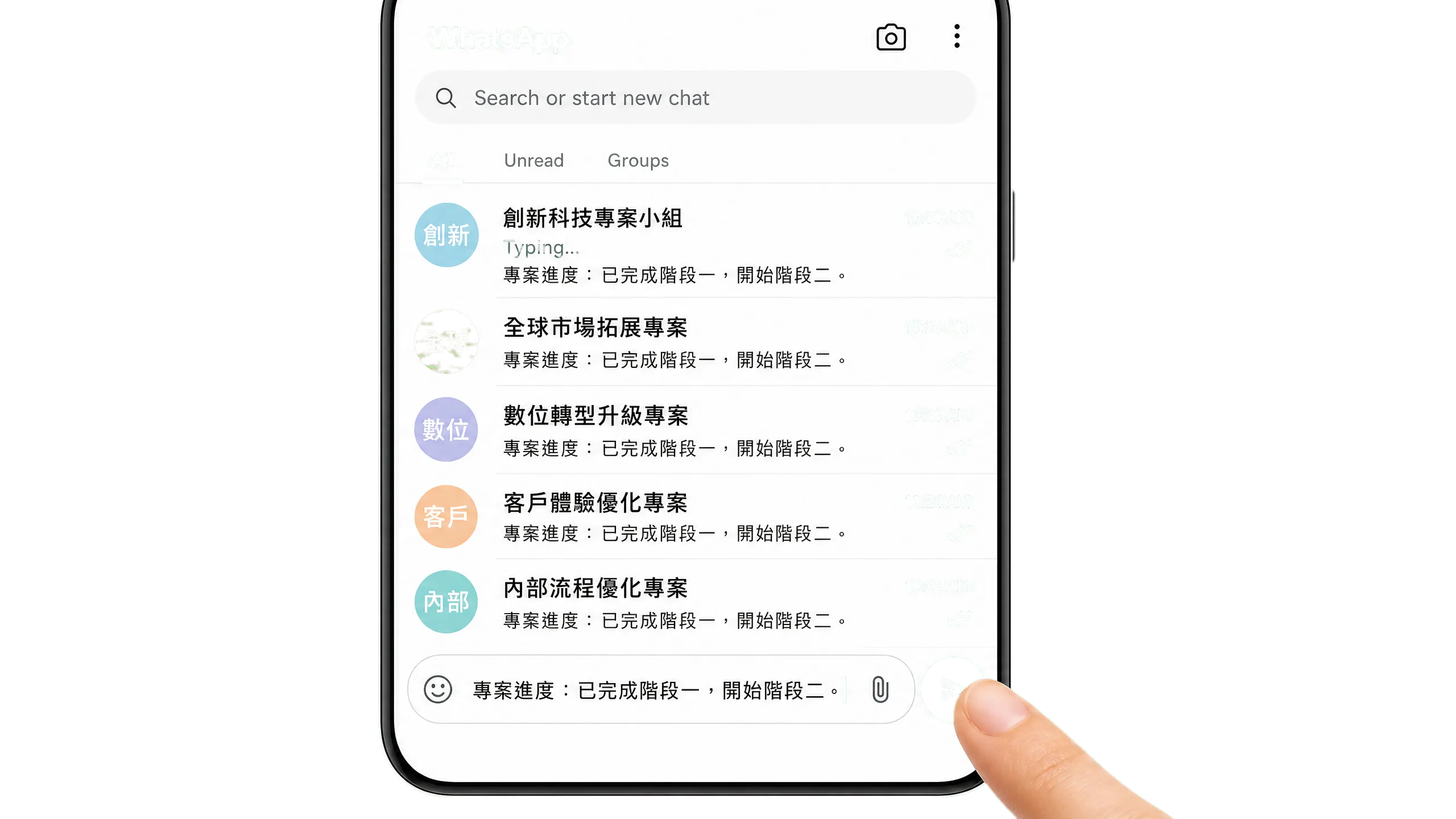
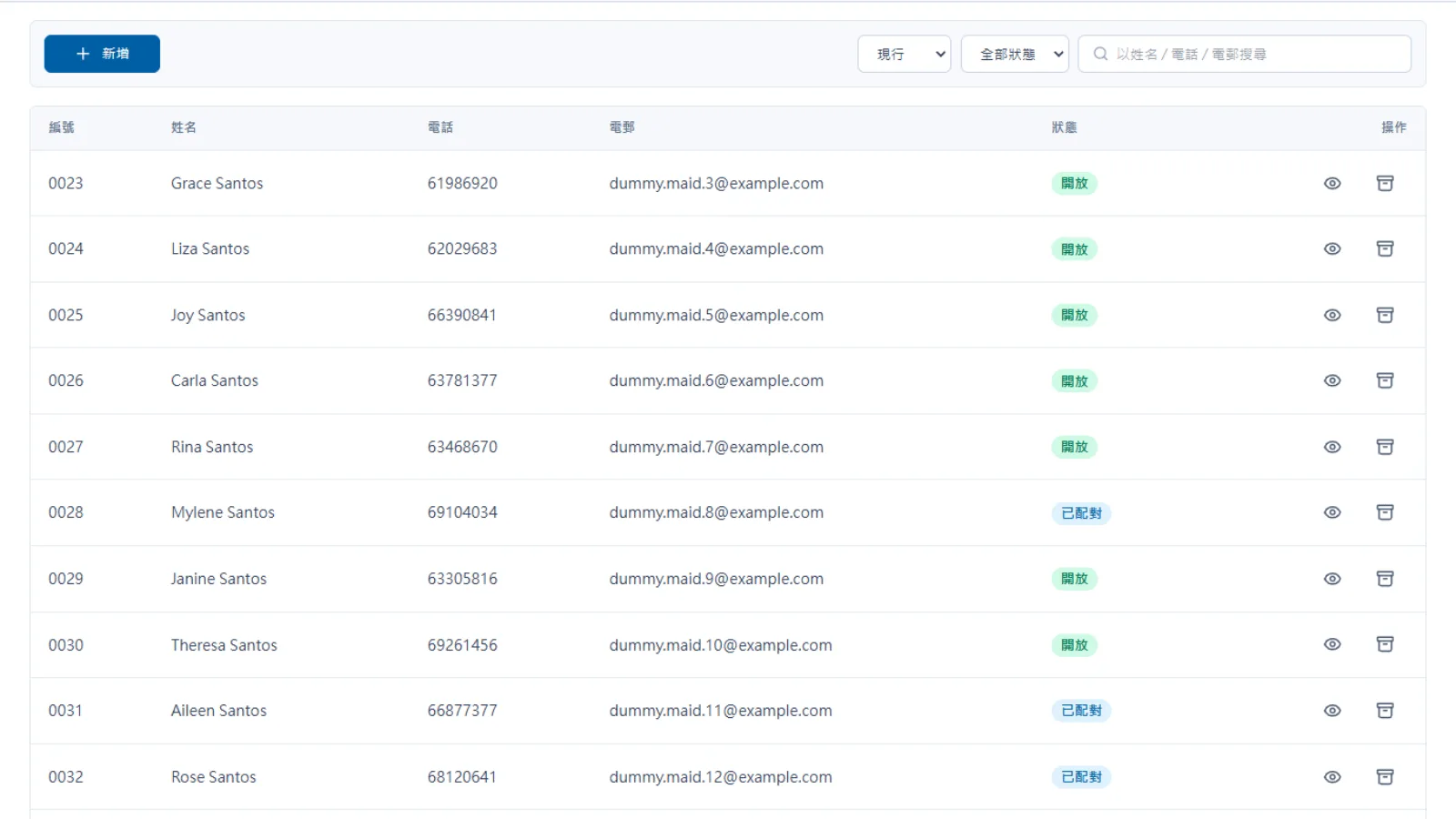
Manual status updates take time

  • Customers often ask about project or order status
  • Frontline teams spend time preparing screenshots and replies
  • Scattered information interrupts the team’s normal workflow

When customers ask about progress, does your team still need to prepare replies one by one on WhatsApp?

Manual status updates take time

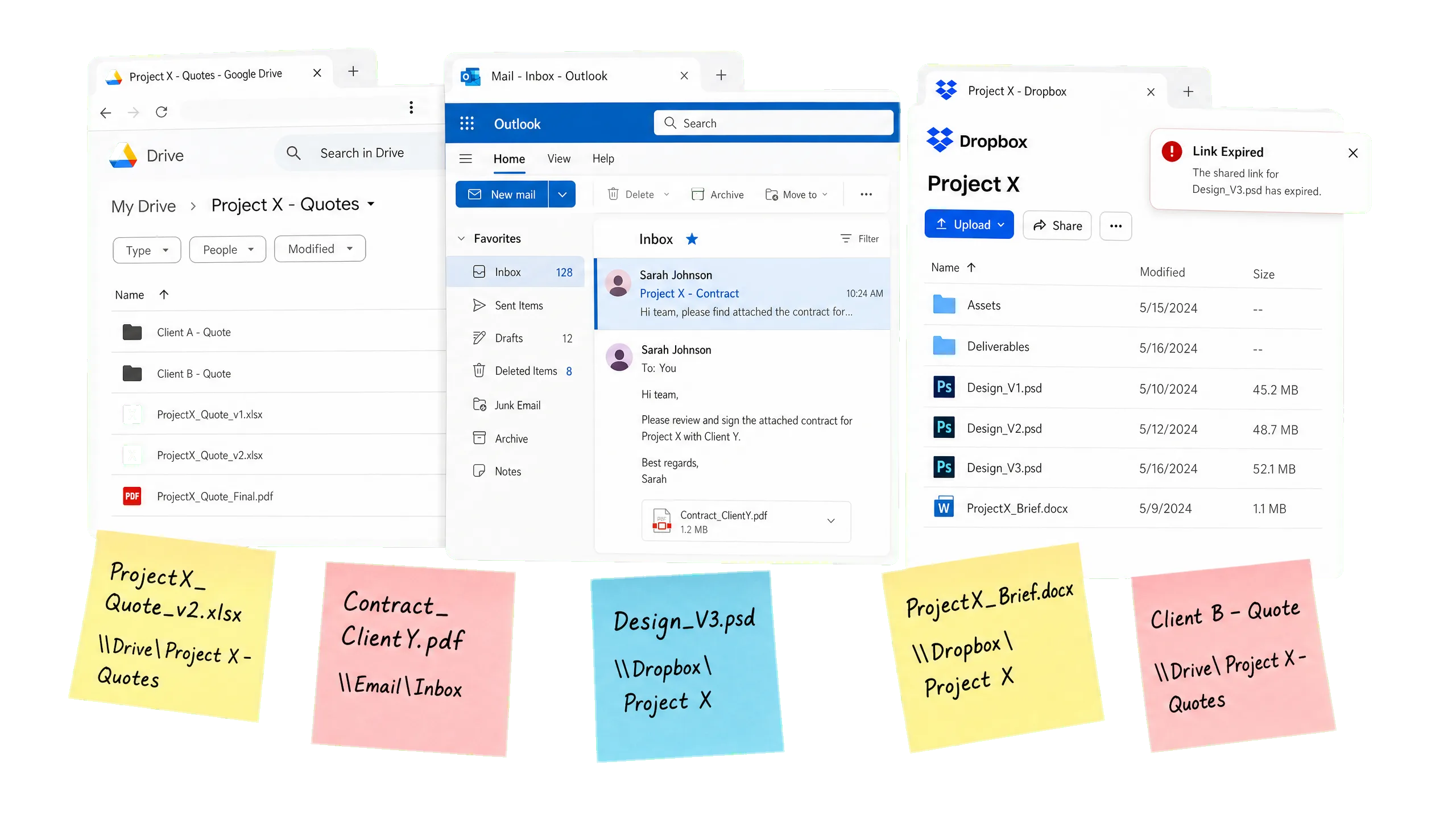
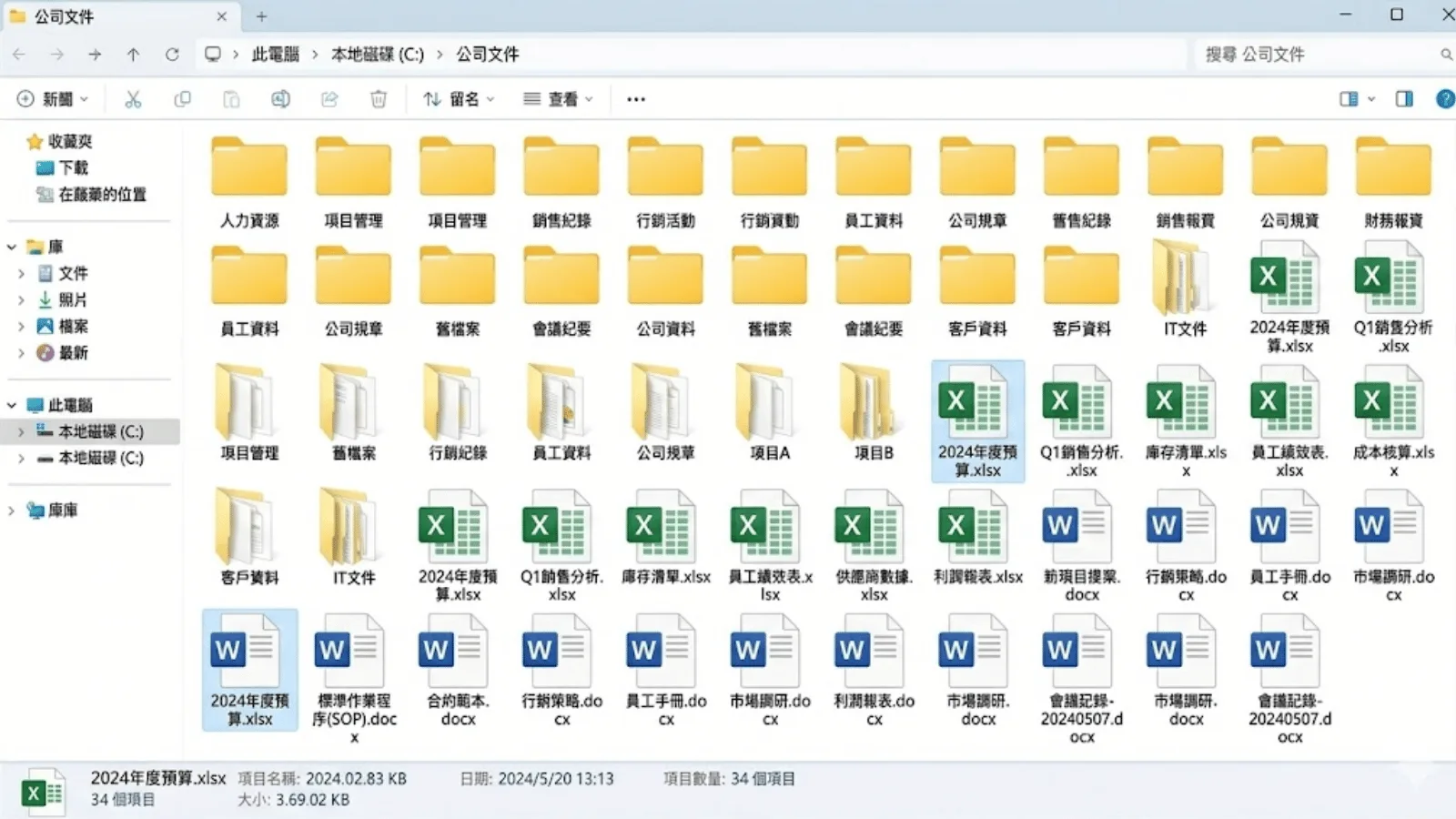
Files are scattered across channels

  • Quotes, contracts and files are sent through different channels
  • Expired links require the team to resend documents
  • Scattered records increase admin time for checking and retrieval

When customers ask for old invoices or files, does your team still search across email and WhatsApp?

Files are scattered across channels

Delivery experience affects perception

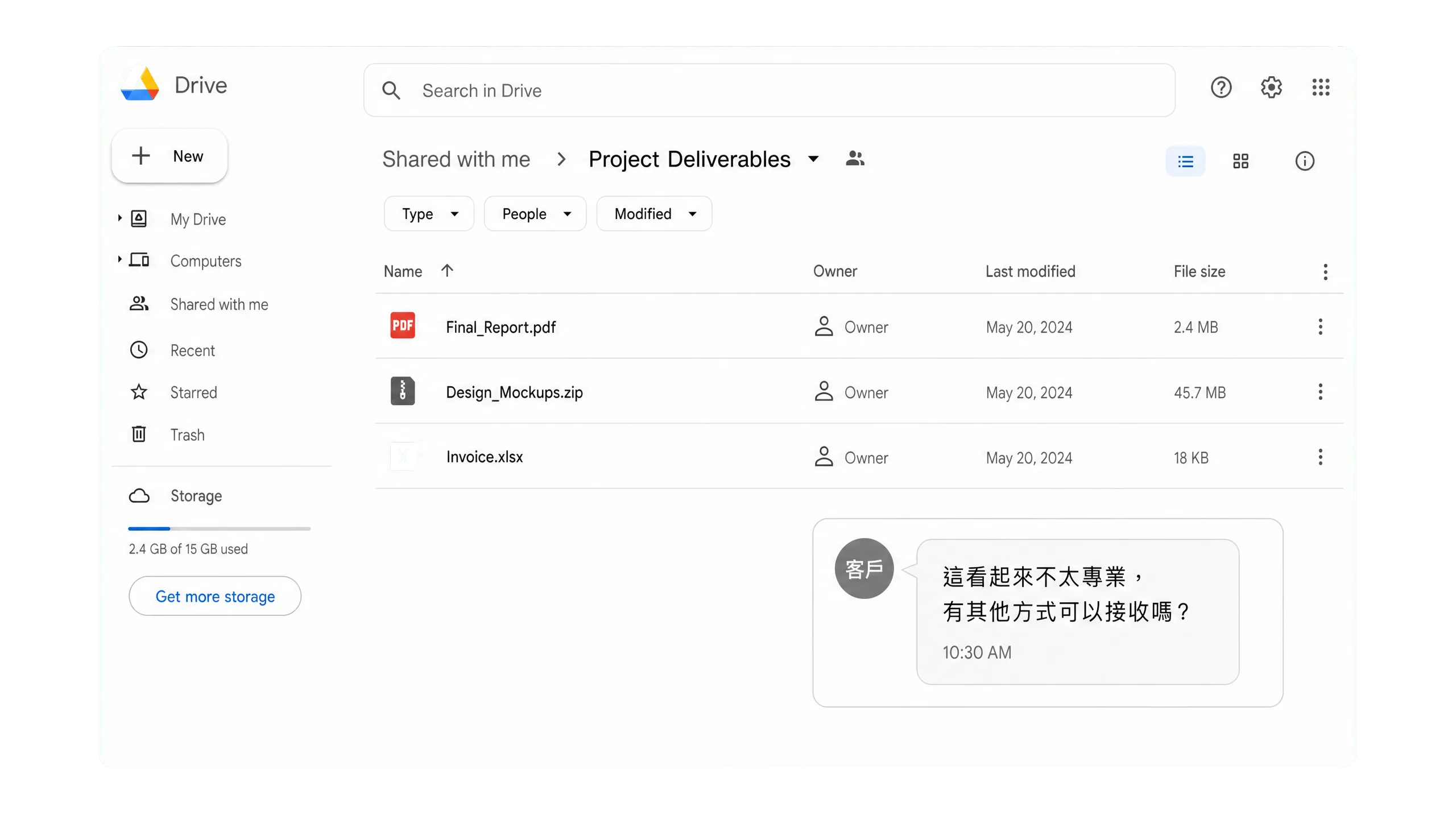
  • Cloud-drive delivery alone makes brand experience harder to present
  • Requiring an app download adds friction for customers
  • A dedicated portal makes service delivery feel more professional

For higher-value services, are customers still receiving scattered cloud links?

Delivery experience affects perception

Is there a clearer way for customers to serve themselves?

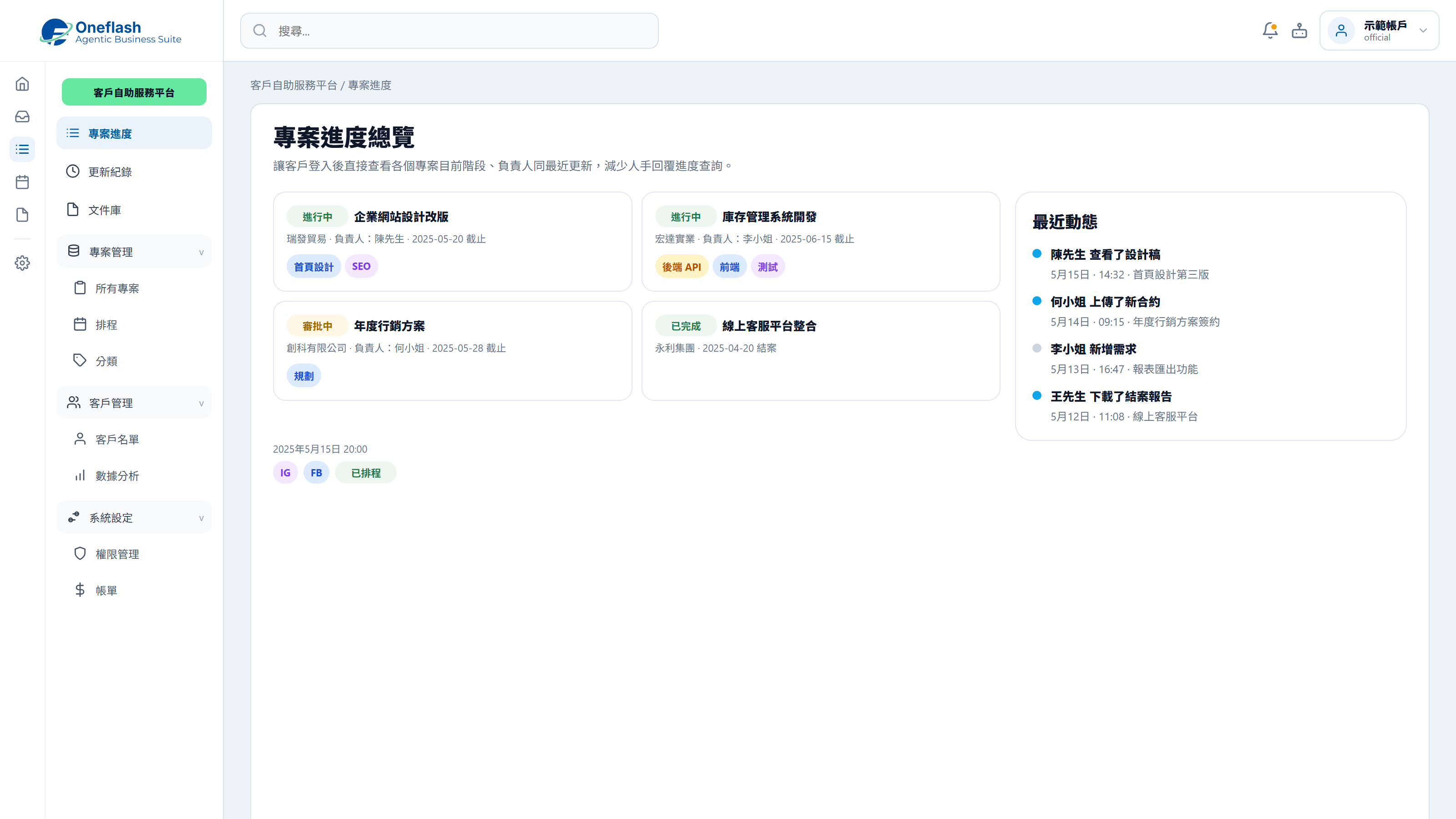
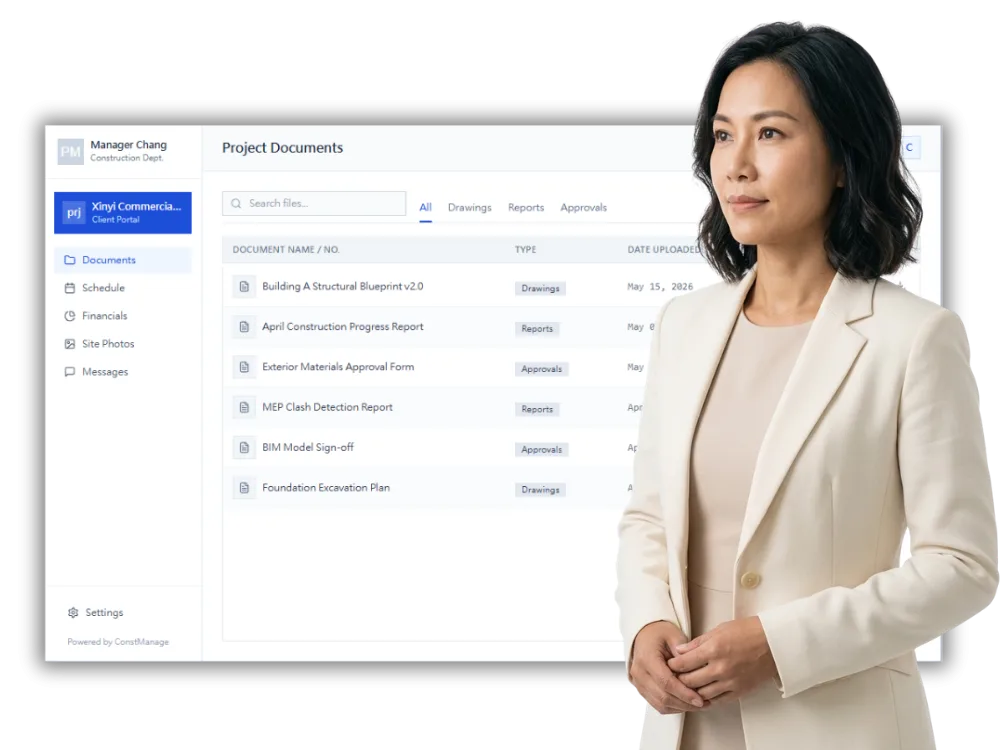
Project Status Tracking

Customers can log in to check progress, reducing repeated enquiries.

Project Status Tracking

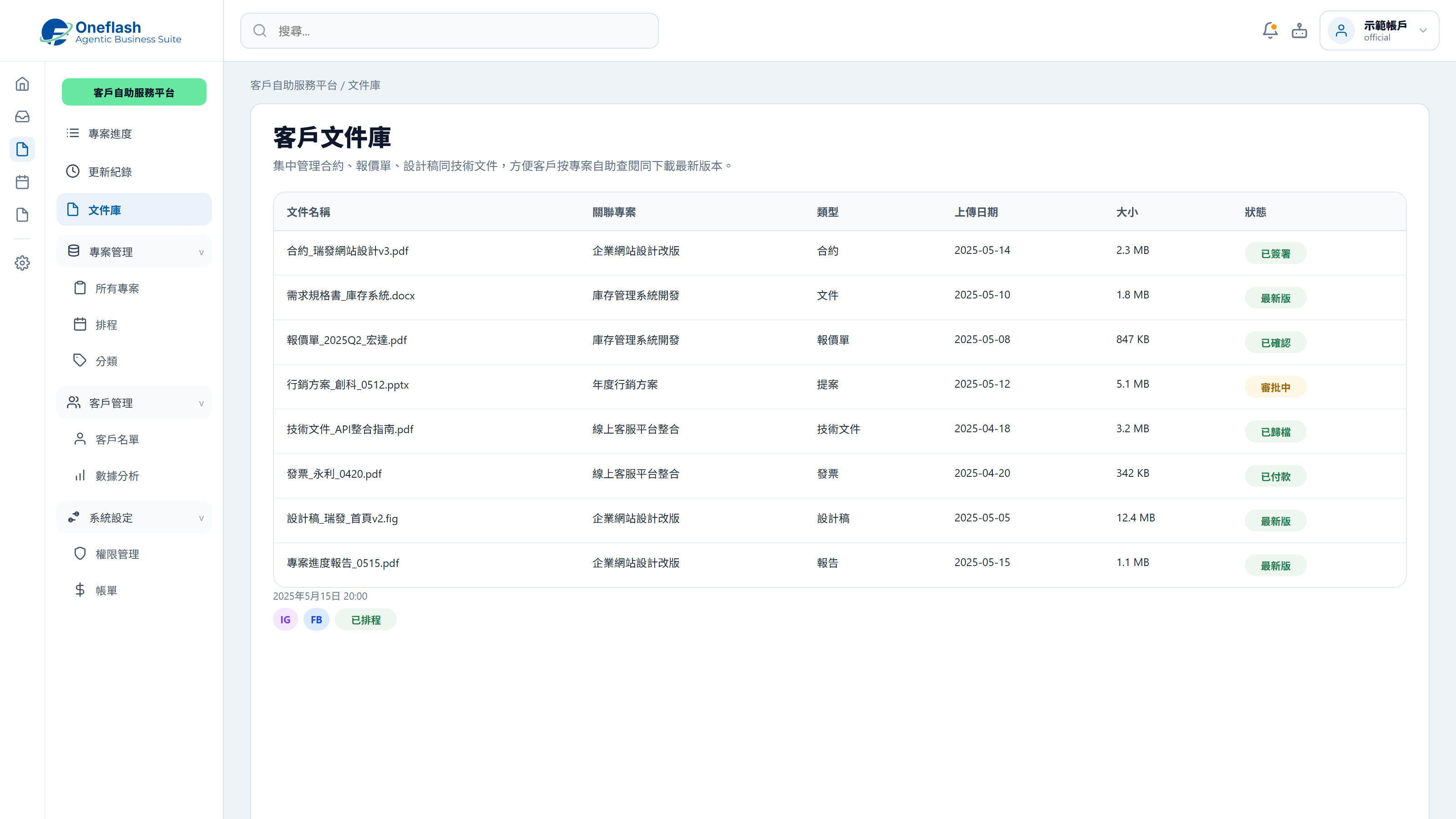
Centralised Document Management

Keep contracts, quotes and delivery files in one place for customers to access.

Centralised Document Management

No-download Customer Entry Point

Customers can open the portal by link without installing an app.

No-download Customer Entry Point

Could one instruction handle repeated work?

Connect AI agents through MCP and start system tasks with one instruction

AI operations assistant

Customer service lead

Create portal access for the new customer. Prepare service records, downloadable documents, and a welcome message, then send them for approval.


AI customer service agent

  • Read customer data and service records
  • Prepare portal access, documents, and notification content
  • Create a customer portal setup draft
  • Wait for approval before inviting the customer

The customer portal setup draft is ready, including access, documents, and welcome message. Please review before sending the invitation.

Portal activation approval

Approve AI to send the portal activation invitation?

AI that works under your team

Give each team member an AI assistant. People give instructions, and AI does the work.

AI that works under your team

People approve key actions

AI can prepare tasks. Important actions still need a person to check and approve.

People approve key actions

Clear access rules

AI only sees the data it is allowed to use. This helps keep business data safer.

Clear access rules

Connect your AI tools

Connect tools like Manus and Claude to daily work. Keep tasks, permissions, and results in one system.

Connect your AI tools

In 2026, does customer service need a more complete self-service setup?

More Customer Service Tools for Documents, Status and Follow-up

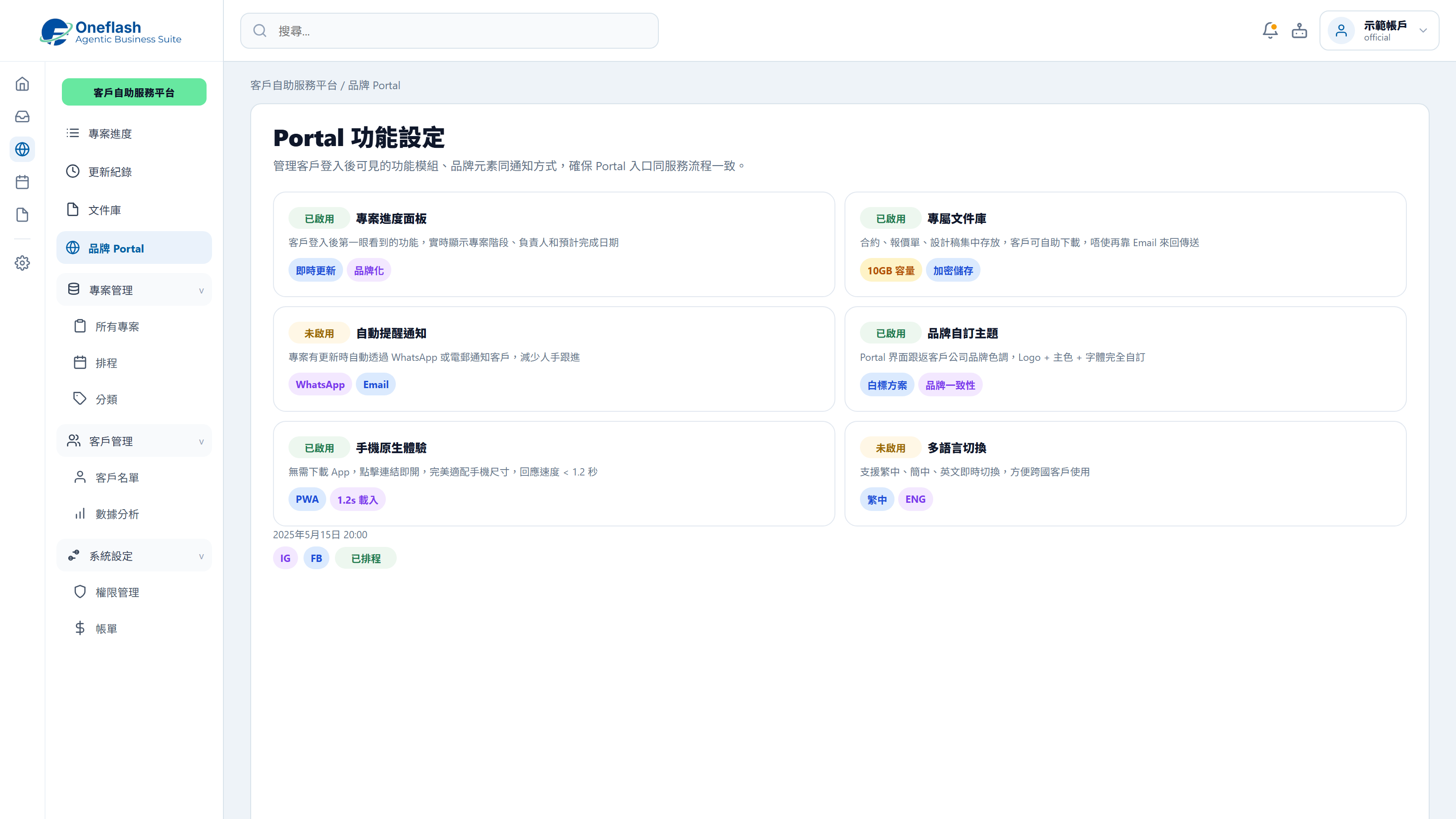
One-click Access

Customers can scan a code or open a dedicated link without going through an app store.

Online Payment Integration

Customers can view invoices and pay through connected payment gateways.

Two-way Data Sync

Customer-updated contact details can sync back to the central system.

24/7 Self-service Support

Built-in FAQs and ticket workflows help customers get support anytime.

Custom Interactive Workspace

Support forms, approvals and deeper interactions to improve collaboration.

Enterprise Permission Control

Set detailed access levels to reduce exposure of sensitive business information.

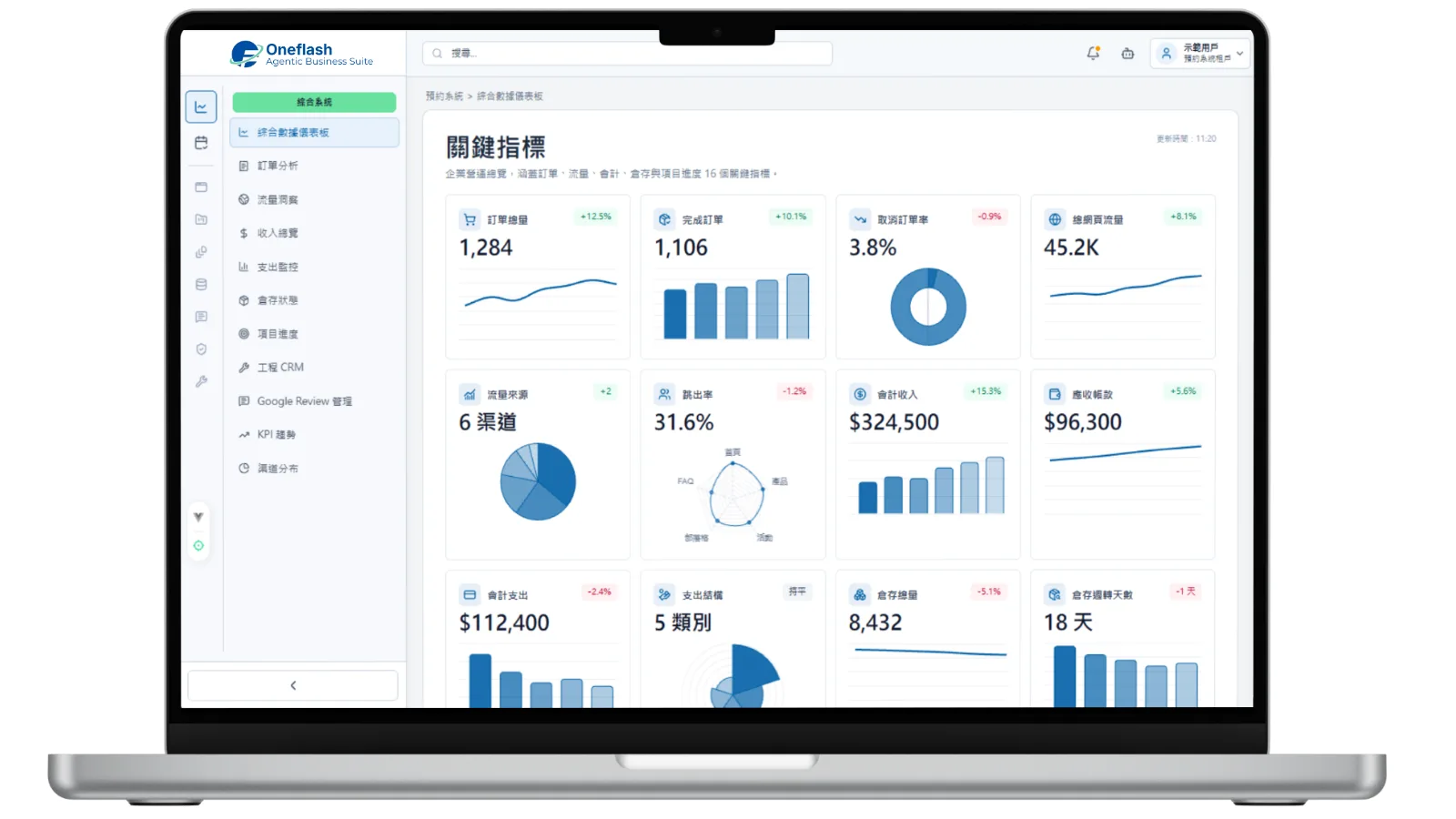
Centralise customer data, documents, status checks and service follow-up so your team can reduce repeated replies.

Which service workflows should improve after launch?

Measure service performance through response time, information access and customer experience

Customers increasingly expect self-service options for quicker issue resolution and information access.

Salesforce

A consistent premium service experience can support stronger customer retention.

Aberdeen Group

No-download web apps can improve user interaction and overall conversion.

Google Web Dev
Before
After launch
Status updates
Daily repeated enquiries
Customers check anytime
Document management
Scattered across channels
Dedicated secure cloud space
Access friction
Customers need an app
No-download browser access
Brand experience
Split across different tools
Consistent branded experience
Billing and payment
Manual checking and reminders
One-click payment in portal

Worried your IT project will drag on?

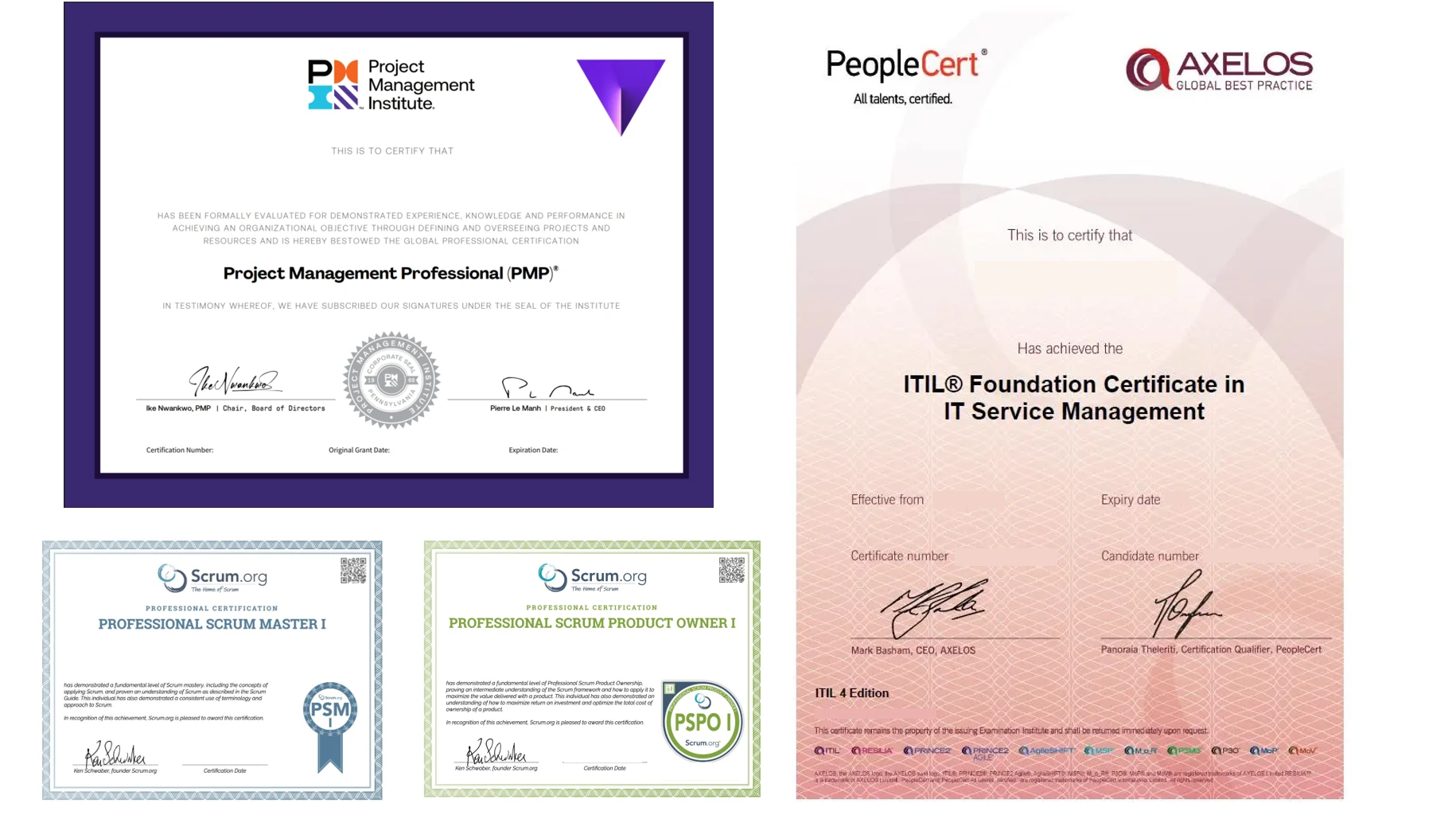
Managed by PMP® consultants with a clear delivery process

01

Discovery

Turn business goals into system logic, instead of forcing a template.

  • Workflow review: identify pain points in the current process
  • Solution walkthrough: align expected results before build
02

Data migration

We help organise and import existing data to reduce the migration burden.

  • Data cleanup: prepare old records before import
  • Acceptance testing: verify key flows before launch
03

Launch

After setup, the system can go live with local support available by priority.

  • System handover: launch after required settings are complete
  • Ongoing support: local team follows up on usage issues

We understand the questions that come before a new system goes live

Common questions before implementation

Is our data protected?

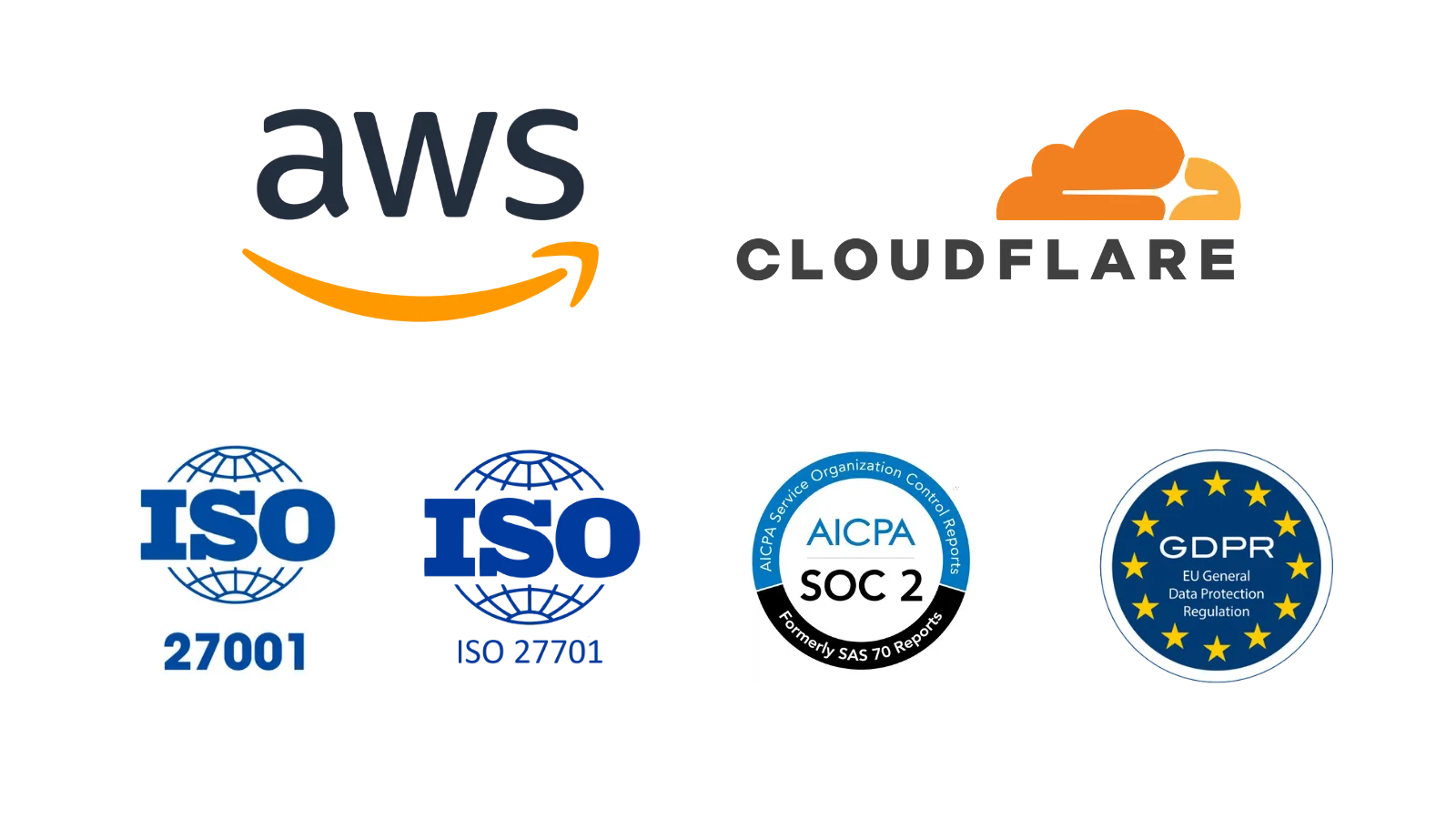
Enterprise cloud protection and encrypted data handling

Your customer files and project data are protected through a cloud-based setup:

  • Live protection: SSL encryption and DDoS protection
  • Data encryption: secured files and customer data in transit and at rest
  • Recovery support: backup and restore capability for operations
Is our data protected?

What if daily operation issues come up?

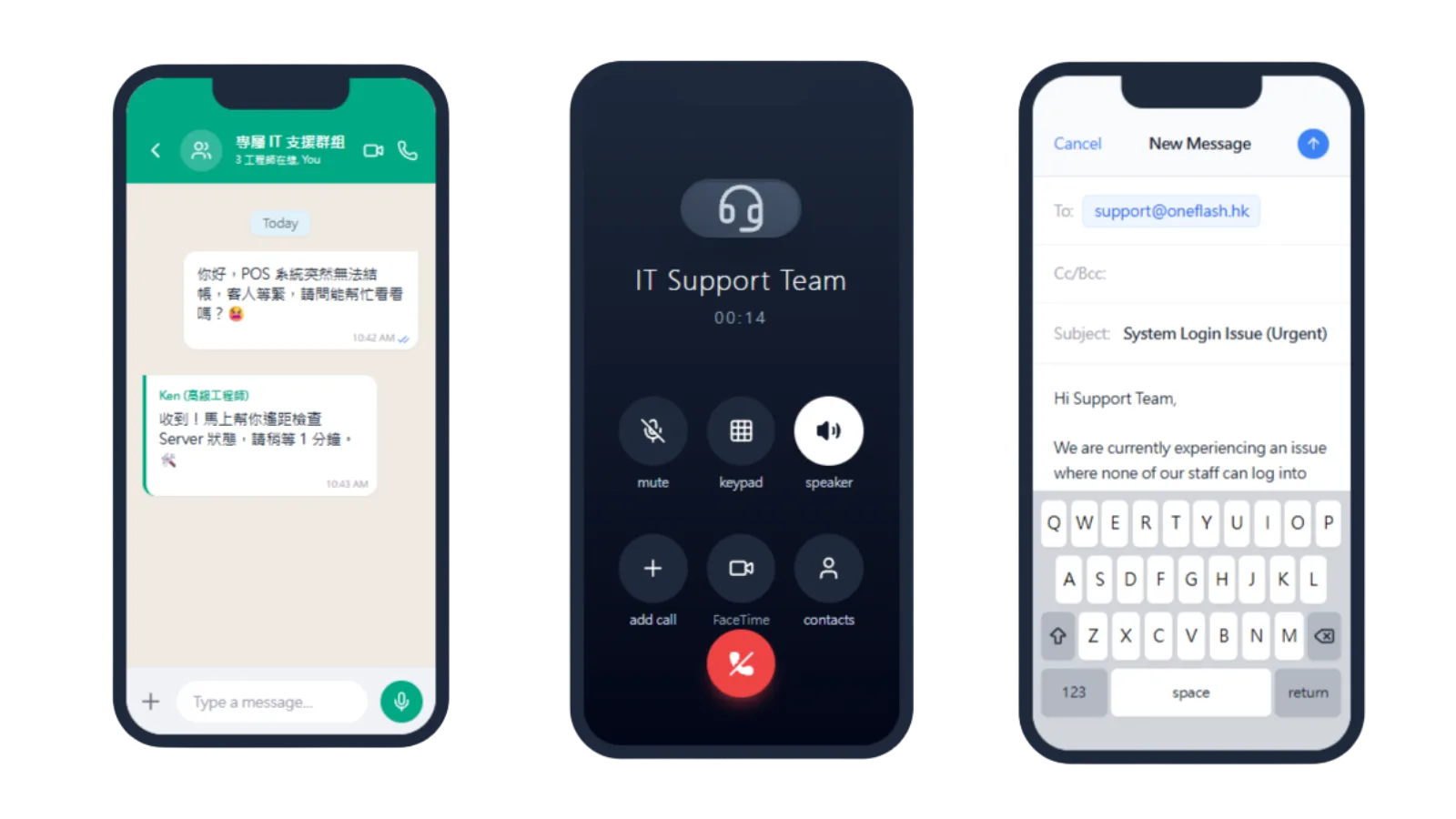
Local technical support through WhatsApp

Our local team can support your customer portal operations directly:

  • WhatsApp group: handle usage or permission questions faster
  • Operational follow-up: reduce disruption to customer service
  • Consultant input: provide practical customer service workflow advice
What if daily operation issues come up?

Will customers need a long time to learn it?

Designed for customers to open and use without an app

The portal is designed for a simple customer experience:

  • Simple UI: customers can log in and view files in fewer steps
  • Workflow fit: designed around self-service enquiries
  • Low training need: customers can check progress and files themselves
Will customers need a long time to learn it?

How do you keep the project on schedule?

Consultant-led delivery with clear project milestones

We manage customer portal projects with clear delivery steps:

  • Consultant-led setup: experienced support throughout implementation
  • Clear milestones: each setup stage is visible
  • Business fit: align portal logic with your customer service workflow
How do you keep the project on schedule?

Do we need to enter old data manually?

Customer document and project data migration support

We can help migrate customer documents and records:

  • Data cleanup: prepare old contracts, quotes and customer records
  • Migration support: reduce repeated manual entry of historical files
  • Quality check: review migrated customer data before launch
Do we need to enter old data manually?

Can we keep our own backup?

Backups can sync to your own cloud storage

You can keep more control over customer files and project data:

  • Auto sync: encrypted backups of contracts and quotes to your selected cloud drive
  • Data access: keep customer contracts and project files available
  • Transparent setup: easier governance for customer document management
Can we keep our own backup?

Can another company maintain it later?

Source-code options help reduce vendor lock-in risk

For teams with advanced technical requirements, we can provide extra safeguards:

  • Source-code option: available for selected plans
  • Lower lock-in: support future self-hosting or third-party maintenance
  • Asset protection: stronger control over long-term operations
Can another company maintain it later?

How does Oneflash Agentic Business Suite support customer service?

More than an FAQ: a service workflow that can route enquiries

Oneflash Agentic Business Suite is an AI agent business system for SMEs:

  • Unified data: manage customers, enquiries, tickets, documents and status together
  • Modular growth: add CRM, payment, notifications or knowledge base later
  • AI collaboration: connect AI agents through MCP to answer enquiries, organise cases and trigger follow-up
How does Oneflash Agentic Business Suite support customer service?

Is the team experienced enough?

A team combining AI agent work with enterprise system experience

The Oneflash team brings together AI agents, enterprise systems and local SME delivery:

  • Market recognition: technical work recognised by companies and awards
  • System background: experience across ERP, CRM and operations platforms
  • Delivery focus: clear UI, stable architecture and consultant-led rollout
Is the team experienced enough?

More implementation and support questions

Self-service That Makes the Customer Experience Feel More Professional

What can customers see inside the portal?
Customers can view historical quotes, invoice records, current project status and related contract files without repeatedly asking your team.
How much customer service time can this save?
After introducing a self-service portal, many simple enquiries such as requesting invoice copies can be handled by customers themselves, reducing administrative load.
How secure is portal login?
Each customer can use a dedicated account, with two-factor authentication available to help protect sensitive business files and data.
Can different customers see different documents?
Yes. Permission settings allow you to upload customer-specific reports, design files, quotes or other documents.
Can customers pay directly inside the portal?
Yes. Customers can view invoices and click a payment button, while the system updates the payment status and notifies finance.
Can the interface use our company logo?
Yes. The portal can be branded as an extension of your company experience, supporting white-label visual customisation.
Do customers need to download an app?
No. The portal is web-based, so customers can open a link in their mobile browser and use it directly.
What if a customer forgets their password?
The system includes a password reset workflow, so customers can recover access through their registered email without manual handling.
Can booking functions be connected?
Yes. The portal can act as a customer management centre where customers view booked classes or service times.
How does this improve our company image?
It helps smaller teams provide a more complete customer experience and shows stronger attention to data management and privacy.

Build a service entry point where customers can check status, submit information and follow progress themselves.

Do you have 5 minutes ?

Let’s reduce repeated enquiries and help customers complete more steps themselves

Preferred Call Time *

Contact us

Consultants Online:0, Last Updated: 2026-06-22, 05:00

Please leave a message and we will reply on the next business day.