★★★★★Used and validated by Hong Kong SME teams

WhatsApp Business API

Send automated notifications and interactive buttons through the official API, with 24-hour customer communication support.

Official API connection Automated workflows
See our background

In 2026, are WhatsApp enquiries still handled manually?

Manual notifications slow the team down

  • Order confirmation, payment success and shipping updates still require manual messages
  • Manual sending takes time and can mismatch customer data
  • As order volume grows, admin work grows with it
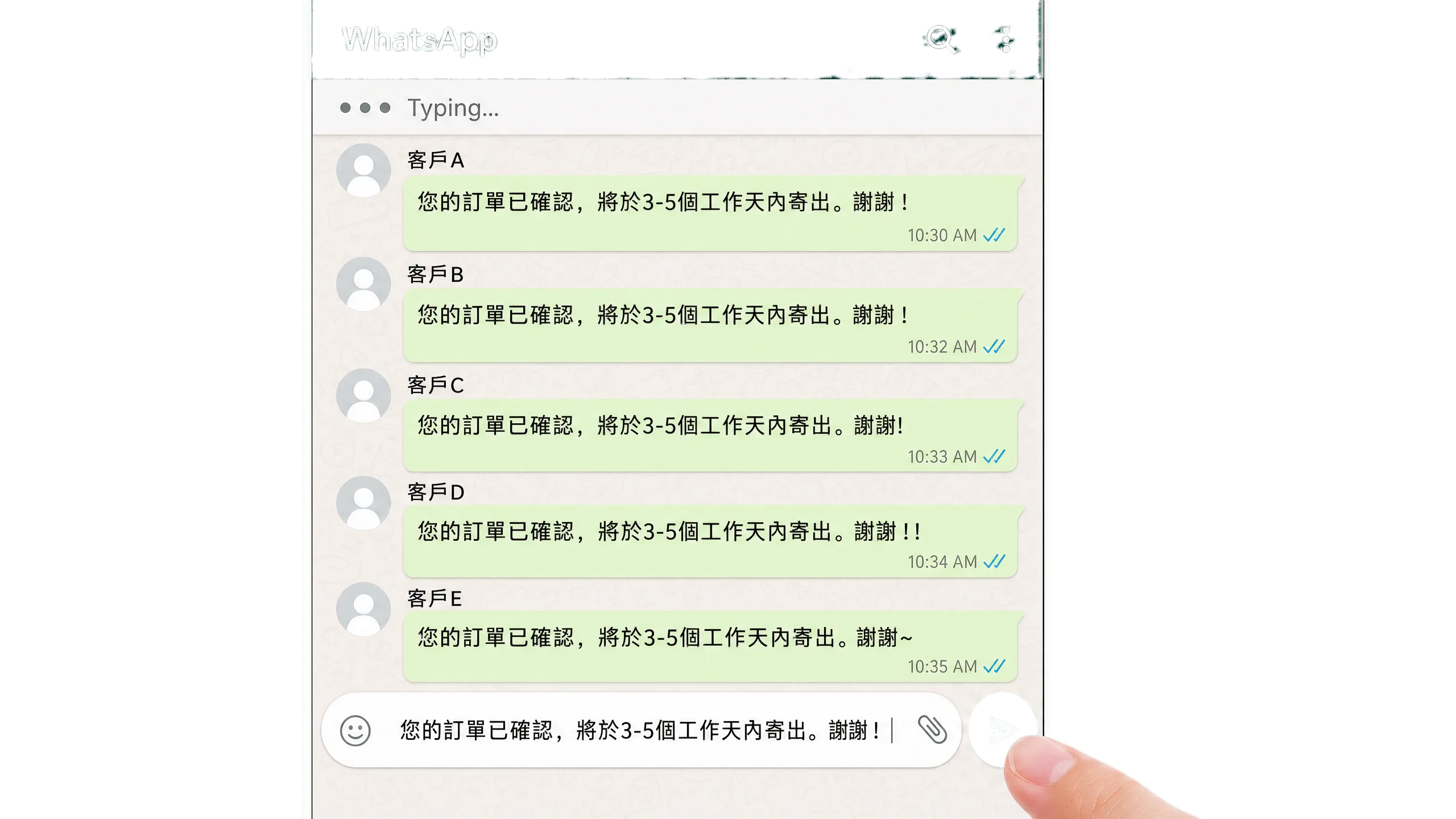
Does your team still send every order update through WhatsApp manually?

Manual notifications slow the team down

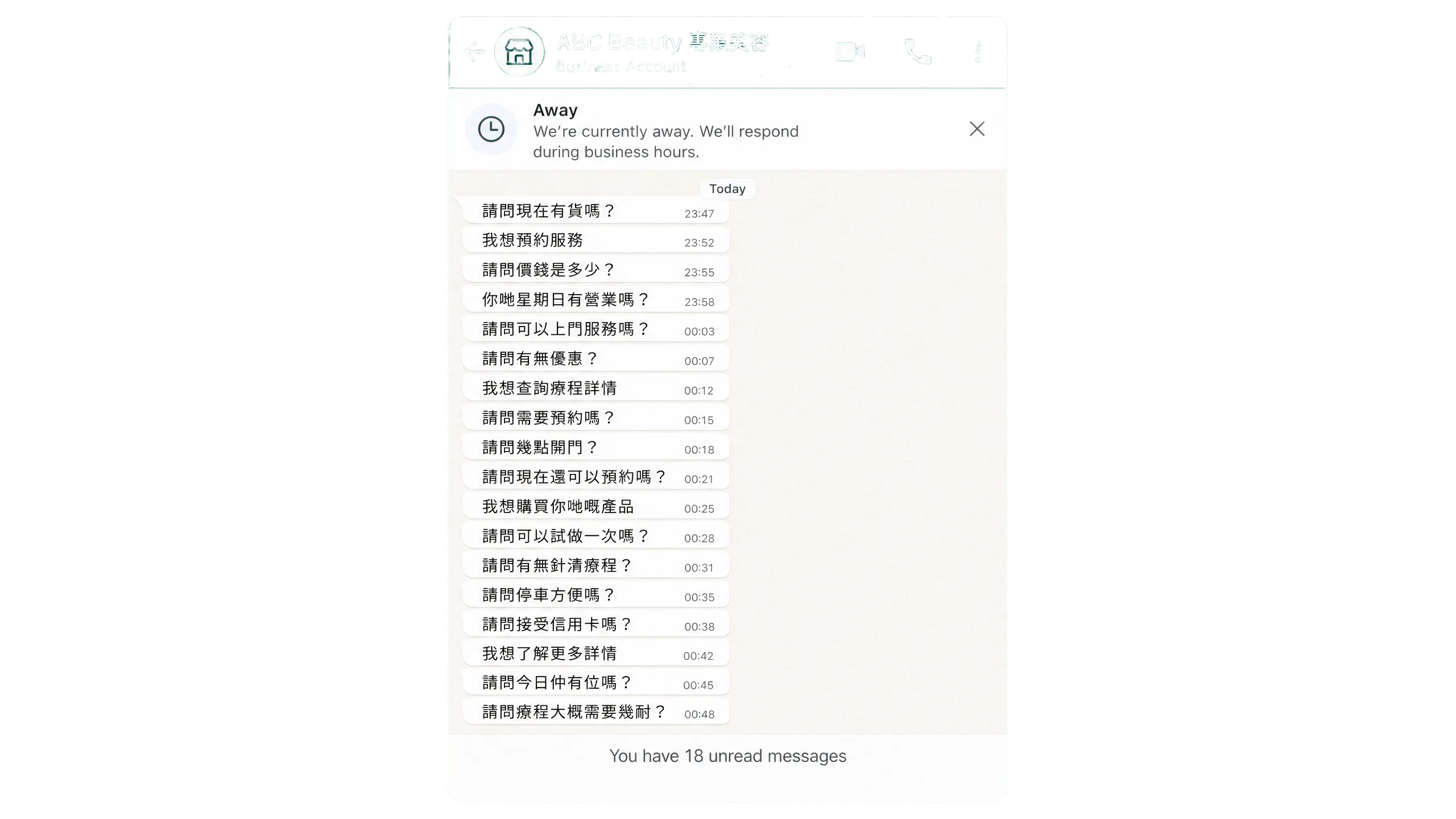
After-hours replies are delayed

  • Customers often ask questions after work or during holidays
  • Without preset replies, response delays happen outside office hours
  • Fast replies affect customer experience and conversion opportunities

When enquiries arrive after office hours, does the team still rely on manual replies?

After-hours replies are delayed

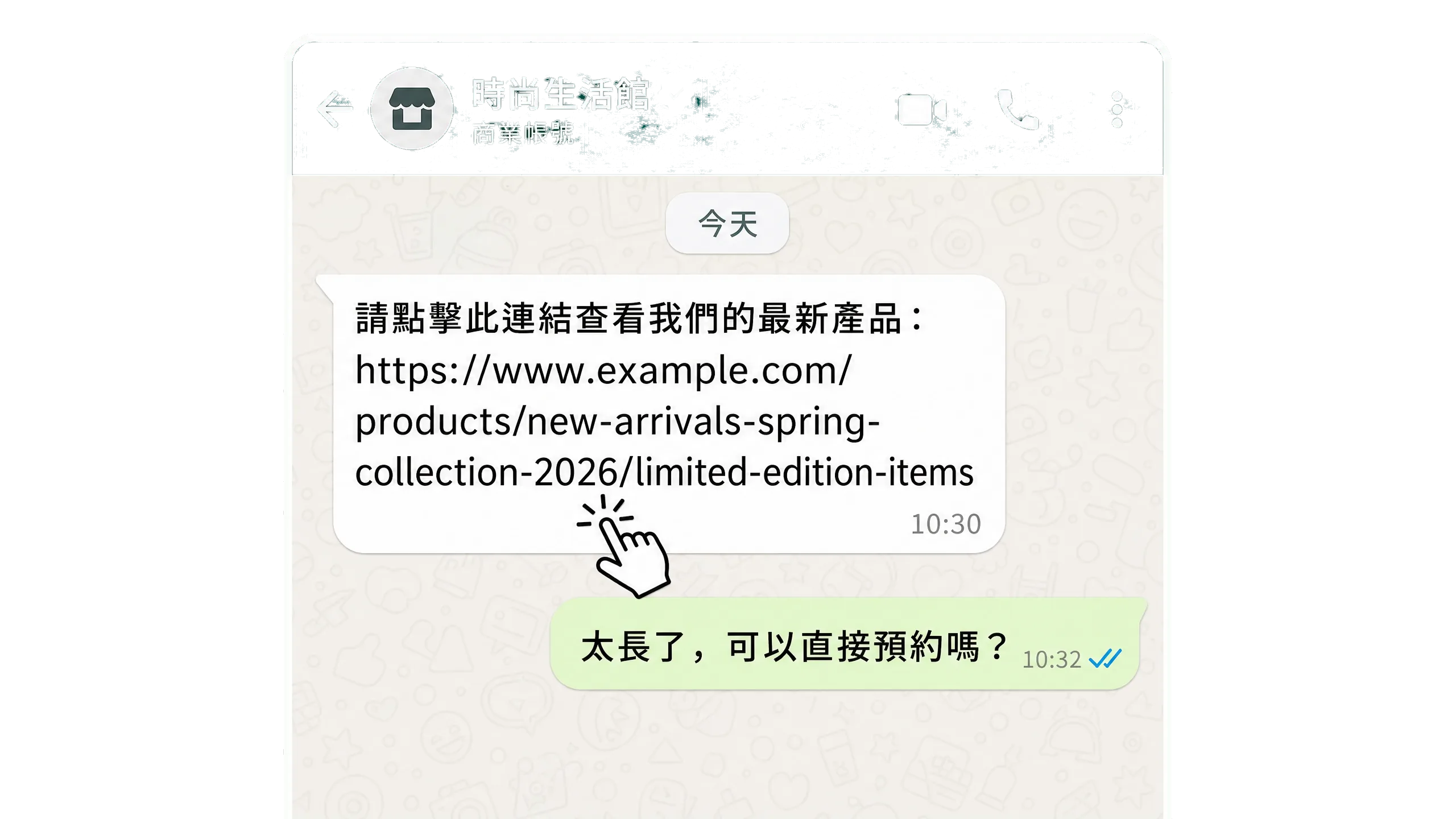
Plain messages do not convert well

  • Plain-text messages require customers to copy or open links manually
  • There are no one-tap booking, payment or action buttons
  • The longer the path, the fewer customers complete the action

After receiving a message, do customers still need to find the booking or payment link themselves?

Plain messages do not convert well

How can WhatsApp communication become easier to manage?

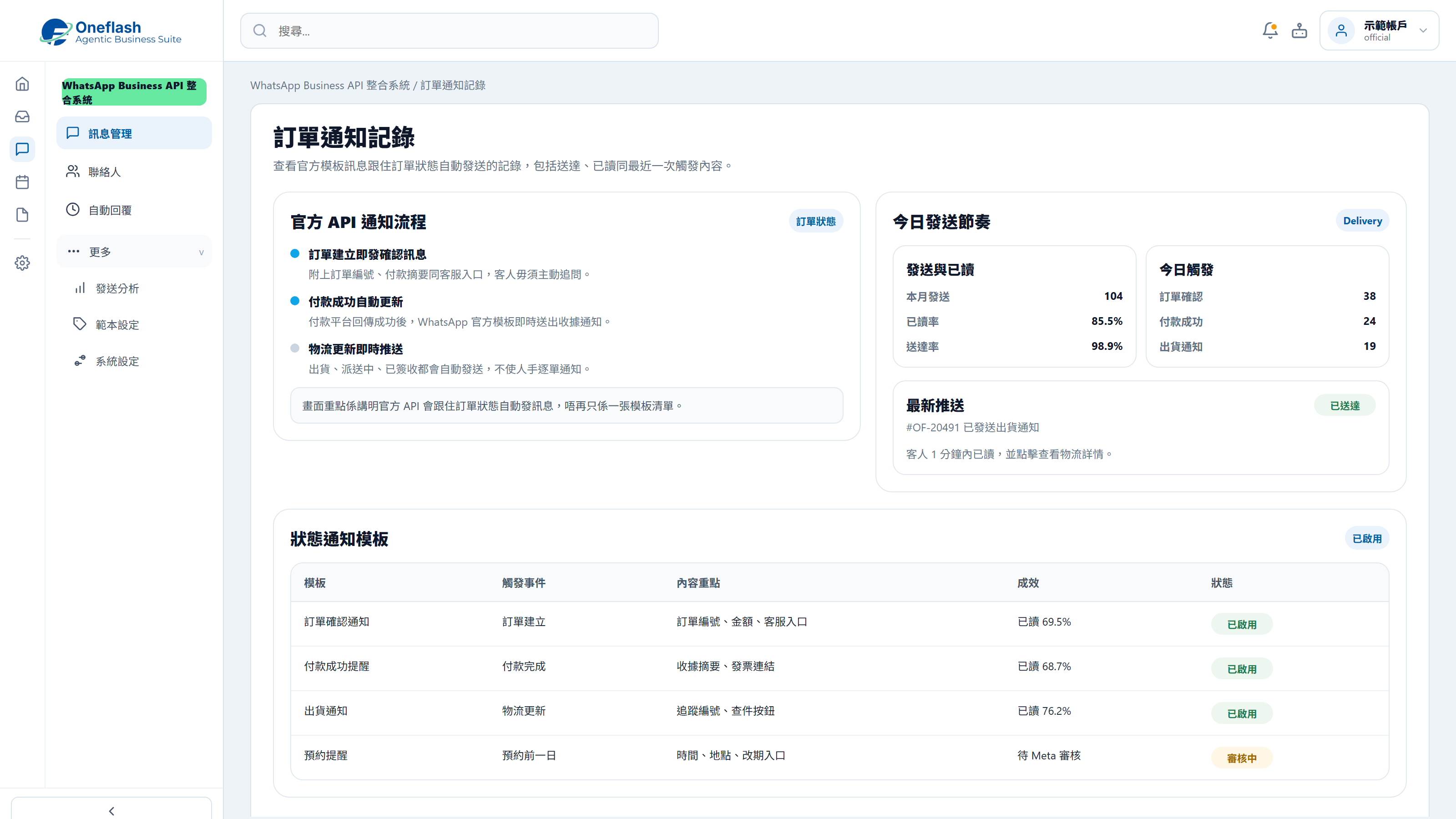
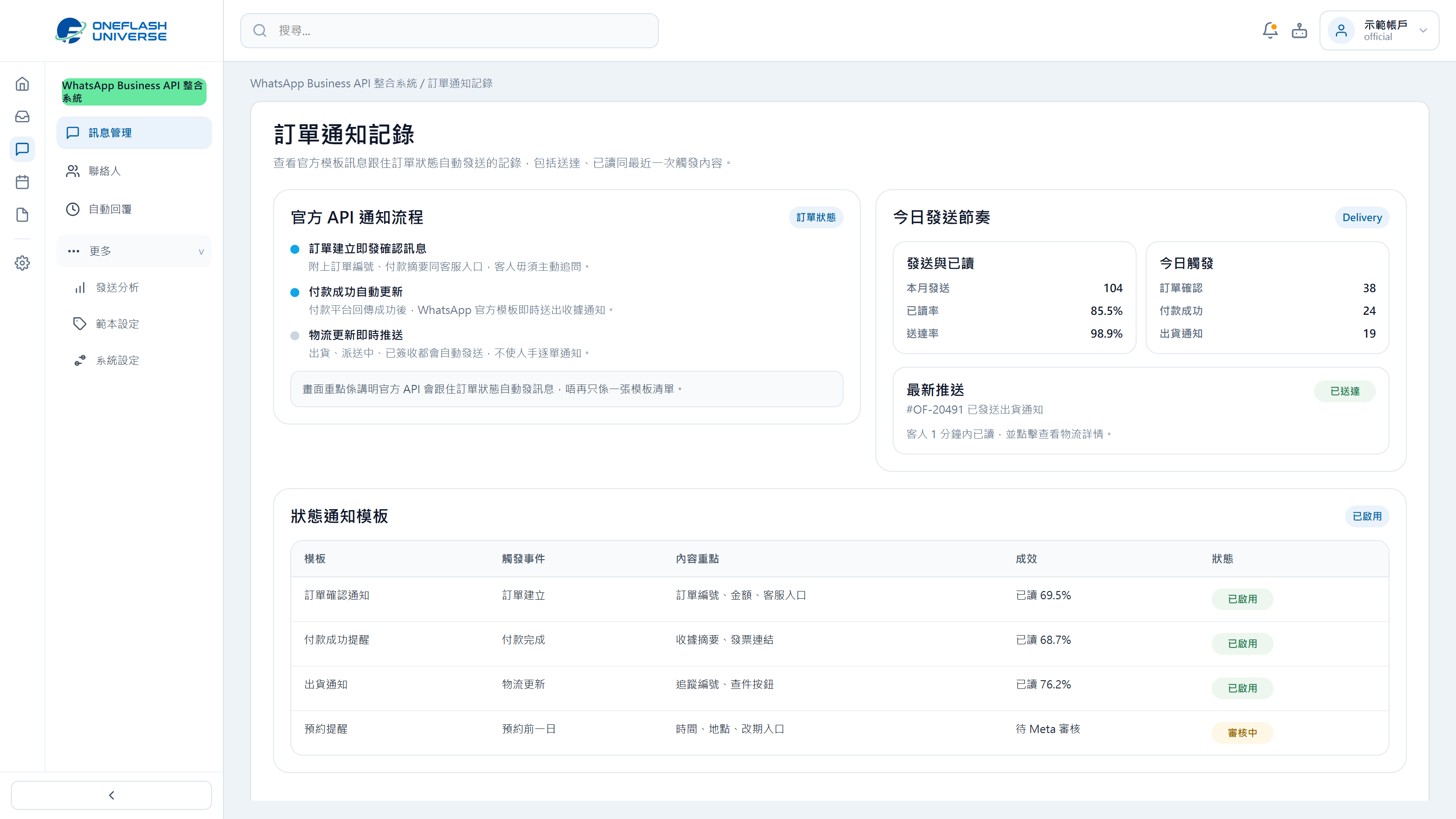
Order status notifications

When order status changes, the system sends WhatsApp updates automatically.

Order status notifications

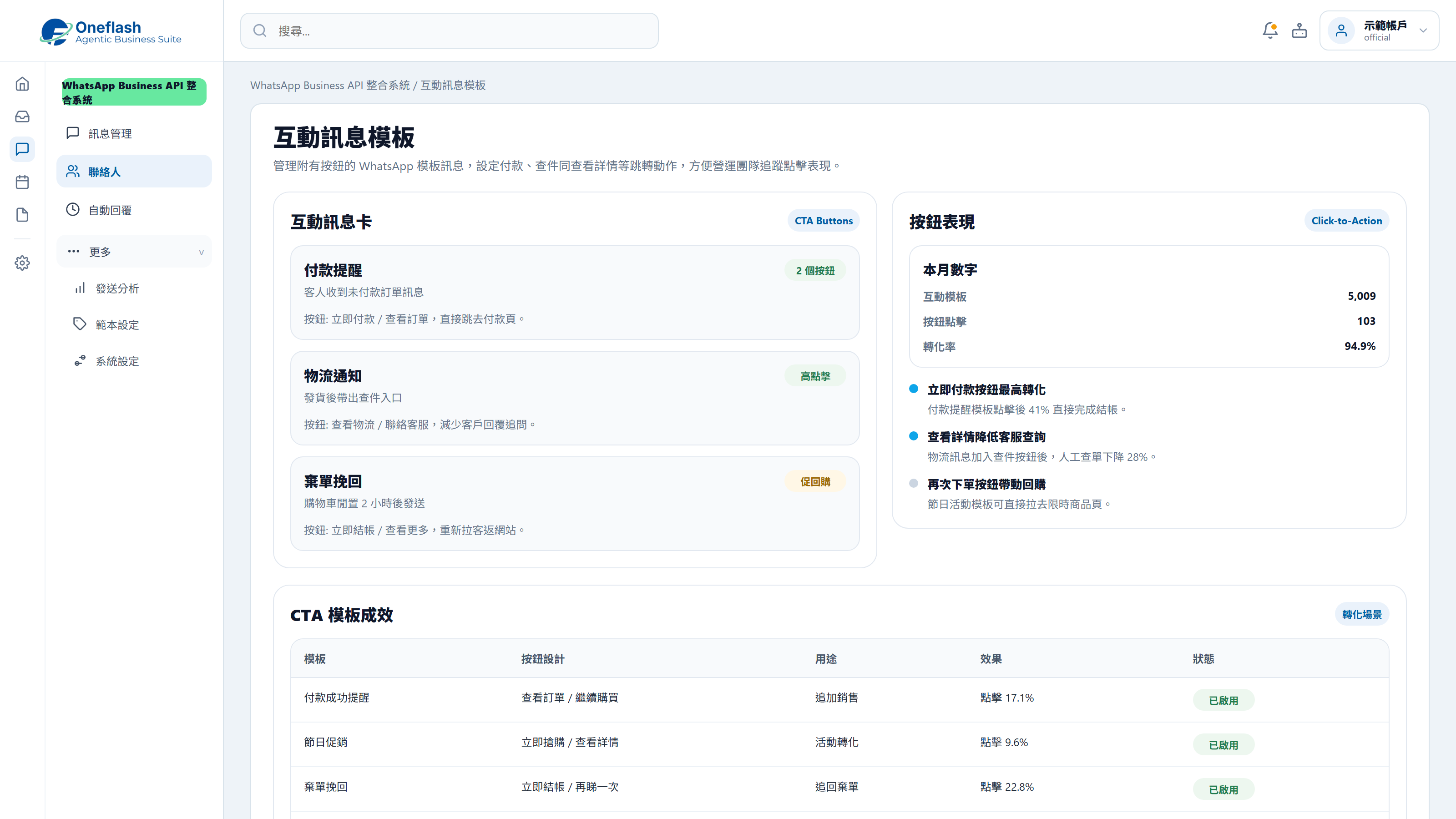
Interactive button messages

Add payment, detail or action buttons to messages to shorten the customer journey.

Interactive button messages

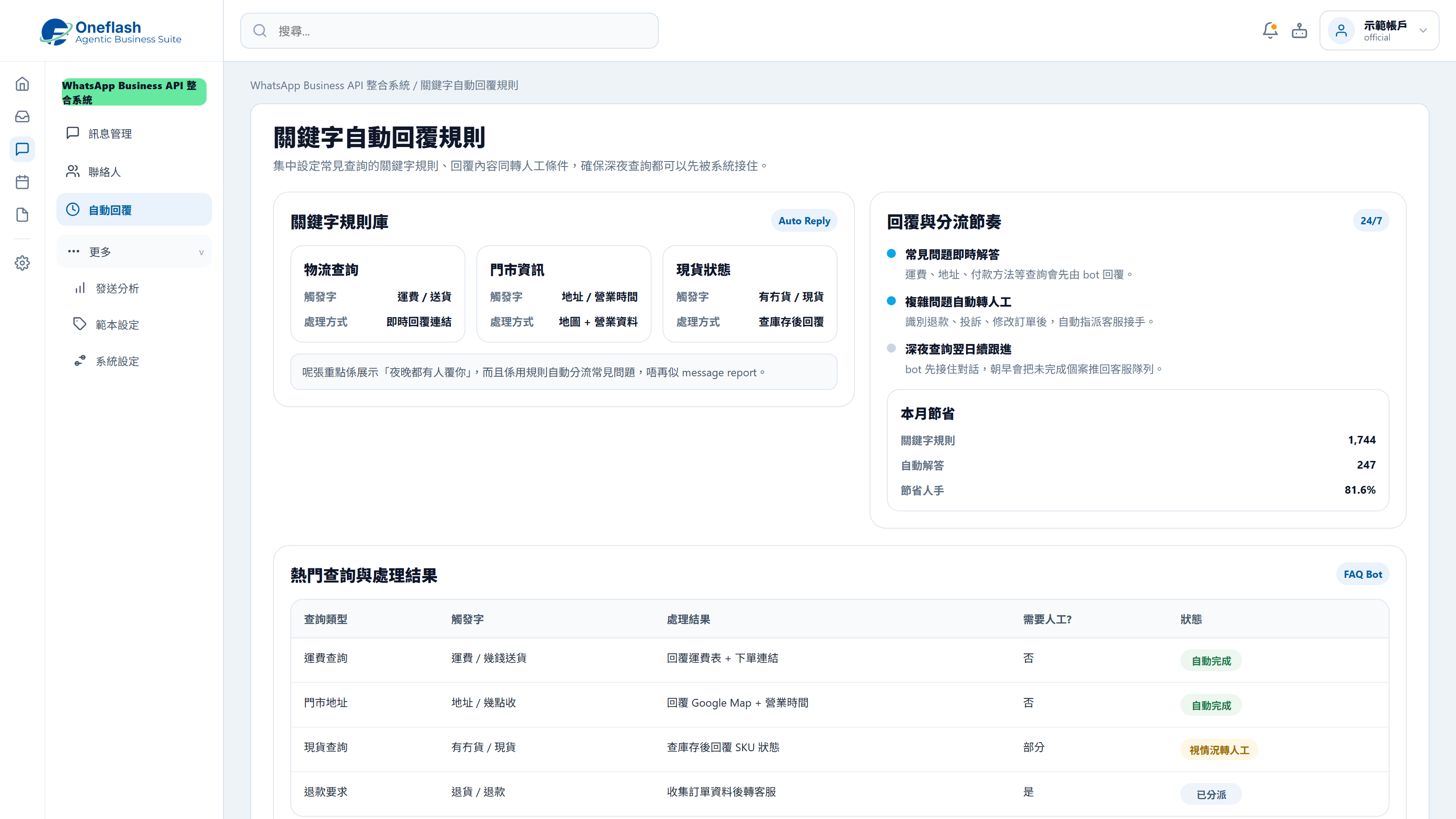
FAQ auto-replies

Reply to common questions such as delivery fees, address and stock status by keyword.

FAQ auto-replies

Could one instruction handle repeated work?

Connect AI agents through MCP and start system tasks with one instruction

AI operations assistant

Support and operations lead

Prepare WhatsApp customer notifications, organising message content and recipient lists by segment, then send them for approval.


AI WhatsApp agent

  • Read customer segments and message templates
  • Prepare message content, variables, and recipient list
  • Create WhatsApp send draft
  • Wait for approval before sending

The WhatsApp notification draft is ready, including message content, customer segments, and recipient list. Please review before sending.

WhatsApp sending approval

Approve AI to send these WhatsApp messages?

AI that works under your team

Give each team member an AI assistant. People give instructions, and AI does the work.

AI that works under your team

People approve key actions

AI can prepare tasks. Important actions still need a person to check and approve.

People approve key actions

Clear access rules

AI only sees the data it is allowed to use. This helps keep business data safer.

Clear access rules

Connect your AI tools

Connect tools like Manus and Claude to daily work. Keep tasks, permissions, and results in one system.

Connect your AI tools

In 2026, does WhatsApp messaging also need a fuller automation workflow?

More WhatsApp management features across teams, campaigns and customer records

Multi-user team inbox

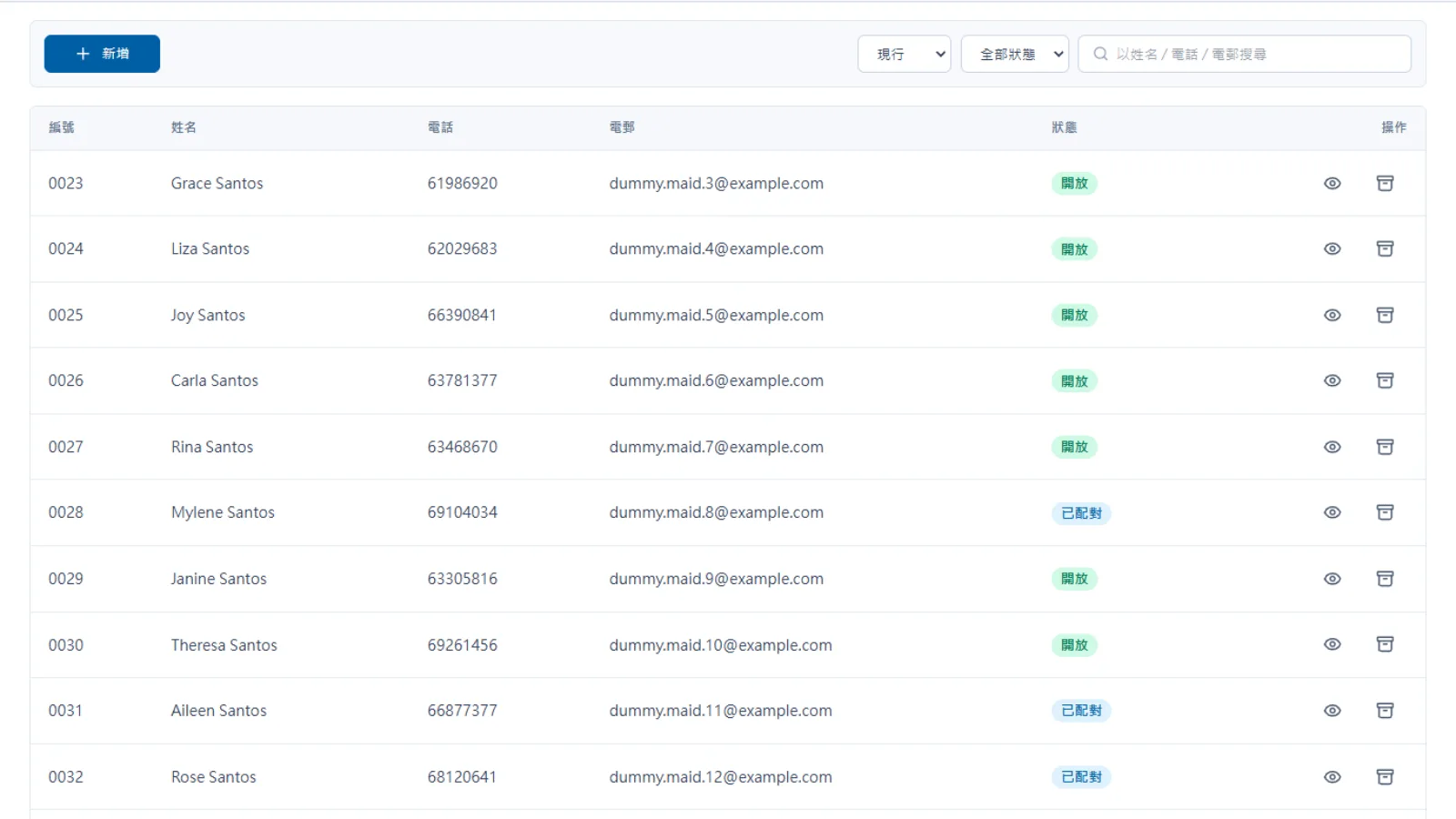
One number can be shared by the team, with conversation assignment and clear permissions.

Official broadcast messaging

Use approved templates and official channels to reduce account risk when sending updates.

CRM data sync

Show customer records and purchase history beside each conversation for more relevant replies.

Create orders in chat

Create an order and send a payment link directly from the conversation.

Sales performance analytics

Track response time, conversation volume and conversion rates to improve team performance.

Cross-channel inbox

Manage Facebook, Instagram and WhatsApp messages in one place.

Teams can move away from personal WhatsApp accounts and use the official API to send updates, classify enquiries and keep customer follow-up more controlled.

After launch, where will messaging workflow improvements become visible?

Measure results through notification speed, reply flow and customer interaction

Customers increasingly expect to communicate with brands through messaging channels such as WhatsApp.

Meta Business

Messages with buttons can reduce friction compared with plain text links.

WhatsApp Business Case Study

Official API workflows help keep messaging more stable and reduce personal-account risks.

Official API Standards
Before
After
Notification sending
Manual copy-and-paste sending
Sent automatically by order status
Interaction
Plain links require manual action
Interactive buttons support one-tap action
Reply coverage
Limited to office hours
24/7 keyword auto-replies
Account risk
Personal account can be reported or blocked
Official channel with stable operation
Team collaboration
One phone shared by the team
Multiple users with clear assignment

Worried your IT project will drag on?

Managed by PMP® consultants with a clear delivery process

01

Discovery

Turn business goals into system logic, instead of forcing a template.

  • Workflow review: identify pain points in the current process
  • Solution walkthrough: align expected results before build
02

Data migration

We help organise and import existing data to reduce the migration burden.

  • Data cleanup: prepare old records before import
  • Acceptance testing: verify key flows before launch
03

Launch

After setup, the system can go live with local support available by priority.

  • System handover: launch after required settings are complete
  • Ongoing support: local team follows up on usage issues

We understand the questions that come before a new system goes live

Common questions before implementation

Will learning the new system take a long time?

Designed for simple setup and daily use

The workflow is designed to feel familiar for service teams:
  • Simple UI: set keywords and auto-replies in a few steps
  • Practical flow: built around daily WhatsApp service habits
  • Short training: teams can start handling messages quickly
Will learning the new system take a long time?

What if the team has questions during daily operation?

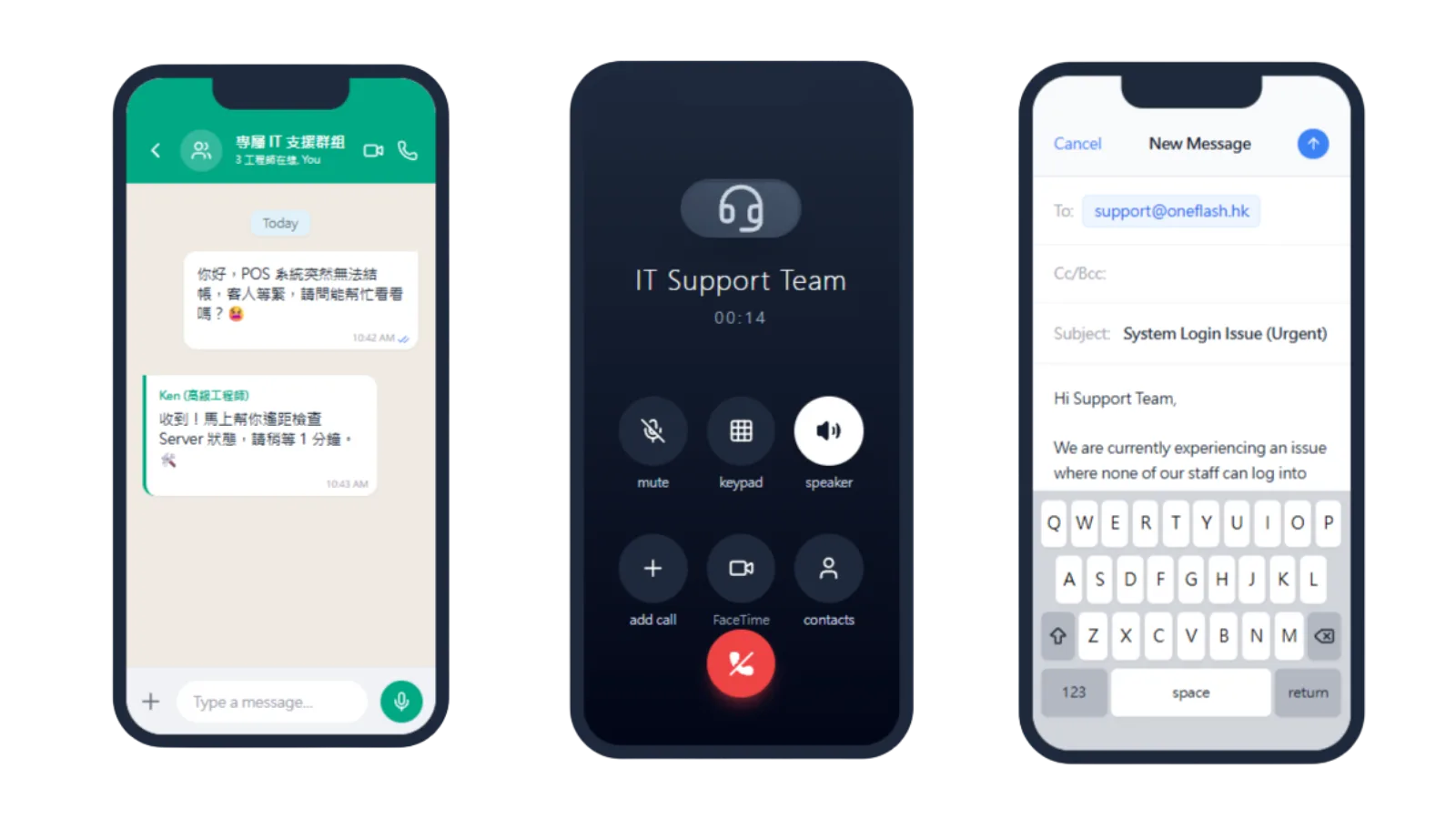
Local technical support for WhatsApp setup

Our local team supports the WhatsApp integration process:
  • Quick support: help with API connection and template questions
  • Operational follow-up: reduce message flow interruptions
  • Advisory input: guidance on compliant WhatsApp messaging
What if the team has questions during daily operation?

Is customer conversation data protected?

Cloud protection and encrypted communication data

Customer conversations and records are protected with cloud security controls:
  • Secure access: SSL encryption and DDoS protection
  • Data encryption: protection for data in transit and at rest
  • Backup planning: off-site backup and recovery support
Is customer conversation data protected?

How do you keep the project on schedule?

A structured delivery process for WhatsApp API rollout

We manage the rollout with clear milestones and ownership:
  • Consultant-led setup: API integration is guided from start to launch
  • Visible progress: key setup steps are tracked clearly
  • Business fit: message flows are adjusted to your service context
How do you keep the project on schedule?

Do we need to enter old data manually?

Support for moving customer records and message data

We can help prepare and move existing messaging data:
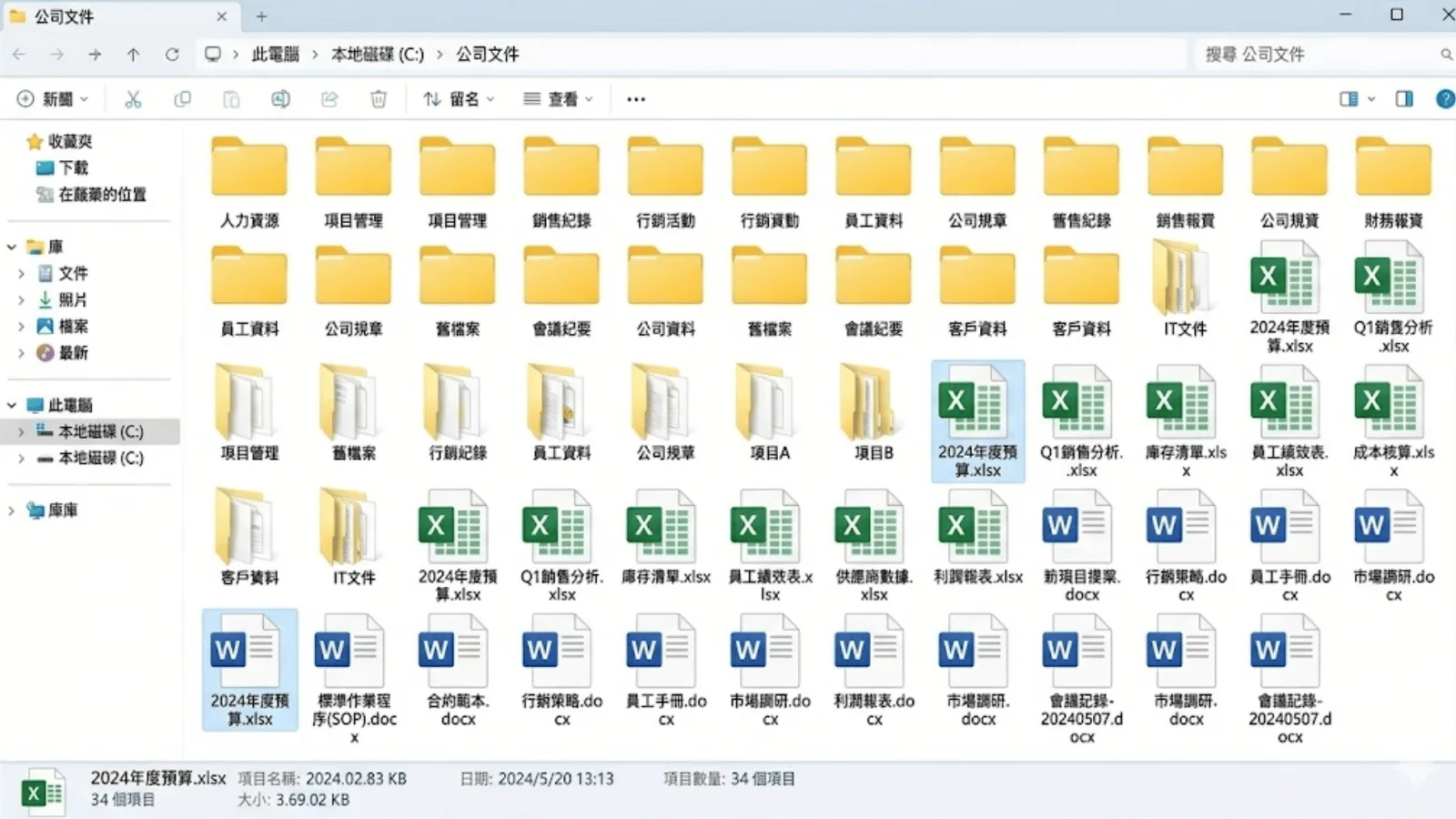
  • Data cleanup: organise customer records and templates
  • Migration support: reduce manual re-entry work
  • Quality check: review records before daily use
Do we need to enter old data manually?

Can we keep our own data backup?

Conversation records can be backed up separately

You can keep an extra copy of important communication data:
  • Scheduled backup: conversation records and templates can be synced securely
  • Data control: access your own customer communication records
  • Clear process: make business messaging records easier to manage
Can we keep our own data backup?

Can another vendor maintain it later?

Optional source-code arrangement for long-term flexibility

For teams that need more control, we can discuss extra ownership options:
  • Source-code option: available for selected projects
  • Less lock-in: support future hosting and maintenance choices
  • Business continuity: keep core communication assets manageable
Can another vendor maintain it later?

How does Oneflash Agentic Business Suite support WhatsApp follow-up?

Not just messaging, but routed customer workflows

Oneflash Agentic Business Suite is built for SMEs that need connected business workflows.
  • Unified records: customers, conversations, tags, status and follow-up records in one place
  • Modular growth: add CRM, tickets, payments or notification templates later
  • AI collaboration: connect AI agents through MCP to organise conversations, route enquiries and trigger follow-up
How does Oneflash Agentic Business Suite support WhatsApp follow-up?

Is the Oneflash team experienced enough?

AI product thinking with enterprise system experience

The Oneflash team combines AI agent work with business system delivery:
  • Market validation: experience recognised by enterprise clients and awards
  • System background: ERP, CRM and operation system development experience
  • Delivery focus: clear UI, stable architecture and consultant-led rollout
Is the Oneflash team experienced enough?

More implementation and support questions

Turn conversations into a controlled customer communication workflow

What is the key difference between the API version and regular WhatsApp Business?
The API version supports team access, approved templates, automation and integration with CRM or order systems.
Can managers review staff conversations with customers?
Yes. Managers can view conversation history so service quality and customer context remain with the business.
Can enquiries be routed automatically?
Yes. Conversations can be assigned by keywords, customer choices or enquiry type.
How do we avoid account risk when sending campaigns?
Use Meta-approved templates and official API rules to send messages through a safer framework.
Can customer details be collected during chat?
Yes. The flow can ask for details and create or update customer records automatically.
Does it support 24/7 auto-replies?
Yes. Common menus and keyword replies can answer routine questions outside office hours.
How is pricing calculated?
Besides system fees, Meta may charge by conversation window depending on message category.
Can it connect with website enquiry buttons?
Yes. Website WhatsApp buttons can route conversations into the Oneflash management inbox.
Can we send button messages?
Yes. API messages can include buttons so customers can reply or take action with one tap.
Can we apply for the green tick official account?
If the brand meets Meta requirements, we can help prepare the application for an Official Business Account.

Upgrade customer messaging to an official API workflow, so notifications, replies and brand communication are more consistent.

Do you have 5 minutes ?

Turn WhatsApp enquiries into routed, trackable customer workflows

Preferred Call Time *

Contact us

Consultants Online:0, Last Updated: 2026-06-22, 05:00

Please leave a message and we will reply on the next business day.