★★★★★Used and validated by Hong Kong SME teams

Social Media Auto Publishing System

Turn product data into post content, schedule publishing to social platforms and preview your layout before it goes live.

Product post scheduling Social layout preview AI post drafts
See our background

In 2026, is your social content still scheduled manually?

Product posts are not published consistently

  • Product data and images remain inside the ecommerce backend
  • The team still needs to download assets, write captions and schedule posts
  • Content updates can easily stop when the manual workflow gets busy
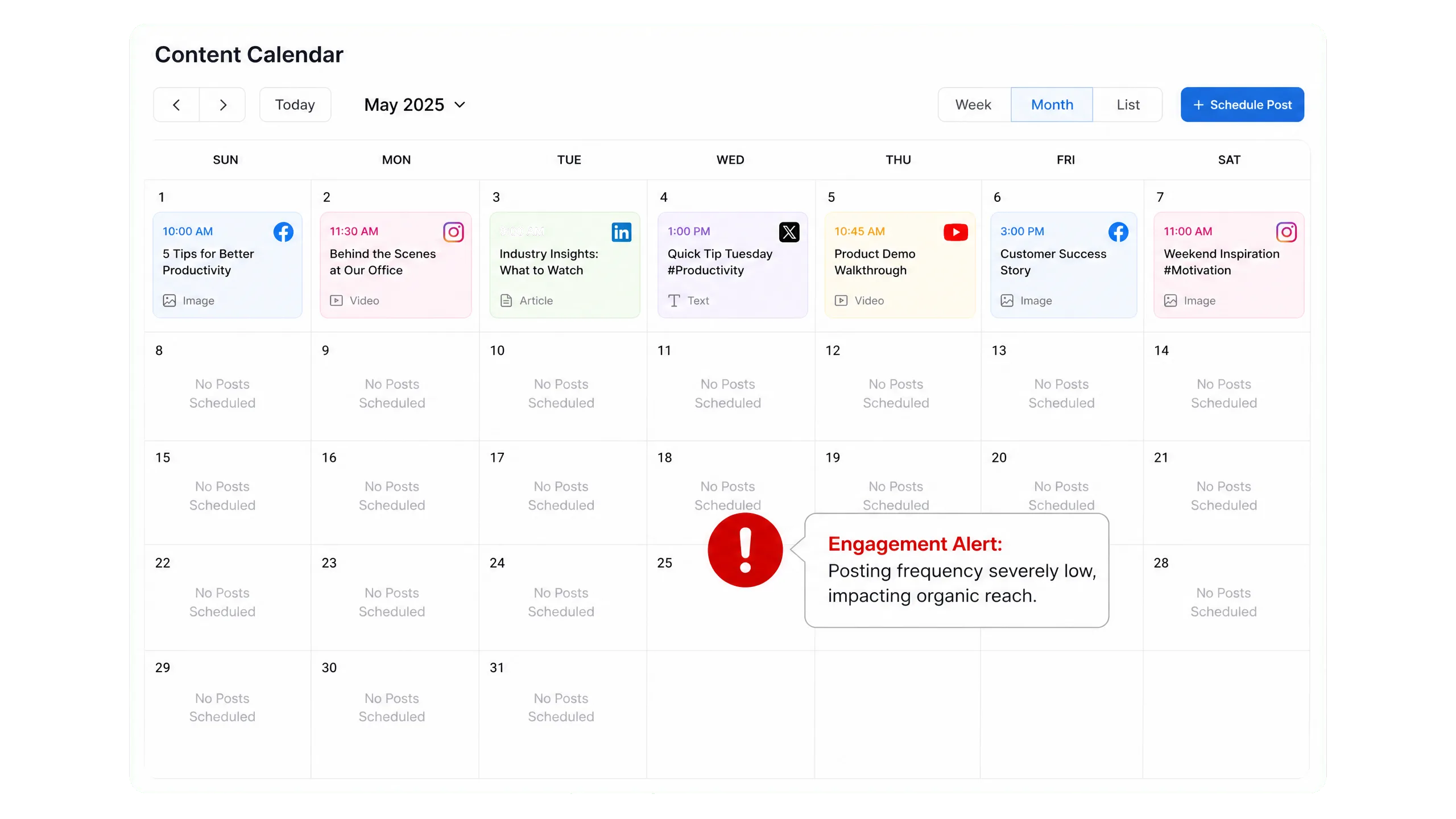
After new products go live, does your team still prepare each social post image by image?

Product posts are not published consistently

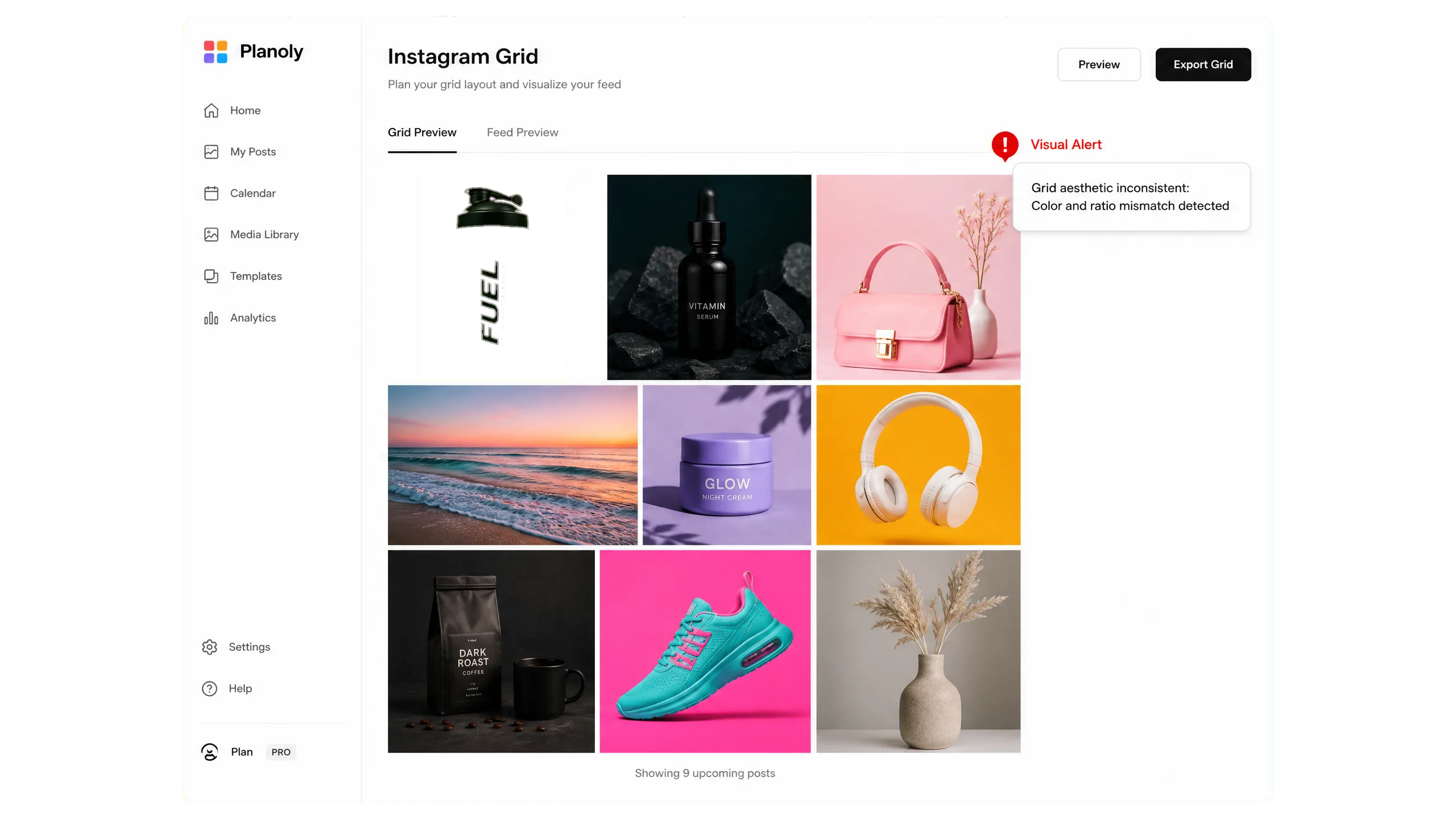
Layout preview is missing before publishing

  • Without pre-publish preview, image ratios are harder to check
  • Caption length and social layout may appear inconsistent
  • The team needs to see the final presentation before posting

Do you only notice image ratio or layout issues after a post is published?

Layout preview is missing before publishing

Is there a clearer way to publish content?

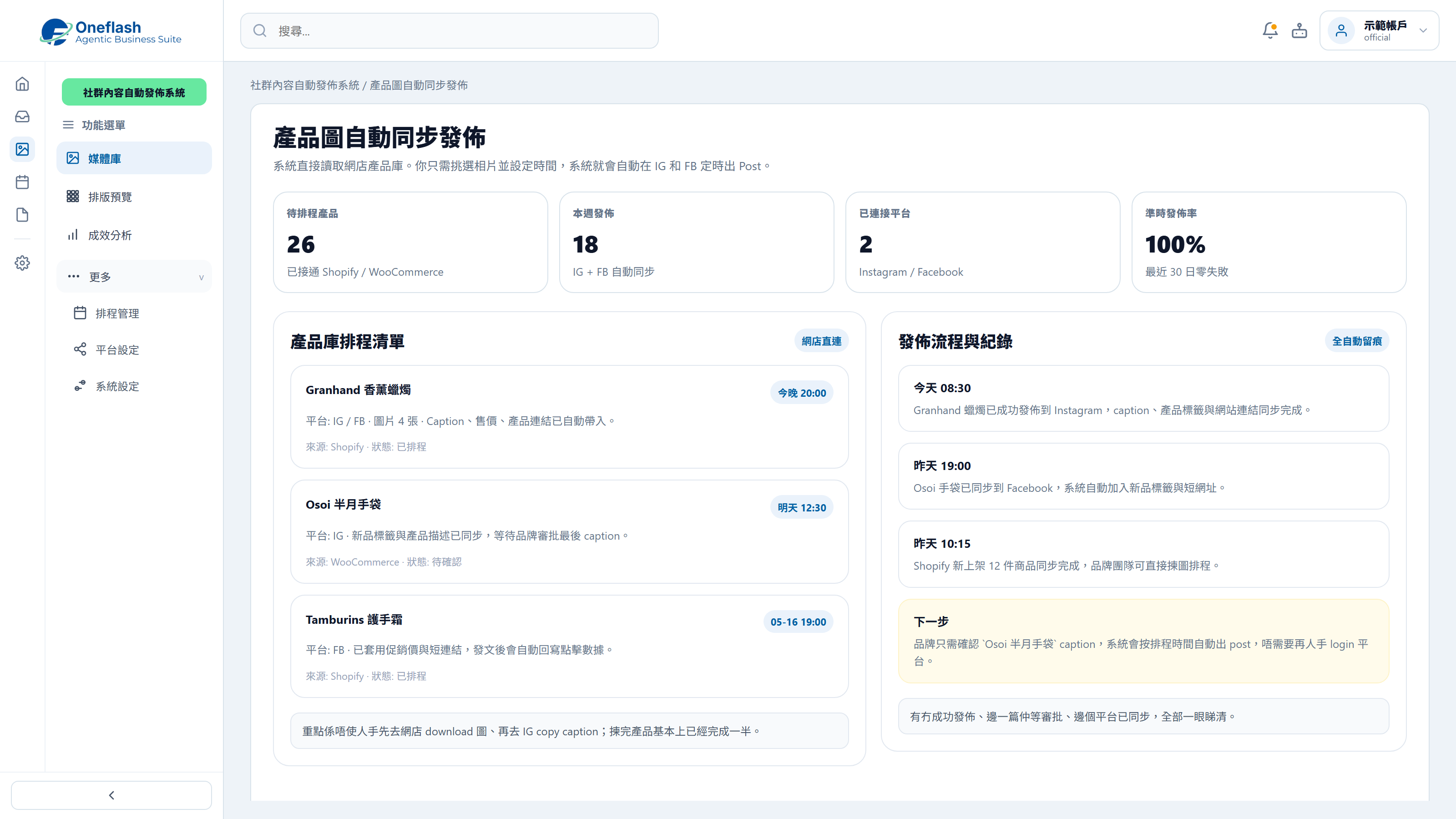
Product Post Scheduling

Select product images and content from the product library, then schedule automatic publishing to social platforms.

Product Post Scheduling

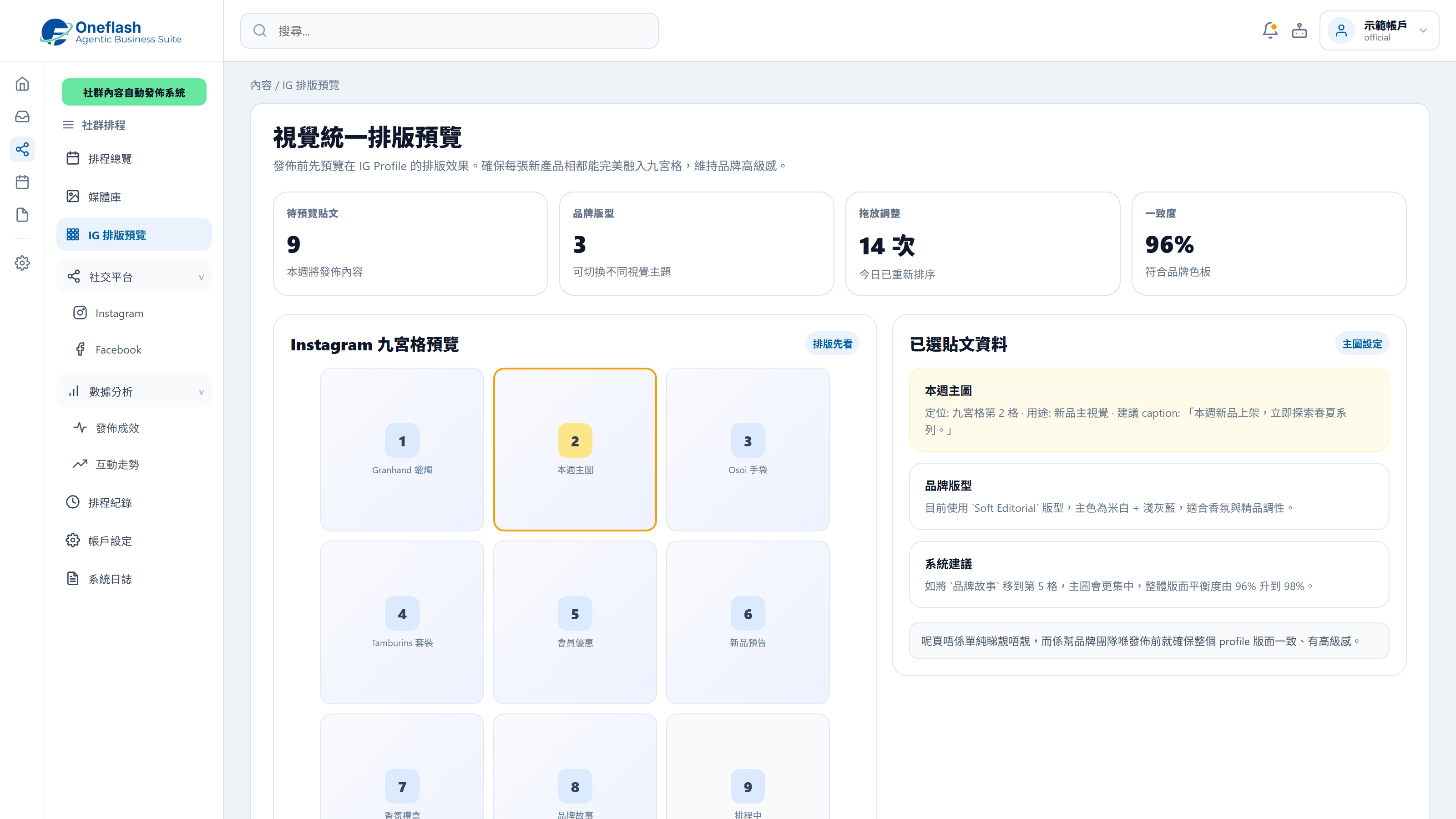
Social Layout Preview

Preview post layout before publishing so the brand feed stays visually consistent.

Social Layout Preview

Could one instruction handle repeated work?

Connect AI agents through MCP and start system tasks with one instruction

AI operations assistant

Social media lead

Prepare one week of social posts for this month’s campaign, including copy, image suggestions, and publishing times, then send them for approval.

AI social media agent

  • Read campaign highlights and past post performance
  • Prepare post themes, copy, and image direction
  • Create a one-week publishing schedule
  • Wait for approval before scheduling posts

The social media schedule draft is ready, including post copy, image suggestions, and publishing times. Please review before scheduling.

Social post approval

Approve AI to schedule these social posts?

AI that works under your team

Give each team member an AI assistant. People give instructions, and AI does the work.

AI that works under your team

People approve key actions

AI can prepare tasks. Important actions still need a person to check and approve.

People approve key actions

Clear access rules

AI only sees the data it is allowed to use. This helps keep business data safer.

Clear access rules

Connect your AI tools

Connect tools like Manus and Claude to daily work. Keep tasks, permissions, and results in one system.

Connect your AI tools

In 2026, does content publishing need a more complete scheduling setup?

More Content Scheduling Tools for Publishing, Preview and Performance Follow-up

Cross-platform One-click Sync

Set it once and let the system adapt formats for major platforms, reducing repeated publishing work.

Visual Scheduling Calendar

Plan a full month of product posts on a visual calendar so the page stays active consistently.

Instagram Shopping Tags

Tag ecommerce products in images so customers can click through to buy with fewer steps.

Smart Hashtag Recommendations

Suggest hashtag sets based on trends to improve product post discovery.

Batch Content Scheduling

Upload product images in batches and build a weekly content library more quickly.

Conversion Performance Tracking

Use built-in dashboards to see which product posts drive the strongest engagement and revenue.

Manage the content calendar, publishing schedule, assets and performance follow-up in one place so social updates stay consistent.

Which content update workflows should improve after launch?

Measure results through publishing rhythm, content preparation and manual time saved

In 2026, a consistent posting rhythm remains essential for stronger social algorithm reach.

Meta Business

A visually consistent Instagram grid helps convert more new visitors into followers.

Social Media Today

Automated scheduling can save small teams more than half of their social media admin time.

Gartner
Before
After
Publishing method
Download manually and upload by phone
Schedule directly from product images
Update frequency
Updates stop for days when busy
System publishes on schedule
Layout control
Issues appear only after posting
Preview keeps the grid consistent
Admin cost
Manual daily posting routine
Plan weekly content in one session

Worried your IT project will drag on?

Managed by PMP® consultants with a clear delivery process

01

Discovery

Turn business goals into system logic, instead of forcing a template.

  • Workflow review: identify pain points in the current process
  • Solution walkthrough: align expected results before build
02

Data migration

We help organise and import existing data to reduce the migration burden.

  • Data cleanup: prepare old records before import
  • Acceptance testing: verify key flows before launch
03

Launch

After setup, the system can go live with local support available by priority.

  • System handover: launch after required settings are complete
  • Ongoing support: local team follows up on usage issues

We understand the questions that come before a new system goes live

Common questions before implementation

Will the team need a long time to learn it?

Designed with fewer steps, from product library selection to scheduled publishing

We design for a practical, low-training workflow:
  • Simple UI: choose product images and schedule posts in a few steps
  • Workflow fit: built around daily social media scheduling habits
  • Fast onboarding: marketing teams can publish polished posts without design tools
Will the team need a long time to learn it?

What if daily operations run into issues?

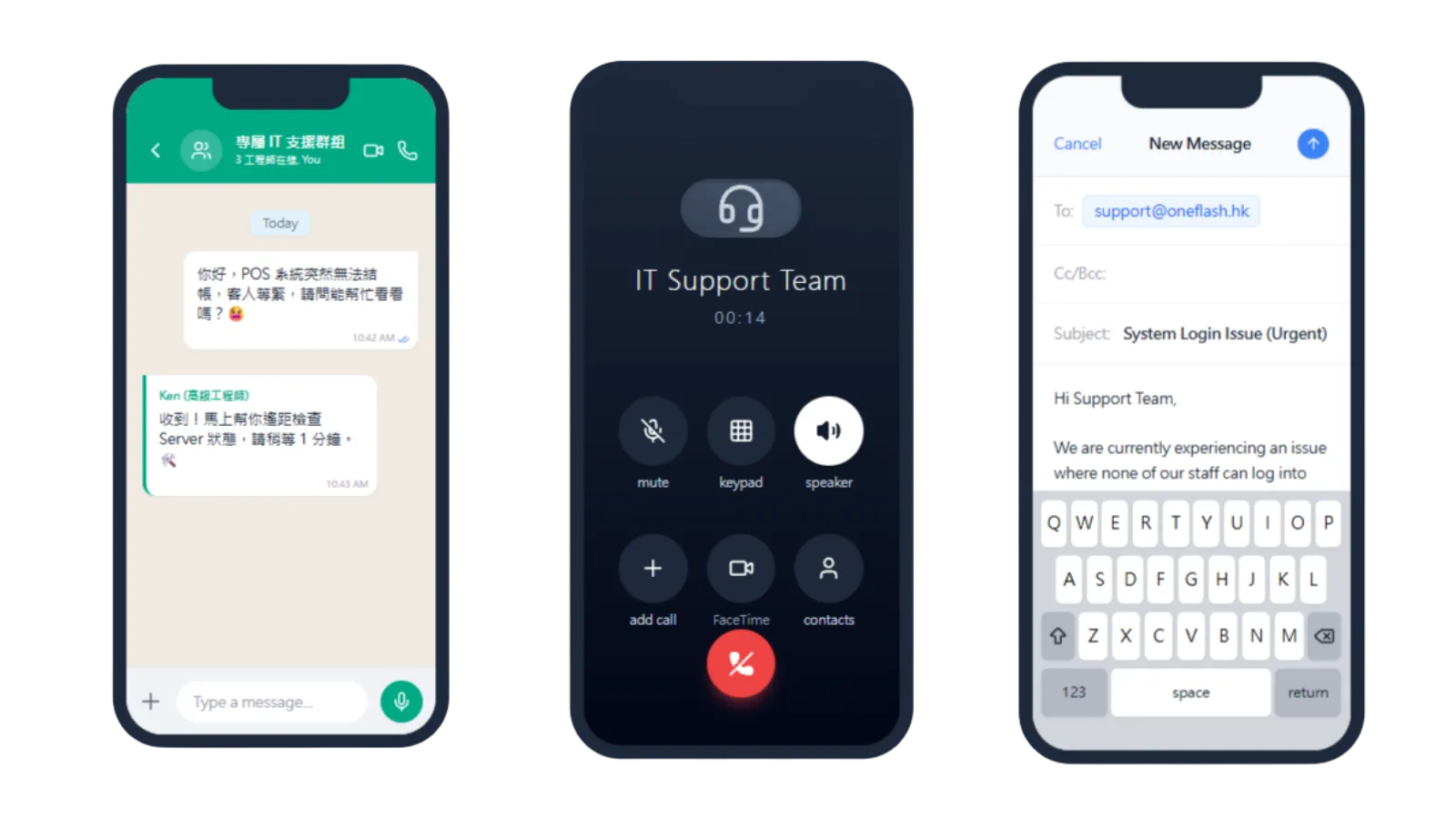
Local Hong Kong technical support through WhatsApp

Our local engineers support the publishing workflow directly:

  • WhatsApp support: resolve account connection and scheduling questions quickly
  • Operational follow-up: reduce failed publishing caused by urgent changes
  • Practical guidance: receive advice on content workflow and structure
What if daily operations run into issues?

Is the social account data secure?

Enterprise-grade cloud protection and encrypted data handling

Social account and content data are protected through AWS and Cloudflare infrastructure:
  • Live protection: SSL encryption and DDoS defence
  • Data security: encrypted transmission and storage for account and content data
  • Recovery support: automated backup and restoration options
Is the social account data secure?

How do you keep the project on schedule?

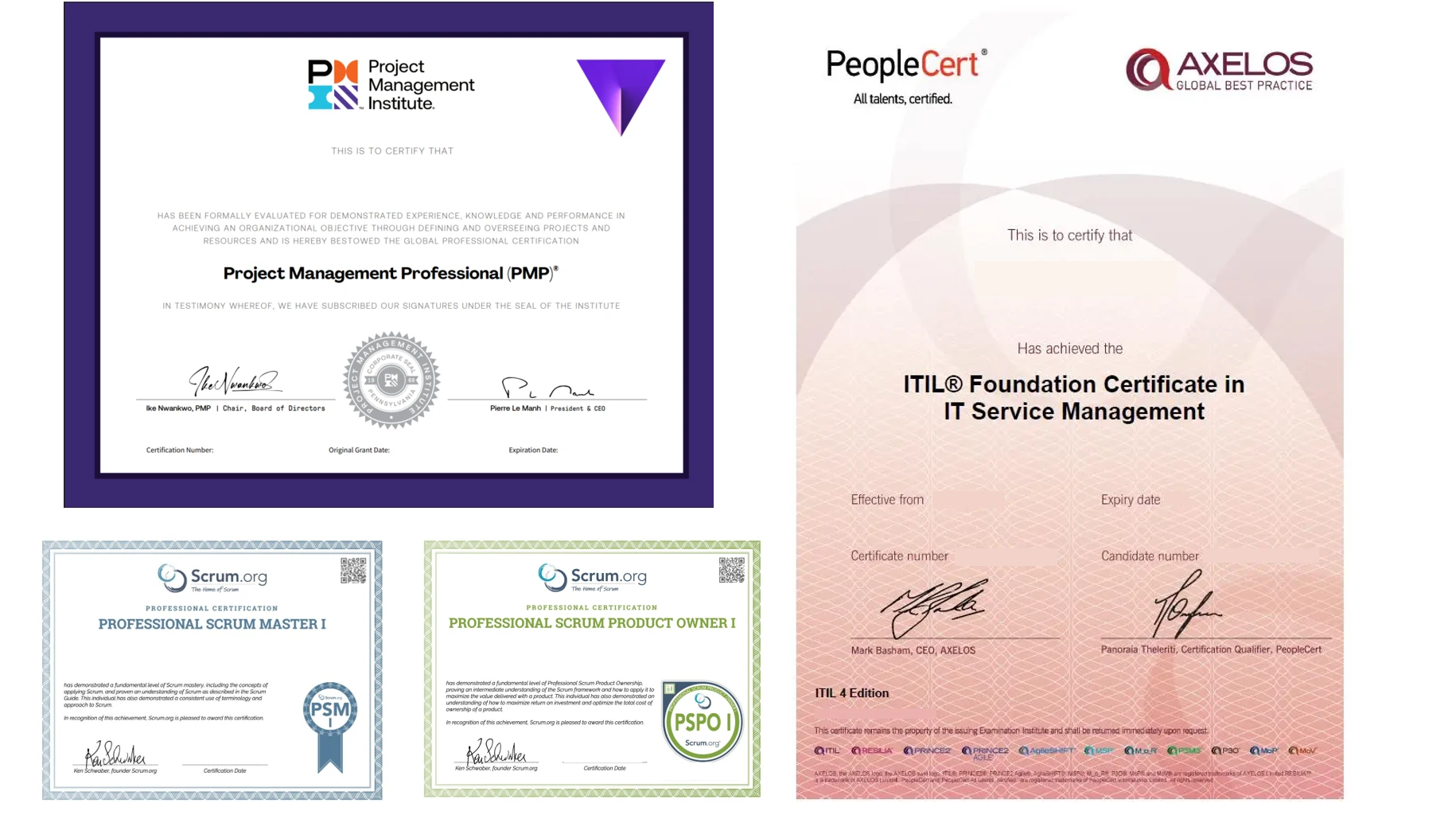
Led by PMP® certified consultants to keep delivery clear and controlled

We use a structured project process to keep the system moving:

  • Certified guidance: senior consultants lead implementation
  • Clear tracking: every delivery milestone is visible
  • Accurate fit: agile delivery keeps the workflow aligned with your marketing context
How do you keep the project on schedule?

Do we need to enter old content data manually?

Our team handles the hardest part of content and schedule migration

We provide migration support for a smoother transition:
  • Handled by specialists: clean old post content and schedule records
  • Complete transfer: reduce manual re-entry of historical content
  • Quality control: consultants review migration consistency
Do we need to enter old content data manually?

Can we keep our own backup?

Can sync automatically to your private cloud storage

You can keep control of your post and schedule data:

  • Auto sync: daily encrypted backups to your selected cloud drive
  • Data access: retrieve post content and schedules when needed
  • Transparent setup: content data remains easier to manage and audit
Can we keep our own backup?

Can another vendor maintain it later?

Optional source code licensing to reduce vendor lock-in

For teams with long-term technical planning needs, we provide extra protection:
  • Source licensing: optional open source arrangement
  • Less lock-in: future self-hosting can be discussed
  • Business continuity: protect the system as a long-term operating asset
Can another vendor maintain it later?

How does Oneflash Agentic Business Suite support social content?

Not only a scheduler, but a collaborative content system

Oneflash Agentic Business Suite is an AI agentic business system for SMEs.
  • Unified data: content, assets, channels, publishing and results stay together
  • Expandable modules: add approvals, asset libraries, CRM or reporting later
  • AI collaboration: connect AI agents through MCP to draft content, organise assets and schedule publishing
How does Oneflash Agentic Business Suite support social content?

Is the team experienced enough?

A team combining AI product thinking and 20 years of enterprise system experience

The Oneflash team combines AI agents, business systems and local SME implementation experience:

  • Market recognition: technical work recognised by listed companies and business awards
  • Deep experience: ERP, CRM and operating system delivery background
  • Implementation ability: clear UI, stable architecture and consultant-led delivery
Is the team experienced enough?

More implementation and support questions

Keep brand visibility consistent without manual scheduling

Can content be published to multiple social platforms at the same time?
Yes. Edit once and publish to Instagram posts, Facebook pages and LinkedIn to make content reuse easier.
Does it support scheduled publishing?
Yes. You can plan a full month of posts at once, and the system will publish them automatically at the selected times.
Does it support Instagram Reels publishing?
Yes. Upload short videos, set covers and captions, then let the system publish them to IG Reels on schedule.
Can we view likes and comments after publishing?
Yes. Social insights are shown in one dashboard so you can review interaction performance without switching between apps.
Can we reply to customer comments in the backend?
Yes. The unified inbox brings Facebook and Instagram comments and messages into one place for follow-up.
Will automated publishing risk account suspension?
No. We connect through official APIs and follow Meta developer requirements for a stable publishing workflow.
Can posts automatically tag ecommerce products?
Yes. With product catalogue sync, you can select store products inside the editor and shorten the buying journey.
Can comments trigger keyword auto-replies?
Yes. For example, when a customer comments "+1", the system can send a product link and purchase details by message.
Can scheduled posts be edited before publishing?
Yes. Before a post goes live, you can edit copy, change images or adjust publishing time from the calendar view.
Does it support team review workflows?
Yes. Staff can draft posts and supervisors can approve them before scheduling, keeping brand voice consistent.

Build a social publishing workflow that supports content planning, cross-platform scheduling and team collaboration.

Do you have 5 minutes ?

Let’s make content scheduling and brand communication more systematic

Preferred Call Time *

Contact us

Consultants Online:0, Last Updated: 2026-06-22, 05:00

Please leave a message and we will reply on the next business day.