★★★★★Used and validated by Hong Kong SME teams

Leave Management System

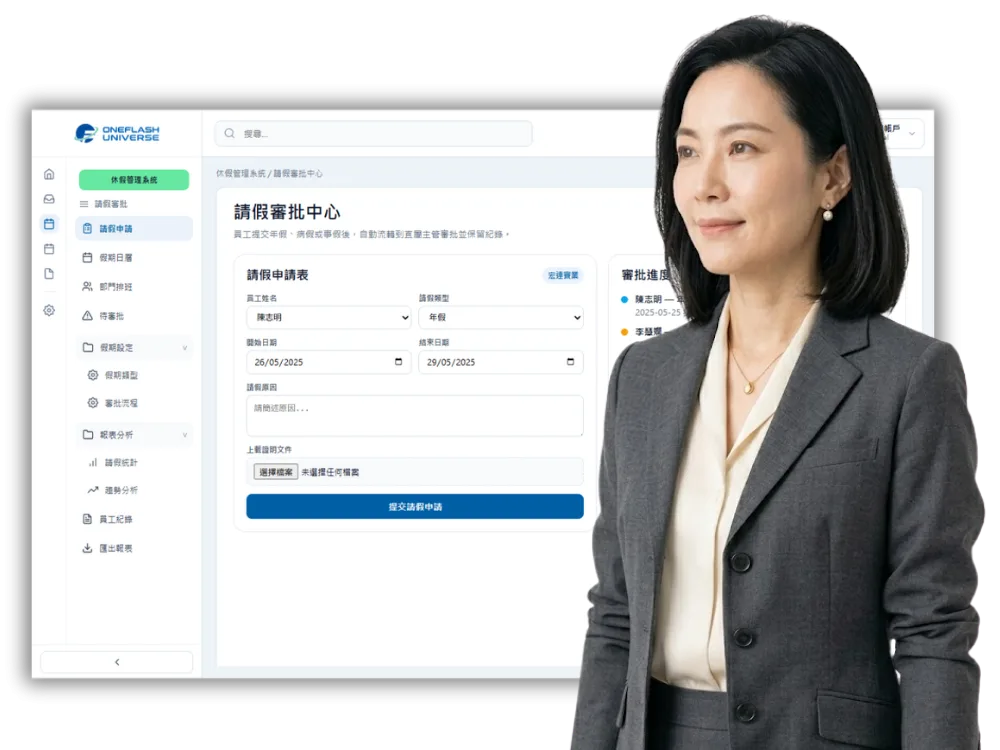
Manage leave requests, annual leave balances and approval records in one place, without scattered Excel files and WhatsApp messages.

Automatic leave balance Mobile approval
See our background

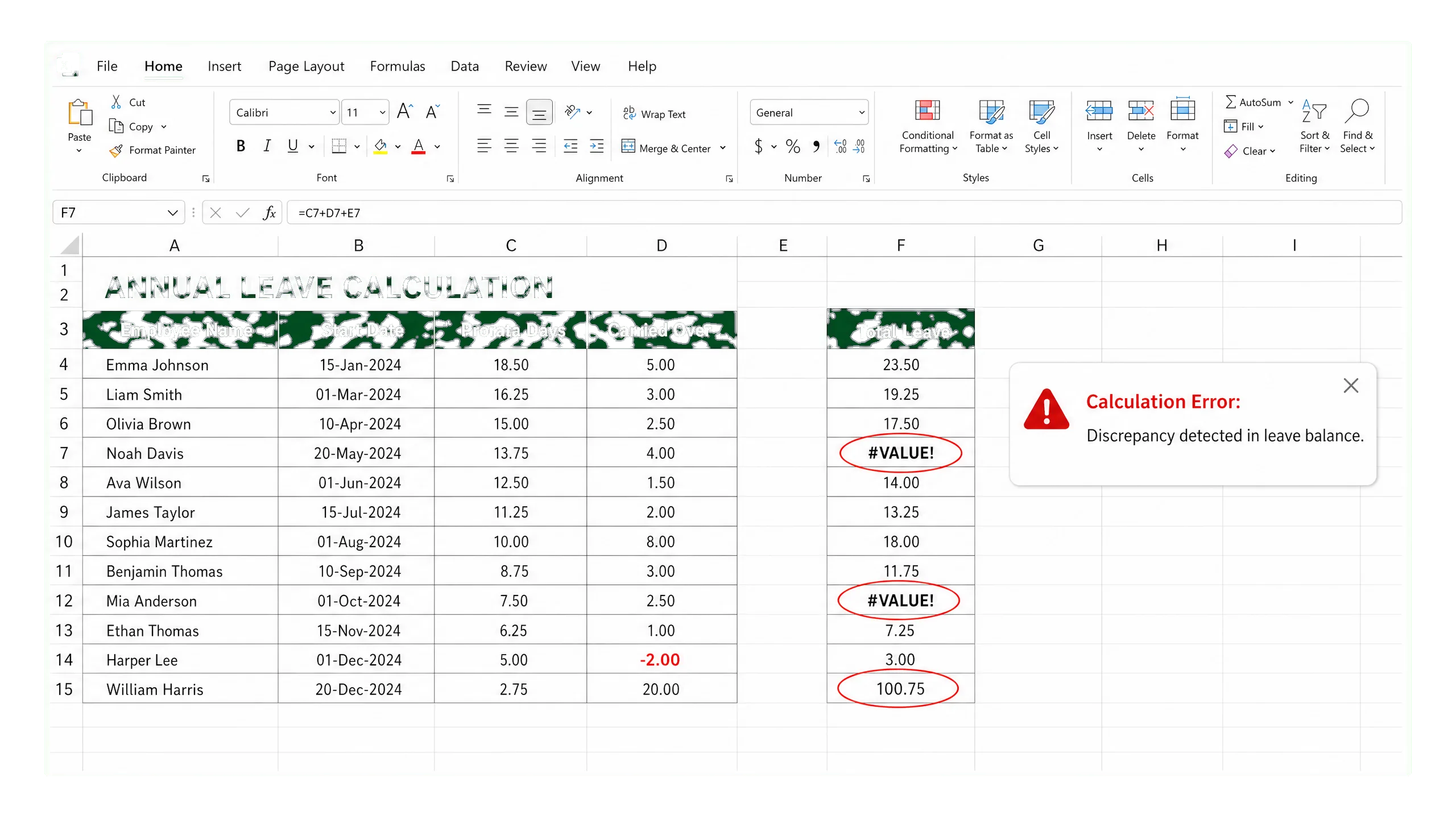
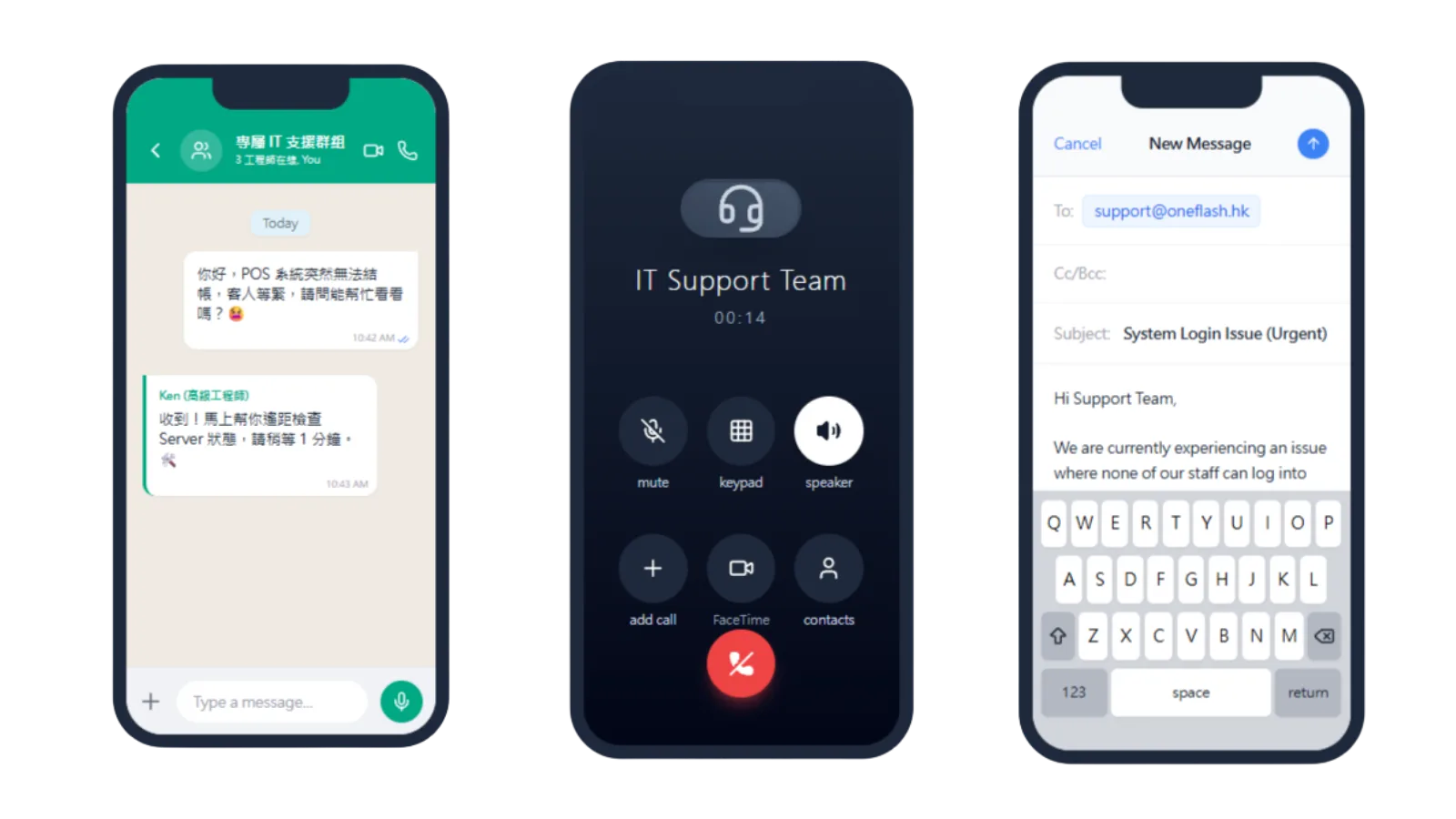
Is your team still handling leave through messages, spreadsheets and memory?

Leave records are hard to track

  • Leave requests are split across WhatsApp, verbal updates and different forms
  • Without formal records, month-end checking can create disputes
  • Admin needs one place for leave reasons and supporting documents
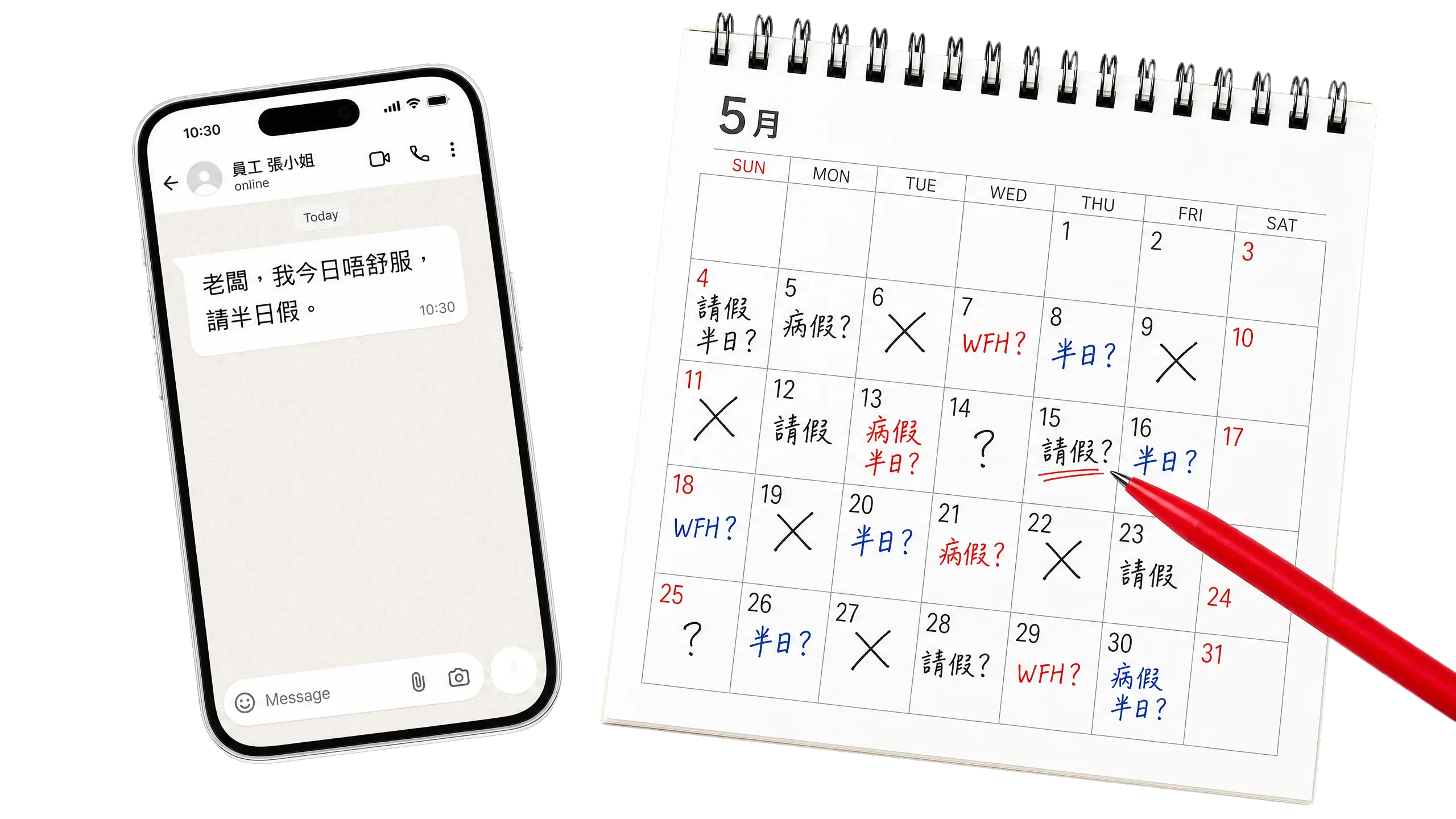
Are leave requests still scattered across WhatsApp messages and verbal updates?

Leave records are hard to track

Annual leave calculations go wrong easily

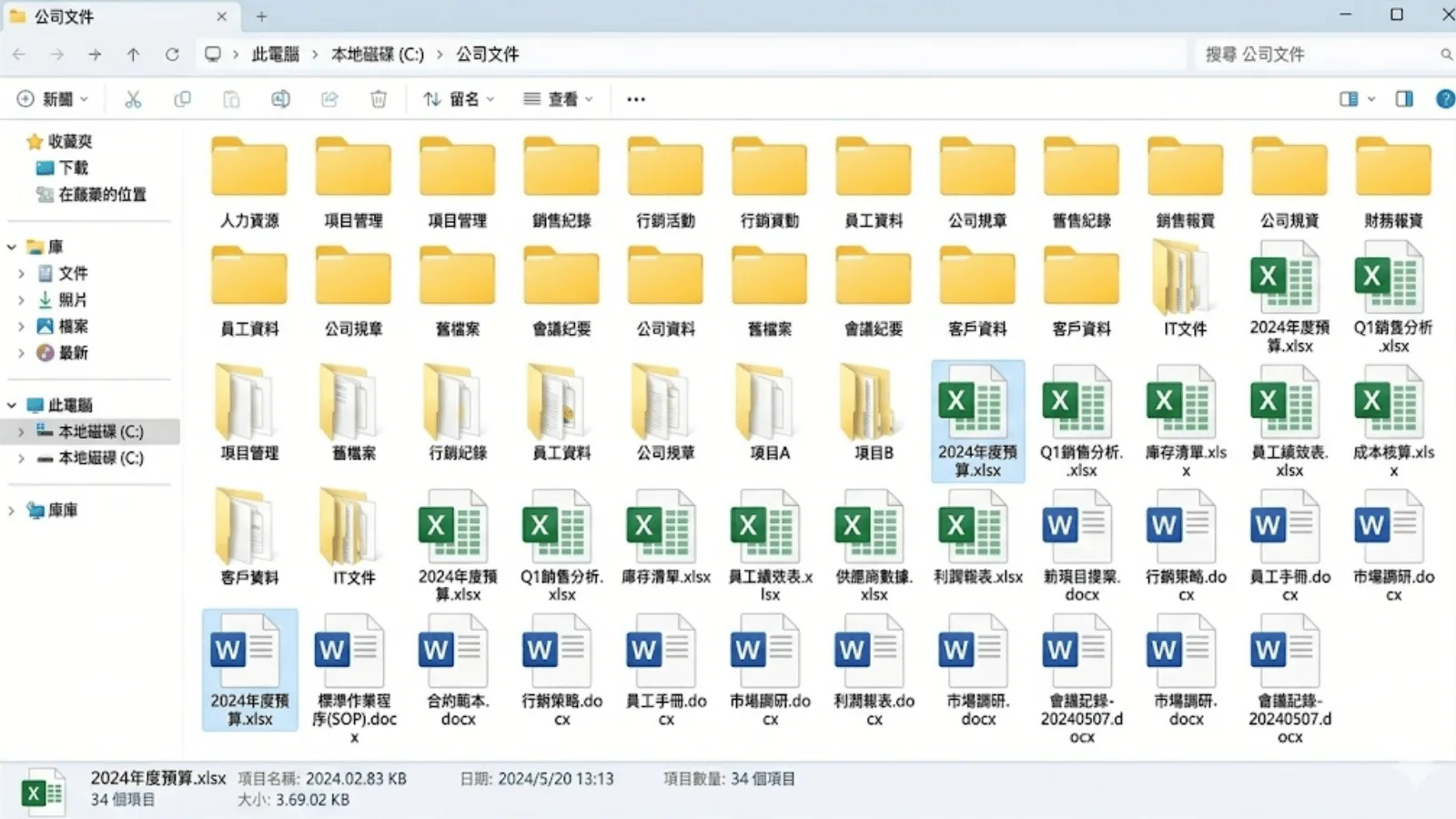
  • Different start dates make pro-rata leave easy to miscalculate
  • Carry-forward and first-year leave rules need clear logic
  • Manual Excel formulas increase admin and compliance risk

Are start dates, pro-rata leave and carry-forward rules still calculated in Excel?

Annual leave calculations go wrong easily

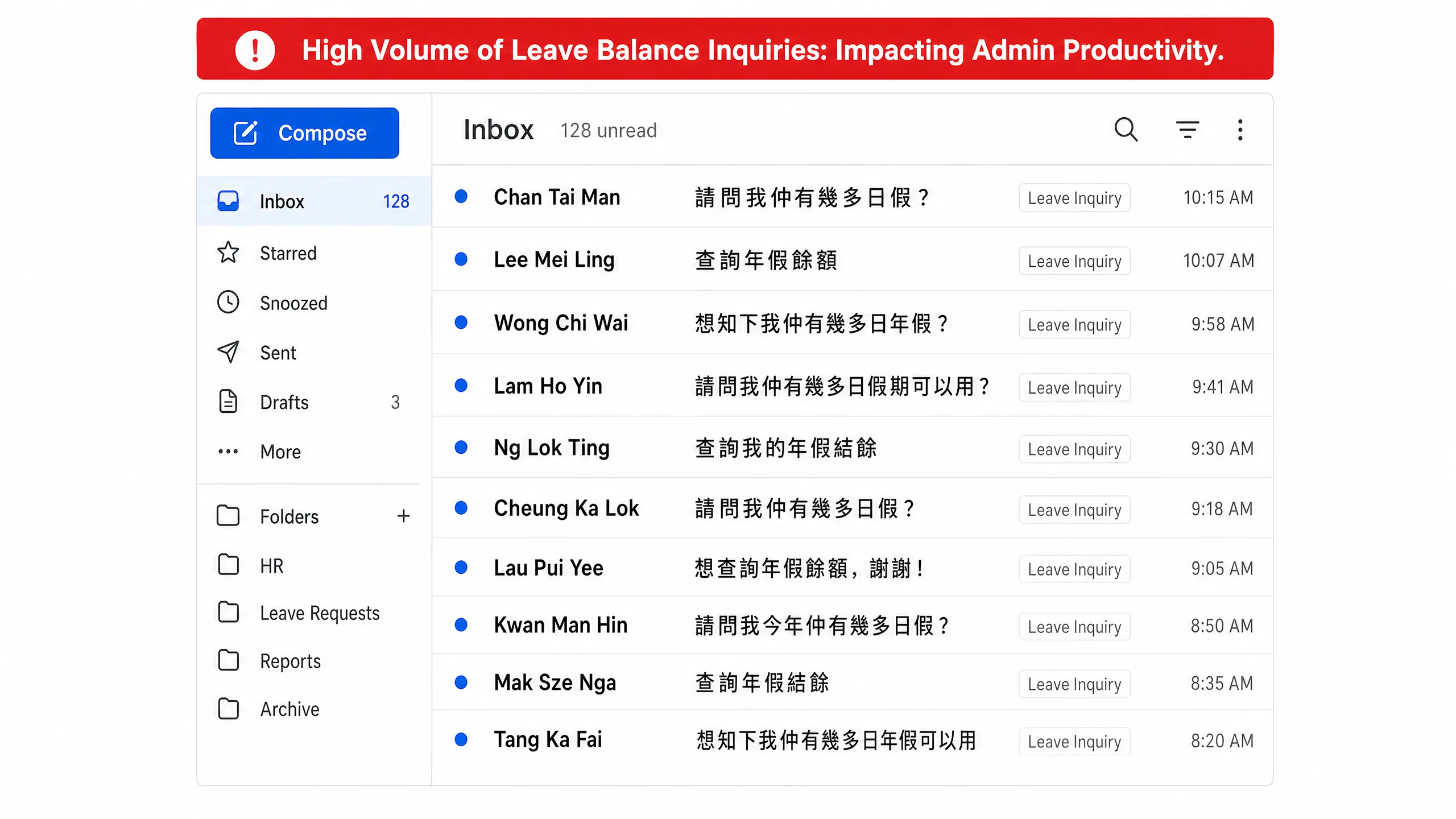
Leave balances are not transparent

  • Employees often ask about remaining leave balances
  • Admin staff repeatedly check spreadsheets to reply
  • Without self-service access, long-leave planning and staffing become harder

Do employees still need admin staff to check their remaining leave balance?

Leave balances are not transparent

How leave management becomes clearer

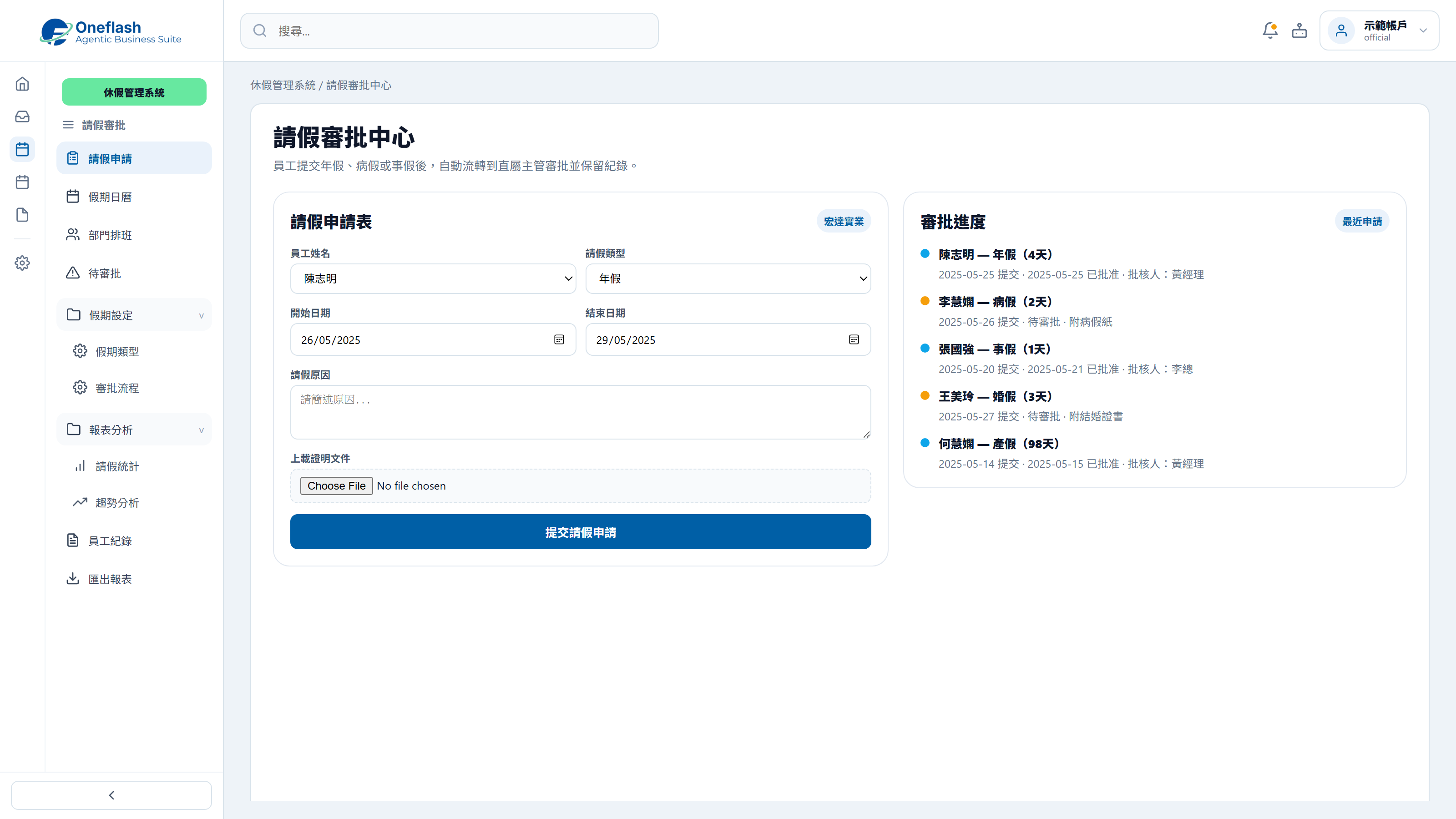
Mobile leave approval

Employees choose leave dates and upload proof on mobile, while managers receive notifications for quick approval.

Mobile leave approval

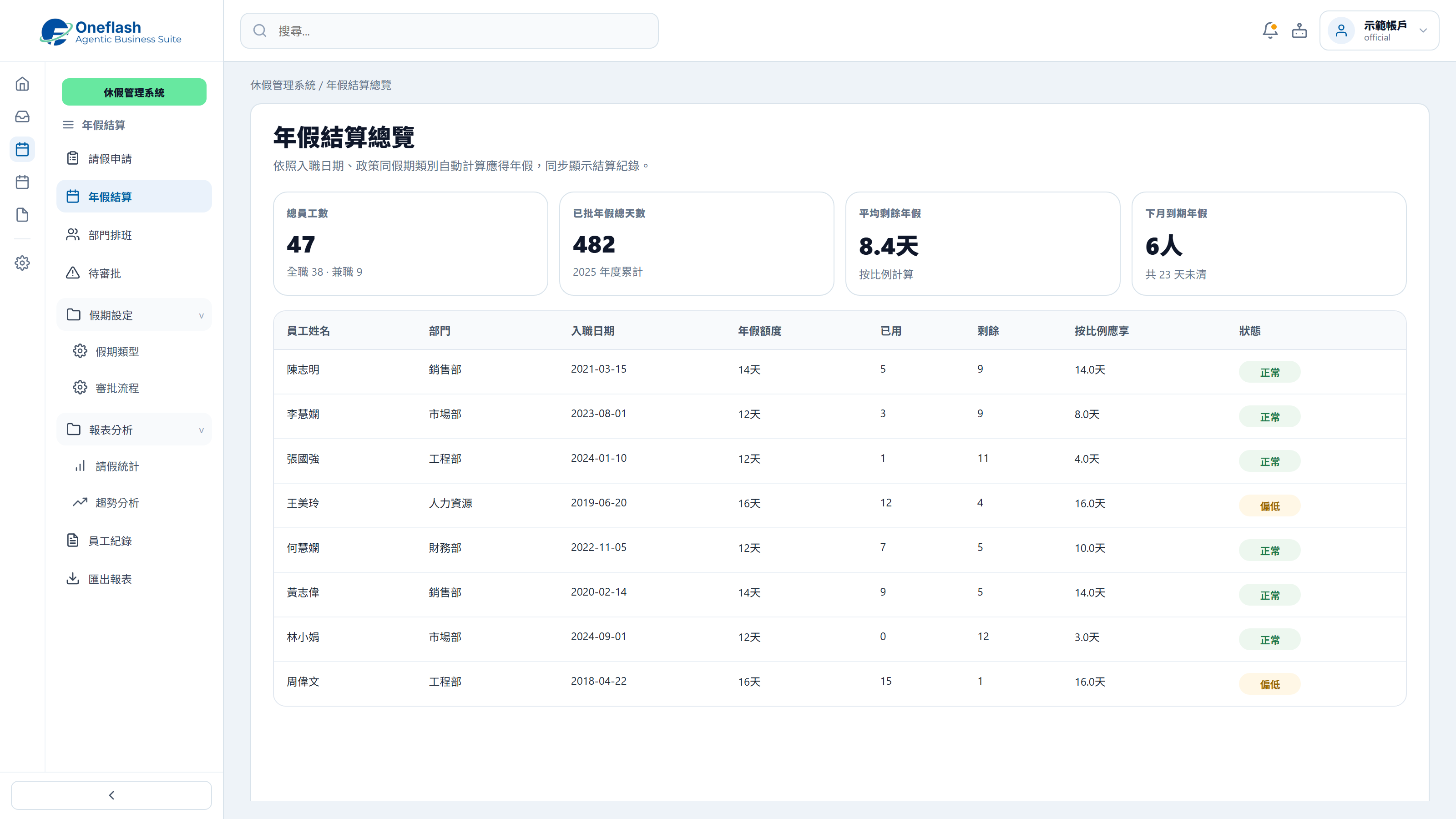
Automatic leave balance calculation

The system calculates annual leave by start date and company policy, reducing manual errors.

Automatic leave balance calculation

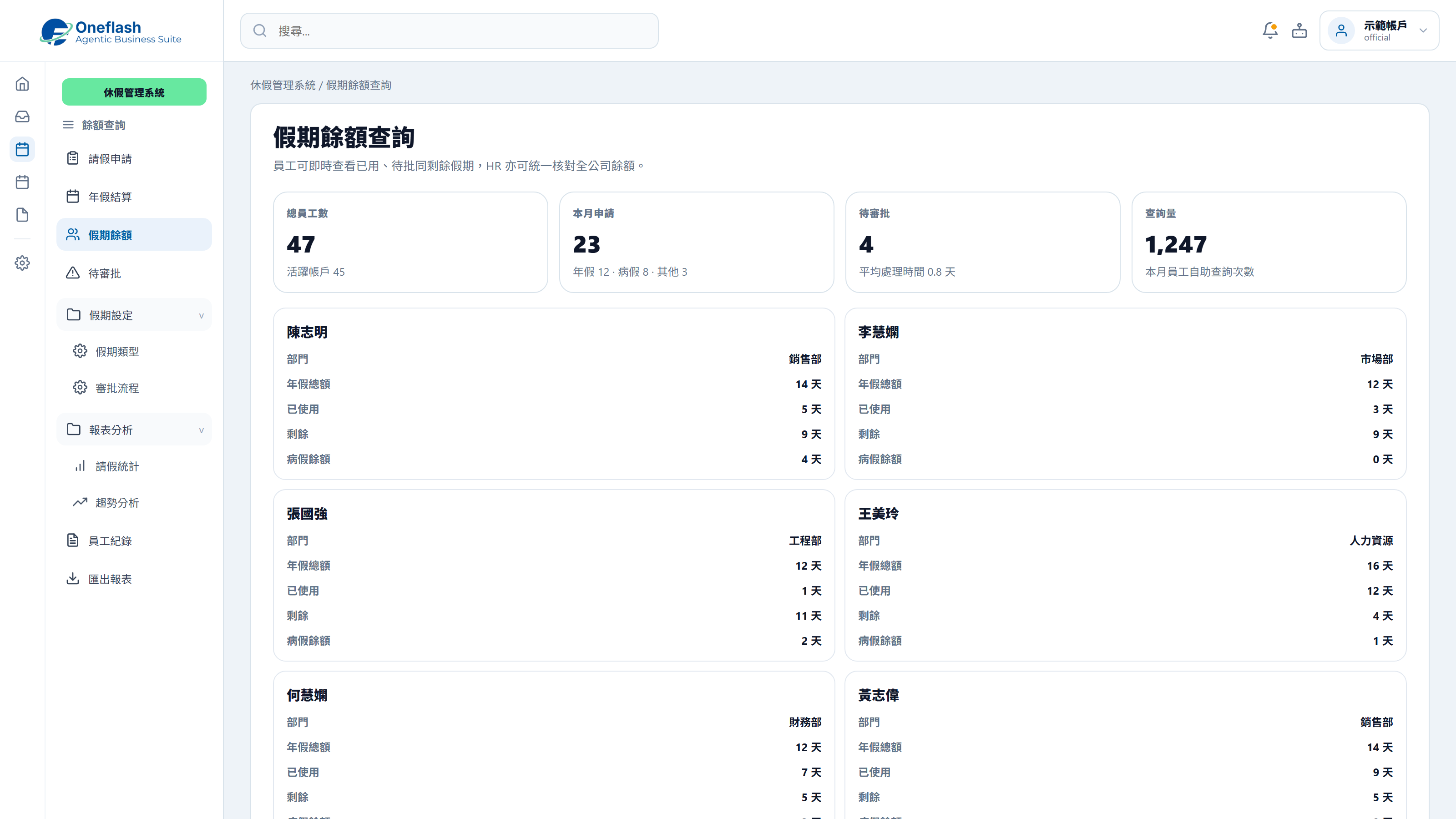
Employee self-service leave view

Employees can check used and remaining leave themselves, so admin teams answer fewer repeat questions.

Employee self-service leave view

Could one instruction handle repeated work?

Connect AI agents through MCP and start system tasks with one instruction

AI operations assistant

HR lead

Organise today’s leave requests. Check leave balance, team roster, and conflicts, then send them for approval.

AI leave agent

  • Read leave requests and balances
  • Check roster, overlapping leave, and staffing impact
  • Prepare approval suggestions and backup arrangements
  • Wait for approval before updating leave status

The leave approval list is ready, including balances, roster impact, and recommendations. Please review before approving.

Leave approval

Approve AI to update these leave request statuses?

AI that works under your team

Give each team member an AI assistant. People give instructions, and AI does the work.

AI that works under your team

People approve key actions

AI can prepare tasks. Important actions still need a person to check and approve.

People approve key actions

Clear access rules

AI only sees the data it is allowed to use. This helps keep business data safer.

Clear access rules

Connect your AI tools

Connect tools like Manus and Claude to daily work. Keep tasks, permissions, and results in one system.

Connect your AI tools

In 2026, does leave management also need fuller HR support?

More leave management tools for teams, records and policy rules

Team roster overview

Show who is already on leave during approval, so managers can avoid staffing gaps.

Digital sick leave proof

Let employees upload sick leave certificates, with records stored for review and audit.

Public holiday rules

Built-in Hong Kong holiday rules help leave calculations exclude non-working days correctly.

TOIL and overtime leave records

Record time-off-in-lieu after approval, so overtime leave balances are clear.

Leave report export

Export monthly or yearly leave summaries for payroll, accounting and internal review.

Flexible leave policy settings

Configure carry-forward, unused leave payout and other company-specific leave rules.

Leave management may look small, but repeated balance checks, approvals and records quickly drain admin time. A clearer system helps managers focus on actual team planning.

After launch, where will HR workflow improvements become visible?

Measure results through leave records, approval time and balance calculation

Automated calculation reduces manual input errors and helps teams manage leave records more consistently.

HR Compliance Audit

Self-service leave access helps employees understand balances and policies without repeated admin checks.

Workplace Trend Report

Digital leave workflows reduce repeated communication around balances, approvals and monthly checking.

Operational Efficiency Lab
Before
After
Leave request method
Informal WhatsApp messages get missed
Mobile submission with structured records
Annual leave calculation
Manual Excel formulas are error-prone
System calculates pro-rata leave automatically
Balance checking
Employees keep asking admin staff
Employees check balances themselves
Team staffing
Staffing gaps discovered after approval
Roster view shows conflicts before approval
Document records
Paper documents are easy to lose
Sick leave proof stored in the cloud

Worried your IT project will drag on?

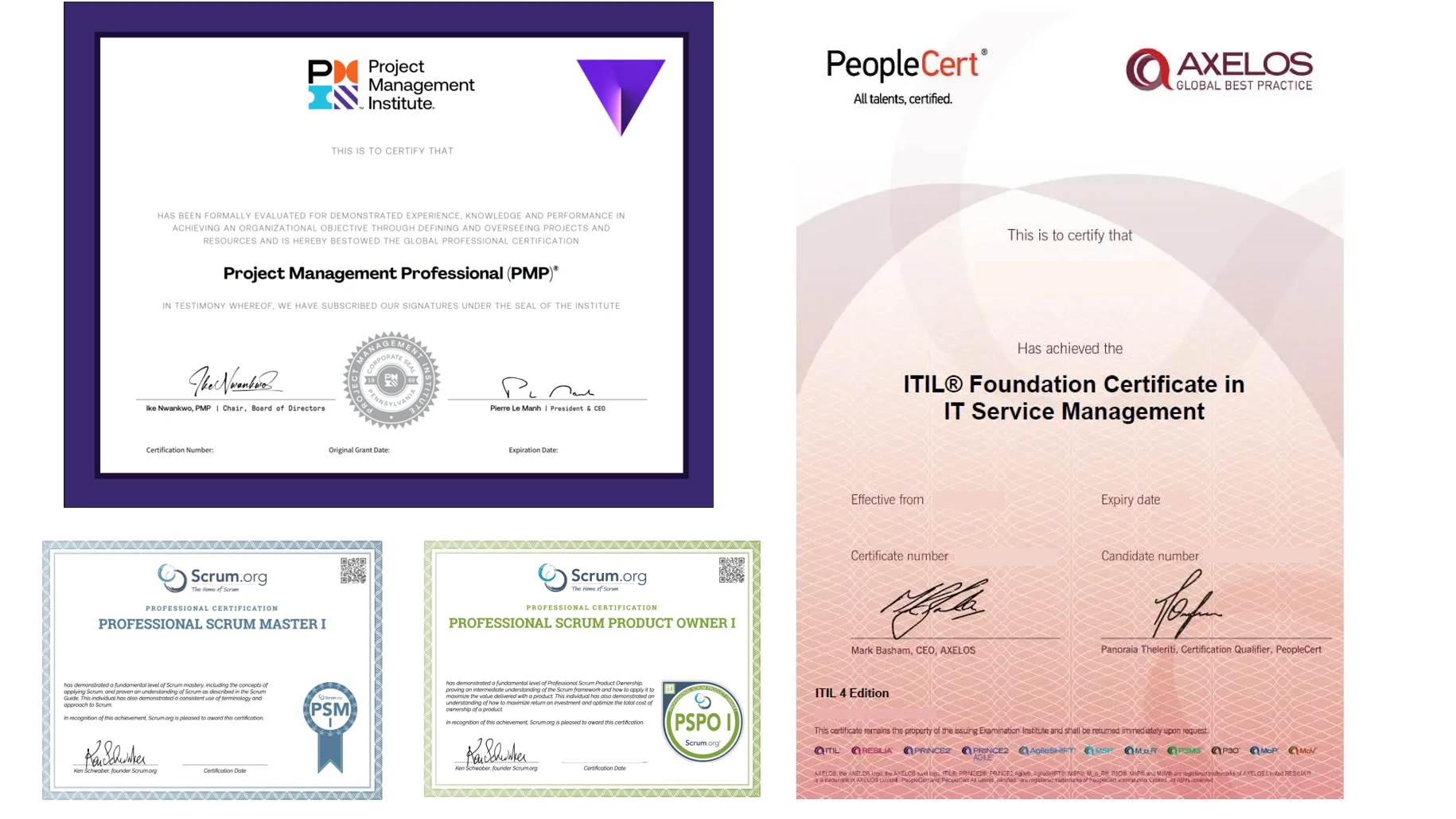
Managed by PMP® consultants with a clear delivery process

01

Discovery

Turn business goals into system logic, instead of forcing a template.

  • Workflow review: identify pain points in the current process
  • Solution walkthrough: align expected results before build
02

Data migration

We help organise and import existing data to reduce the migration burden.

  • Data cleanup: prepare old records before import
  • Acceptance testing: verify key flows before launch
03

Launch

After setup, the system can go live with local support available by priority.

  • System handover: launch after required settings are complete
  • Ongoing support: local team follows up on usage issues

We understand the questions that come before a new system goes live

Common questions before implementation

Is employee leave data protected?

Cloud protection for HR and leave records

Employee profiles and leave records are protected with cloud security controls:
  • Secure access: SSL encryption and DDoS protection
  • Data encryption: protection for HR and leave data in transit and at rest
  • Backup planning: off-site backup and recovery support
Is employee leave data protected?

Will learning the system take a long time?

Designed for staff and managers to use quickly

The leave workflow is designed for quick adoption:
  • Simple UI: request and approve leave in a few steps
  • Practical flow: built around everyday staff leave habits
  • Short training: employees can start using it quickly
Will learning the system take a long time?

What if the team has questions during daily use?

Local WhatsApp support for daily operation

Our local team supports daily leave management questions:

  • Quick support: ask about leave calculation or policy setup through WhatsApp
  • Operational follow-up: reduce disruption when admin issues appear
  • Advisory input: get practical guidance on leave policy management
What if the team has questions during daily use?

How do you keep the project on schedule?

Structured delivery for leave management systems

We manage delivery with clear milestones and ownership:

  • Consultant-led setup: leave workflow is guided from start to launch
  • Visible progress: deployment milestones are tracked clearly
  • Business fit: system logic follows your HR policy and approval flow
How do you keep the project on schedule?

Do we need to enter old data manually?

Support for moving staff and leave records

We can help prepare and migrate existing HR leave records:
  • Data cleanup: organise old employee leave balances and history
  • Migration support: reduce manual re-entry work
  • Quality check: review key records before daily use
Do we need to enter old data manually?

Can we keep our own data backup?

Leave data can be backed up separately

You can keep an extra copy of important HR leave records:

  • Scheduled backup: leave records can be synced securely
  • Data control: access staff leave history when needed
  • Clear process: make HR data management more transparent
Can we keep our own data backup?

Can another vendor maintain it later?

Optional source-code arrangement for long-term flexibility

For teams that need more control, we can discuss extra ownership options:
  • Source-code option: available for selected projects
  • Less lock-in: support future hosting and maintenance choices
  • Business continuity: keep HR workflows manageable
Can another vendor maintain it later?

How does Oneflash Agentic Business Suite support leave management?

Not just leave forms, but verifiable HR workflows

Oneflash Agentic Business Suite is built for SMEs that need connected business workflows.
  • Unified records: employees, leave requests, approvals and balances in one place
  • Modular growth: add rosters, payroll, notifications or reports later
  • AI collaboration: connect AI agents through MCP to check balances, organise requests and remind approvers
How does Oneflash Agentic Business Suite support leave management?

Is the Oneflash team experienced enough?

AI product thinking with enterprise system experience

The Oneflash team combines AI agent work with business system delivery:

  • Market validation: experience recognised by enterprise clients and awards
  • System background: ERP, CRM and operation system development experience
  • Delivery focus: clear UI, stable architecture and consultant-led rollout
Is the Oneflash team experienced enough?

More implementation and support questions

Move leave requests out of scattered messages

Can employees request leave on mobile?
Yes. Employees can log in on mobile, choose the leave type and dates, and submit the request without paper forms.
Can managers see who is on leave that day?
Yes. The leave calendar shows team availability by department, so managers can plan staffing more easily.
Will the system calculate annual leave balances automatically?
Yes. Balances can be calculated by start date and company policy, with remaining days visible to employees.
Does it support different leave types?
Yes. Annual leave, sick leave, TOIL, maternity leave, paternity leave and document requirements can be configured.
How does the approval workflow work?
After submission, the approver receives a notification. Once approved, the employee gets confirmation and the balance updates automatically.
Can it handle half-day or hourly leave?
Yes. Leave units can be configured for half-day, hourly or other flexible arrangements.
Does it support leave carry-forward?
Yes. You can set whether unused leave expires at year-end or carries forward with a limit.
Can leave data be exported for payroll?
Yes. Monthly attendance and leave summaries can be exported for payroll and accounting checks.
Can the system exclude public holidays automatically?
Yes. Hong Kong public holidays can be built in, so non-working days are excluded from leave calculations.
Can this help small companies manage informal leave practices?
Yes. A structured workflow makes leave rules clearer, reduces disputes and improves management consistency.

Build a leave workflow that keeps requests, balances, approvals and records clear for both employees and managers.

Do you have 5 minutes ?

Reduce leave calculation, approval and manual checking

Preferred Call Time *

Contact us

Consultants Online:0, Last Updated: 2026-06-22, 05:00

Please leave a message and we will reply on the next business day.