★★★★★Used and validated by Hong Kong SME teams

POS System

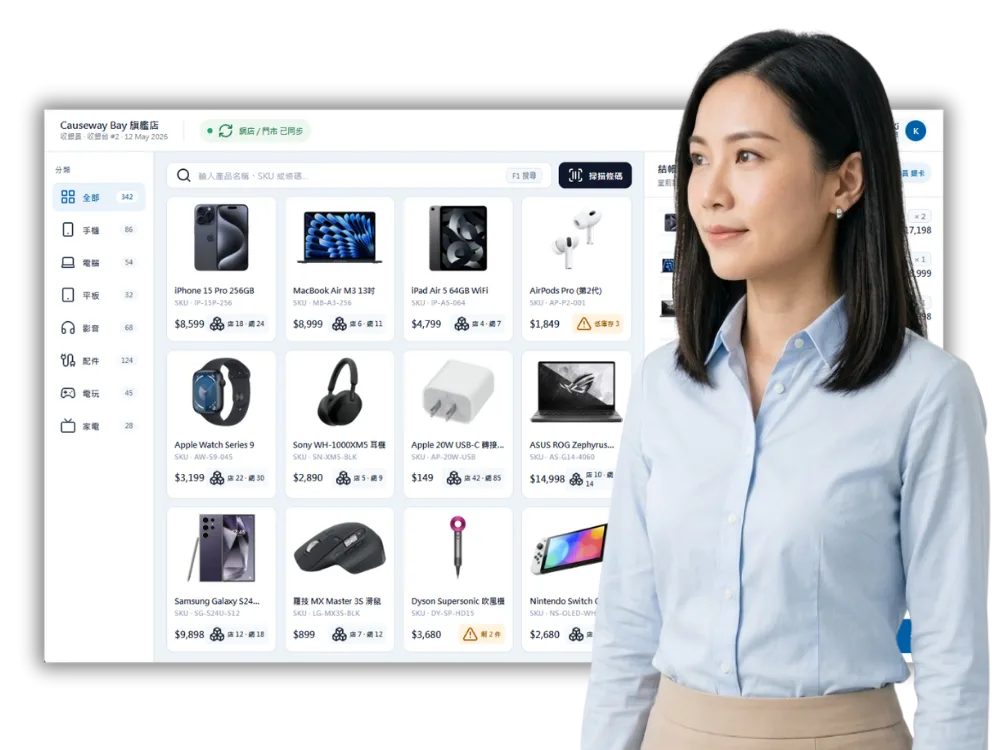
Manage store checkout, payments, membership and inventory data in one place.

Store checkout settlement Member and inventory sync Tablet POS operation
See our background

In 2026, are your store and ecommerce records still managed separately?

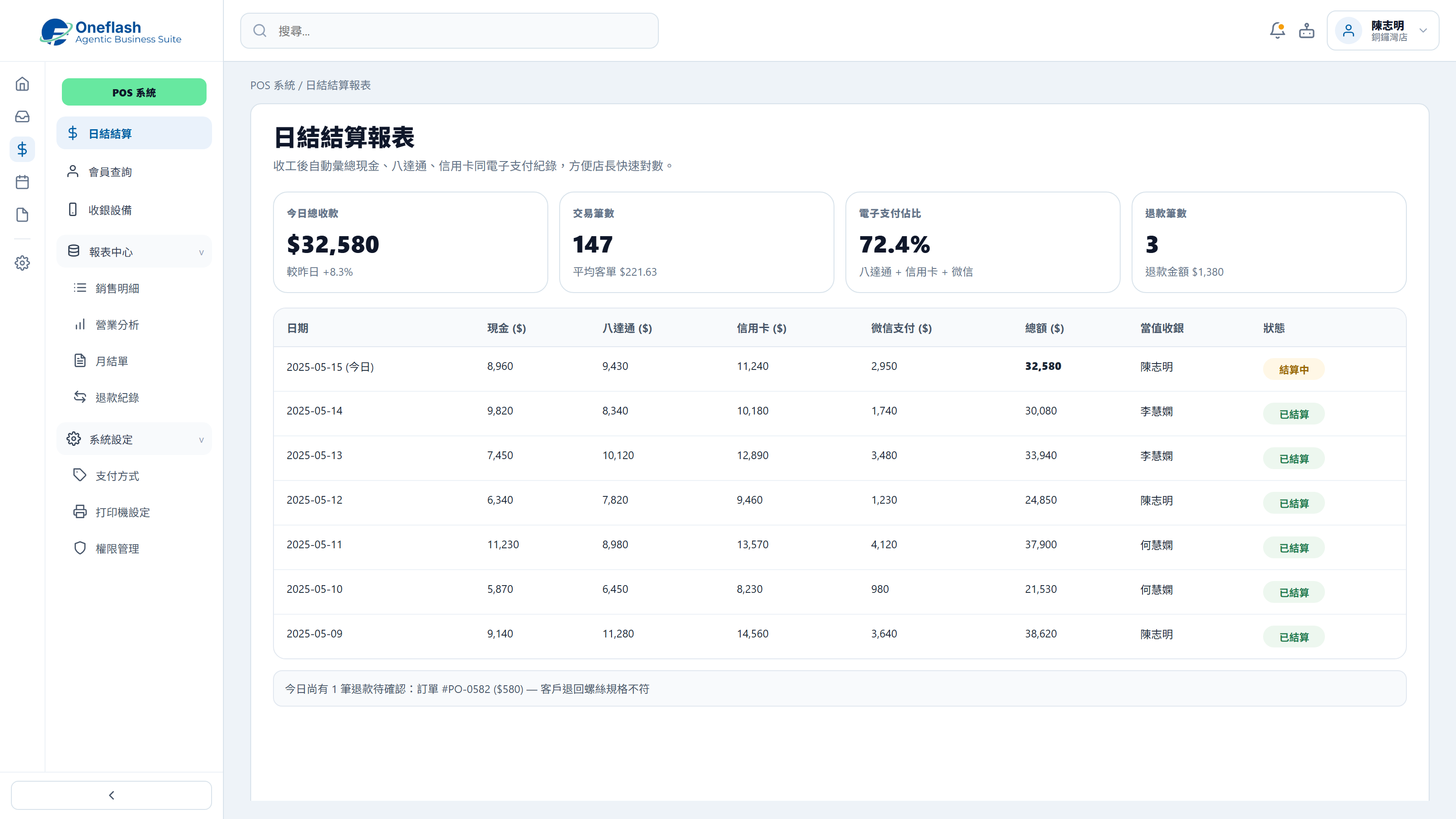
Daily settlement takes time and creates errors

  • Stores now receive payment through more channels
  • Scattered records make daily settlement slower
  • Missing or duplicate entries affect checkout accuracy

Does your team still check cash, cards and e-payment records one by one after closing?

Daily settlement takes time and creates errors

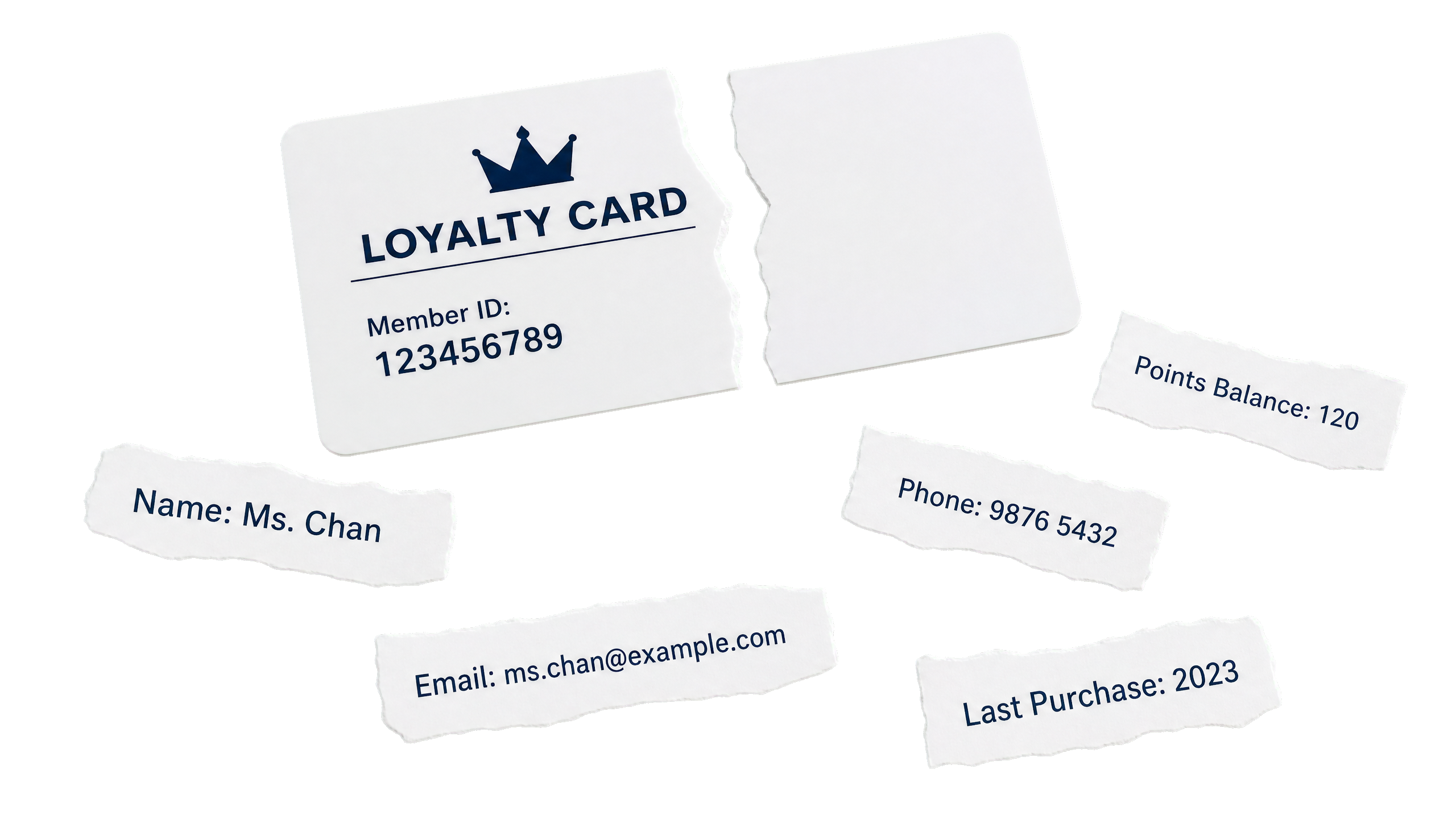
Member records are not synchronised

  • Ecommerce, store and member records are managed separately
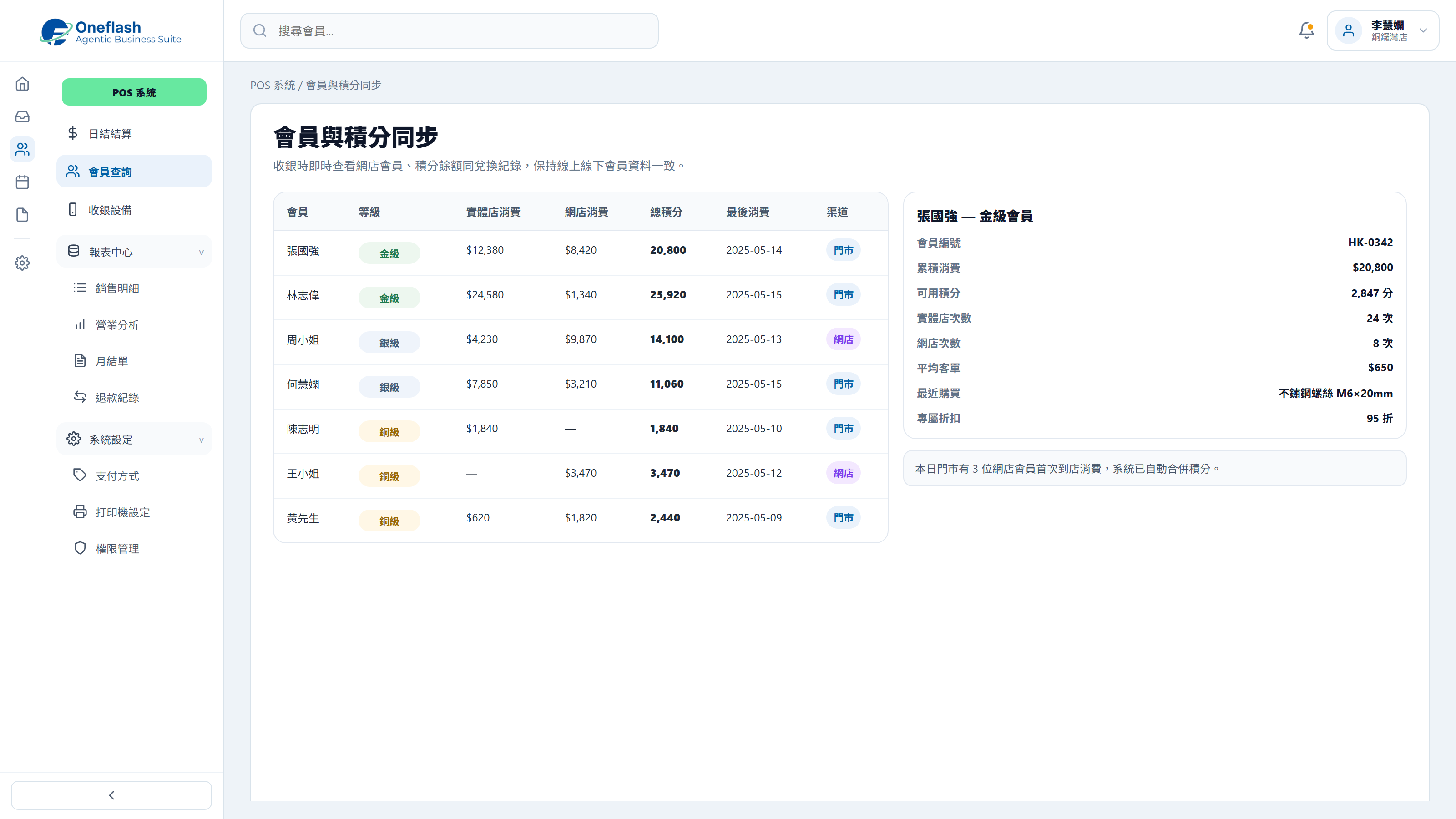
  • Staff cannot instantly view points, purchase history or customer status
  • Cross-channel service becomes inconsistent

Can store staff see a customer’s ecommerce purchase record when they visit the shop?

Member records are not synchronised

Checkout hardware is not flexible enough

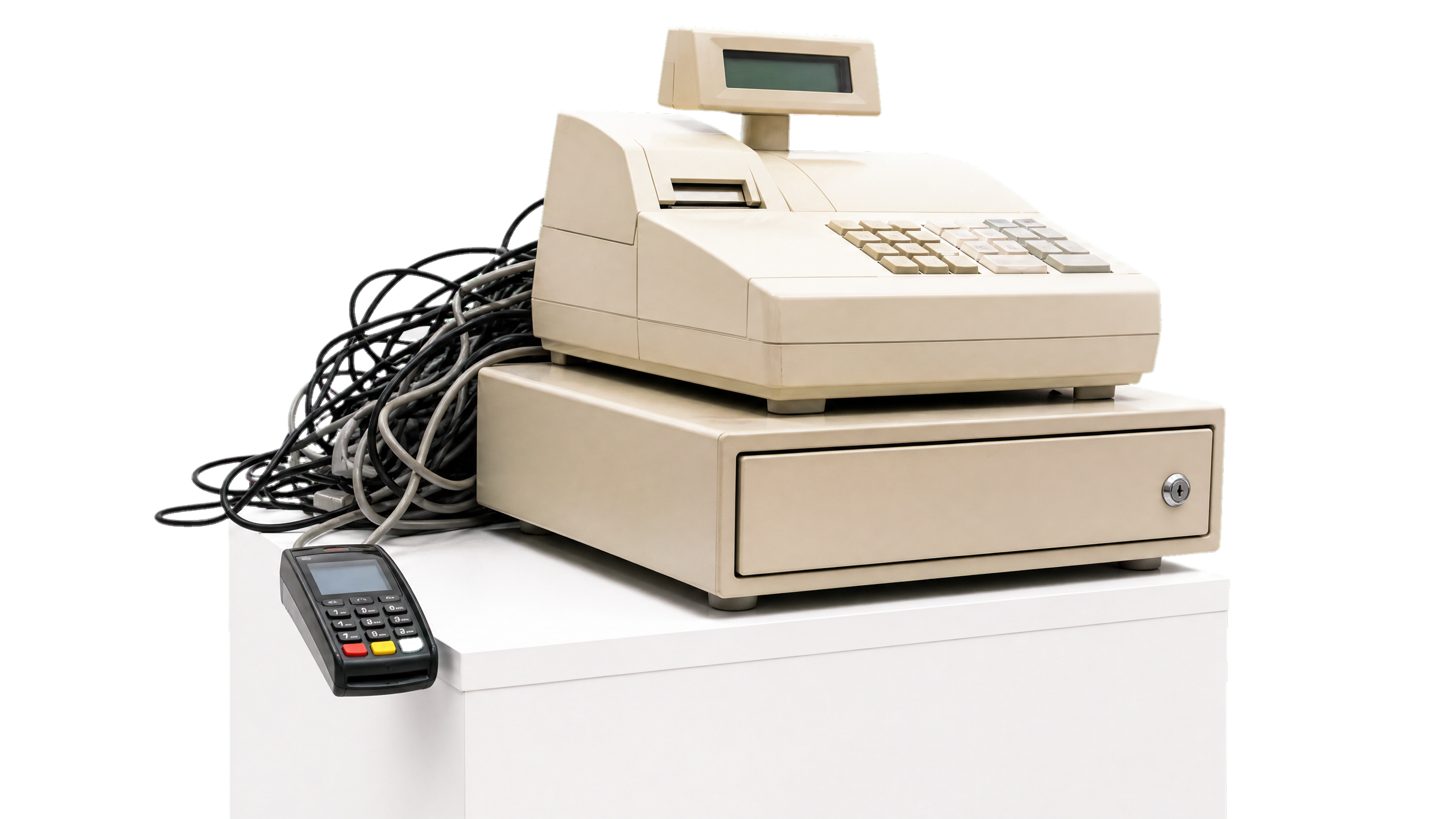
  • Fixed POS hardware may not suit temporary counters or small spaces
  • Teams need a setup that connects payment, printing and scanning devices
  • Pop-ups and small stores need a lighter checkout flow

Do pop-ups, exhibitions or small shops need a lighter checkout setup?

Checkout hardware is not flexible enough

Is there a clearer way to manage retail operations?

Store Checkout Settlement

Support in-store payments and daily settlement reports to reduce manual reconciliation.

Store Checkout Settlement

Member Data Sync

Let store staff view member records, points and ecommerce data at the counter.

Member Data Sync

Tablet POS Operation

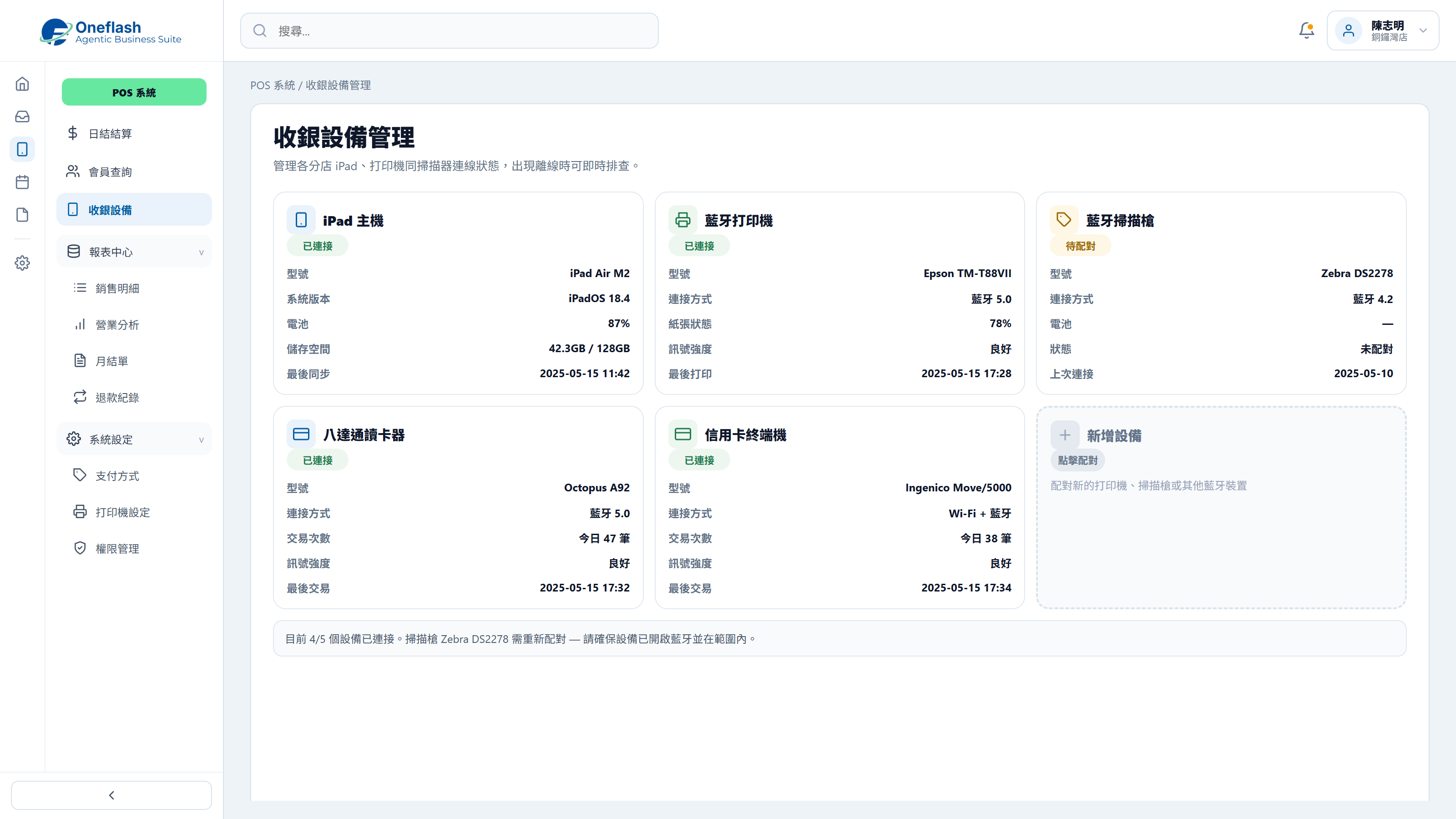
Run checkout on a tablet and connect printers, scanners and payment devices.

Tablet POS Operation

Could one instruction handle repeated work?

Connect AI agents through MCP and start system tasks with one instruction

AI operations assistant

Retail operations lead

Apply the weekend promotion to POS, updating selected product prices, promotion period, and cashier notes, then send it for approval.


AI POS operations agent

  • Read product list and current POS prices
  • Prepare promotional products, discounts, and active period
  • Create POS price update draft
  • Wait for approval before syncing to stores

The POS promotion draft is ready, including products, prices, period, and cashier notes. Please review before syncing.

POS promotion approval

Approve AI to sync this promotion to POS?

AI that works under your team

Give each team member an AI assistant. People give instructions, and AI does the work.

AI that works under your team

People approve key actions

AI can prepare tasks. Important actions still need a person to check and approve.

People approve key actions

Clear access rules

AI only sees the data it is allowed to use. This helps keep business data safer.

Clear access rules

Connect your AI tools

Connect tools like Manus and Claude to daily work. Keep tasks, permissions, and results in one system.

Connect your AI tools

In 2026, does retail operations need a more complete store setup?

More Retail Operations Features for Checkout, Membership and Inventory Sync

Real-time Inventory Sync

Deduct ecommerce inventory immediately after store sales so stock stays accurate across channels.

Offline Mode

Continue checkout when the network drops, then sync records back to the cloud after reconnection.

Flexible Promotion Engine

Run bundle offers, add-on deals and discounts automatically after staff scan the items.

Multi-level Permission Control

Control refunds, price changes and sensitive actions with traceable staff operation records.

Live Sales Analytics

View store revenue and best-selling products from the backend, even when you are away.

Return and Exchange Management

Handle pickup, exchange and return cases by scanning e-receipts with clear records.

Centralise store sales, member data, inventory and daily settlement so retail operations are easier to track.

Which store workflows should improve after launch?

Measure results through checkout, settlement and online-offline sync

Retail trends in 2026 show that brands with consistent online and offline experiences build stronger loyalty.

Harvard Business Review

Automated settlement and simpler POS operations let store staff spend more time serving customers.

Retail Dive

Tablet POS setups improve store space usage and support more flexible pop-up retail operations.

Forbes
Before
After
Settlement process
Check receipts and slips manually
System generates settlement reports
Customer management
Customer data kept on paper
Store and ecommerce member data shared
Hardware needs
Heavy dedicated machines
Lightweight iPad setup
Inventory updates
Deduct ecommerce stock after closing
Real-time stock deduction
Expansion ability
Costly hardware for each new store
Add stores and pop-ups quickly

Worried your IT project will drag on?

Managed by PMP® consultants with a clear delivery process

01

Discovery

Turn business goals into system logic, instead of forcing a template.

  • Workflow review: identify pain points in the current process
  • Solution walkthrough: align expected results before build
02

Data migration

We help organise and import existing data to reduce the migration burden.

  • Data cleanup: prepare old records before import
  • Acceptance testing: verify key flows before launch
03

Launch

After setup, the system can go live with local support available by priority.

  • System handover: launch after required settings are complete
  • Ongoing support: local team follows up on usage issues

We understand the questions that come before a new system goes live

Common questions before implementation

What if daily operations run into issues?

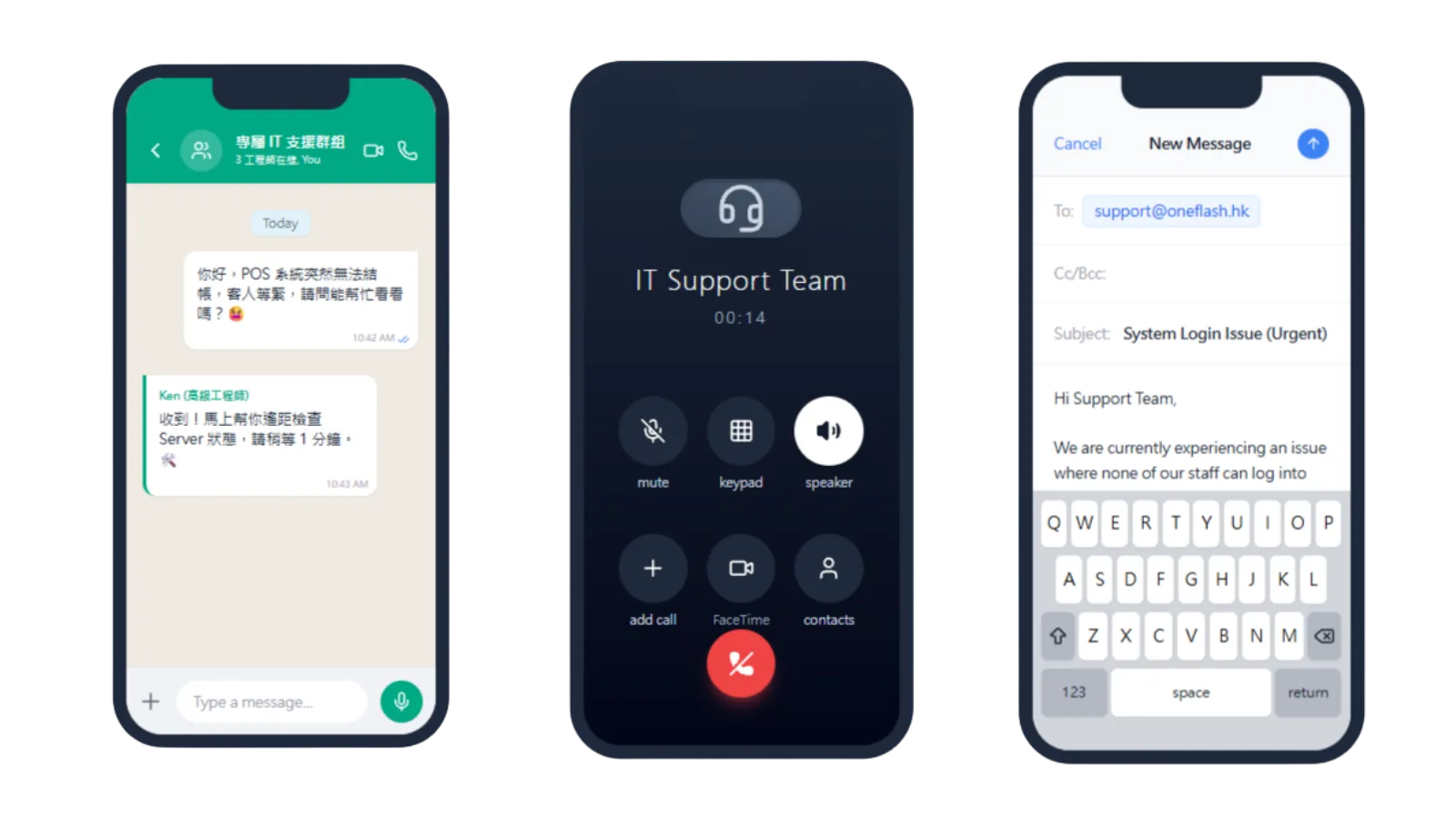
Local Hong Kong technical support through WhatsApp

Our local engineers support your POS checkout workflow directly:

  • WhatsApp support: resolve checkout or settlement questions quickly
  • Operational follow-up: reduce checkout disruption during business hours
  • Consultant guidance: receive practical retail workflow advice
What if daily operations run into issues?

Will the team need a long time to learn it?

Designed with fewer buttons so frontline staff can learn quickly

We design for a practical, low-training experience:
  • Simple UI: order entry to checkout in a few steps
  • Workflow fit: built around frontline retail checkout habits
  • Fast onboarding: staff can start using it on the same day
Will the team need a long time to learn it?

Is transaction and member data secure?

Enterprise-grade cloud protection and encrypted data handling

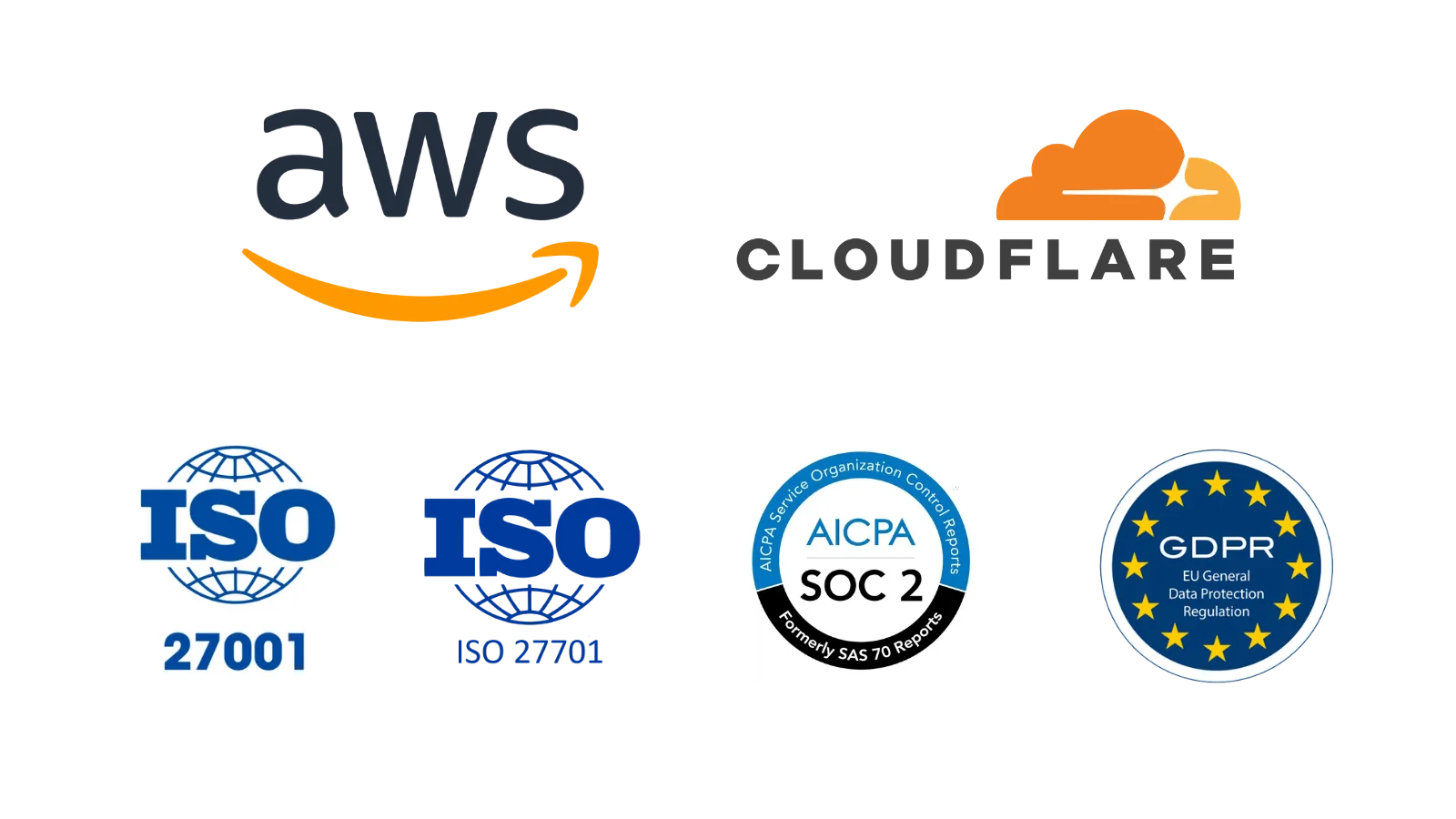
Transaction and member data are protected through AWS and Cloudflare infrastructure:
  • Live protection: SSL encryption and DDoS defence
  • Data security: encrypted transmission and storage for records
  • Recovery support: automated offsite backup and restoration options
Is transaction and member data secure?

How do you keep the project on schedule?

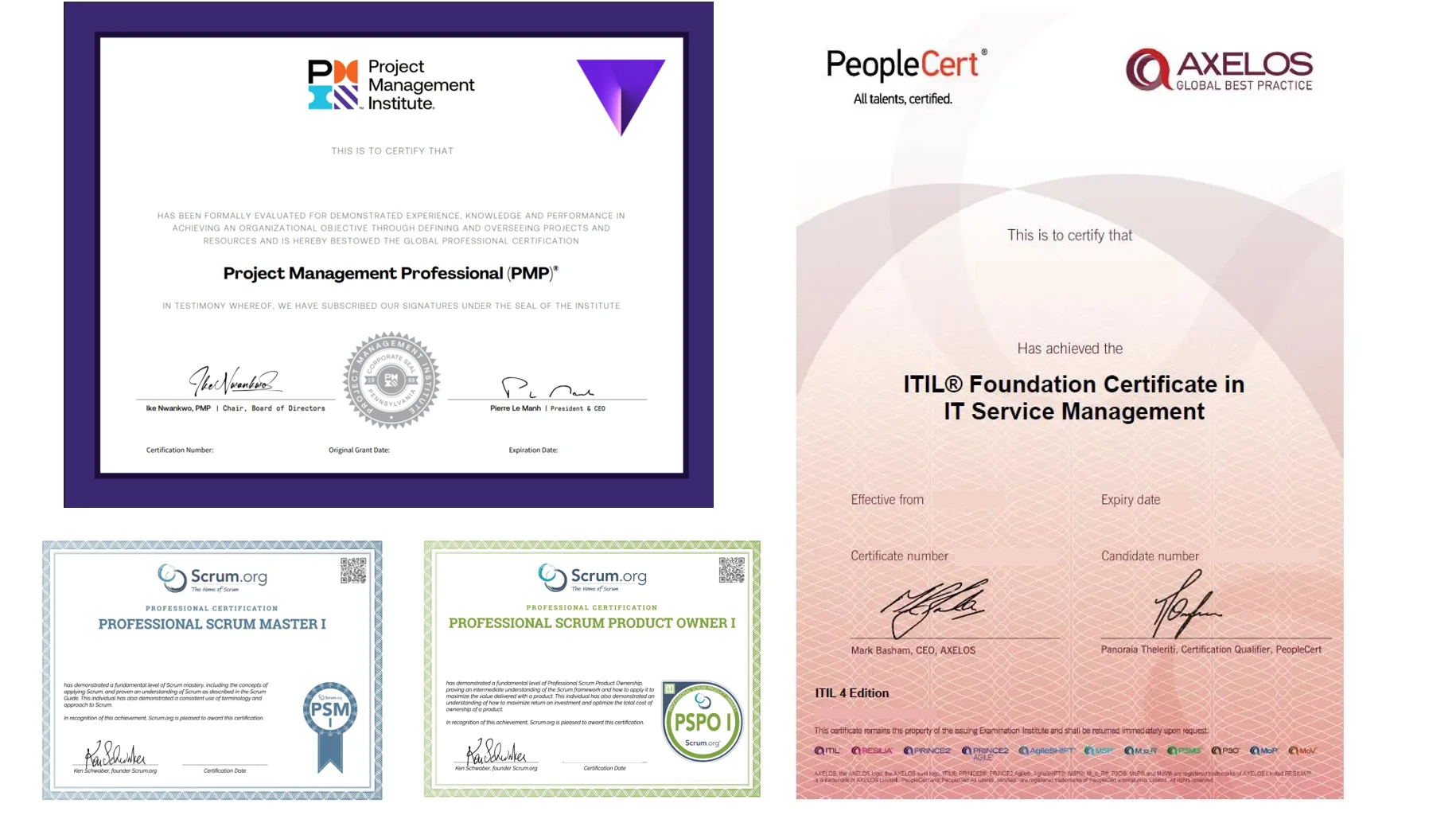
Led by PMP® certified consultants to keep POS delivery on track

We use a structured project process to keep POS implementation controlled:

  • Certified guidance: senior consultants lead delivery
  • Clear tracking: every deployment milestone is visible
  • Accurate fit: agile delivery keeps logic aligned with your retail context
How do you keep the project on schedule?

Do we need to enter old data manually?

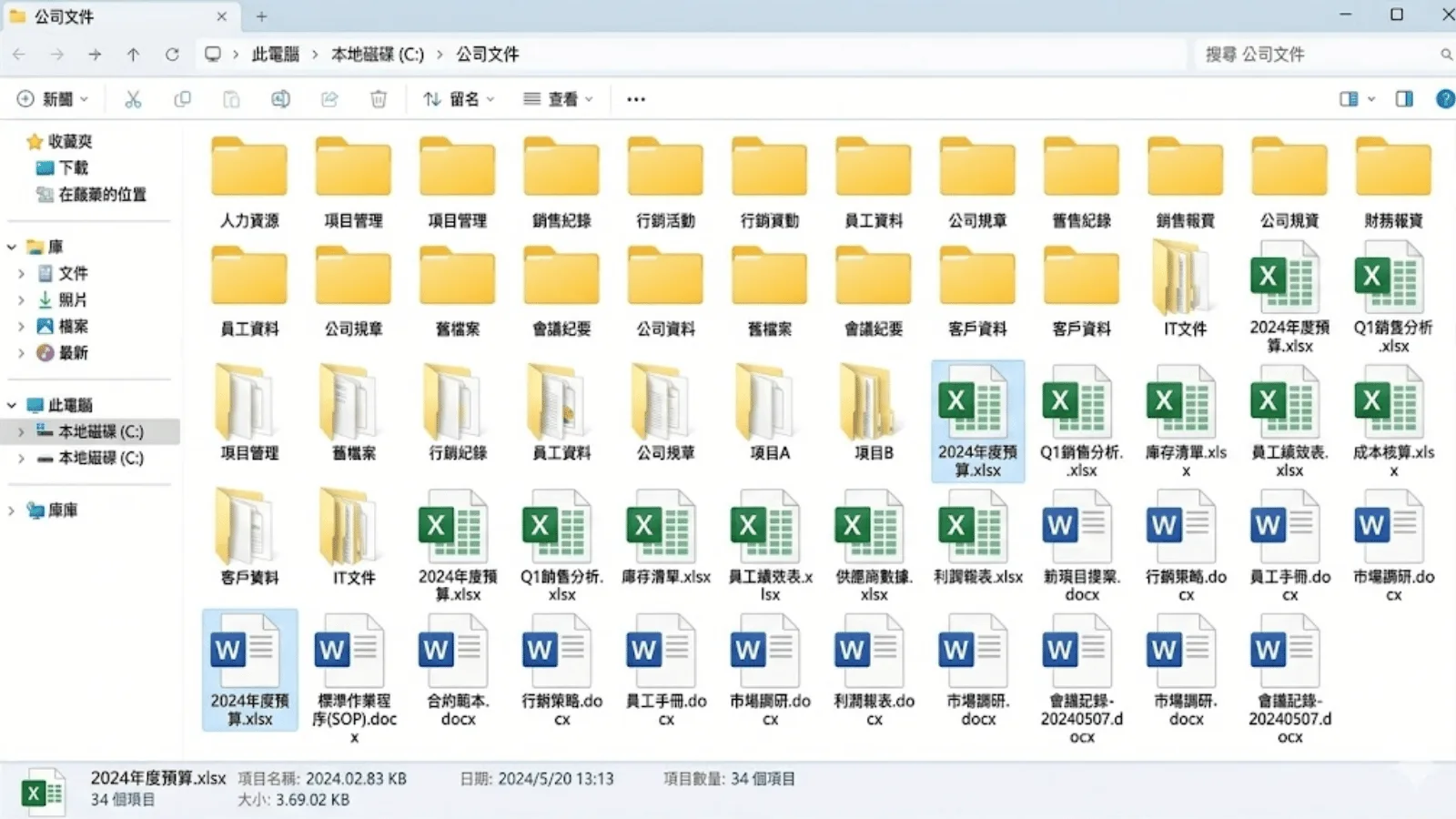
Our team handles the hardest product and member data migration work

We provide migration support for a smoother transition:
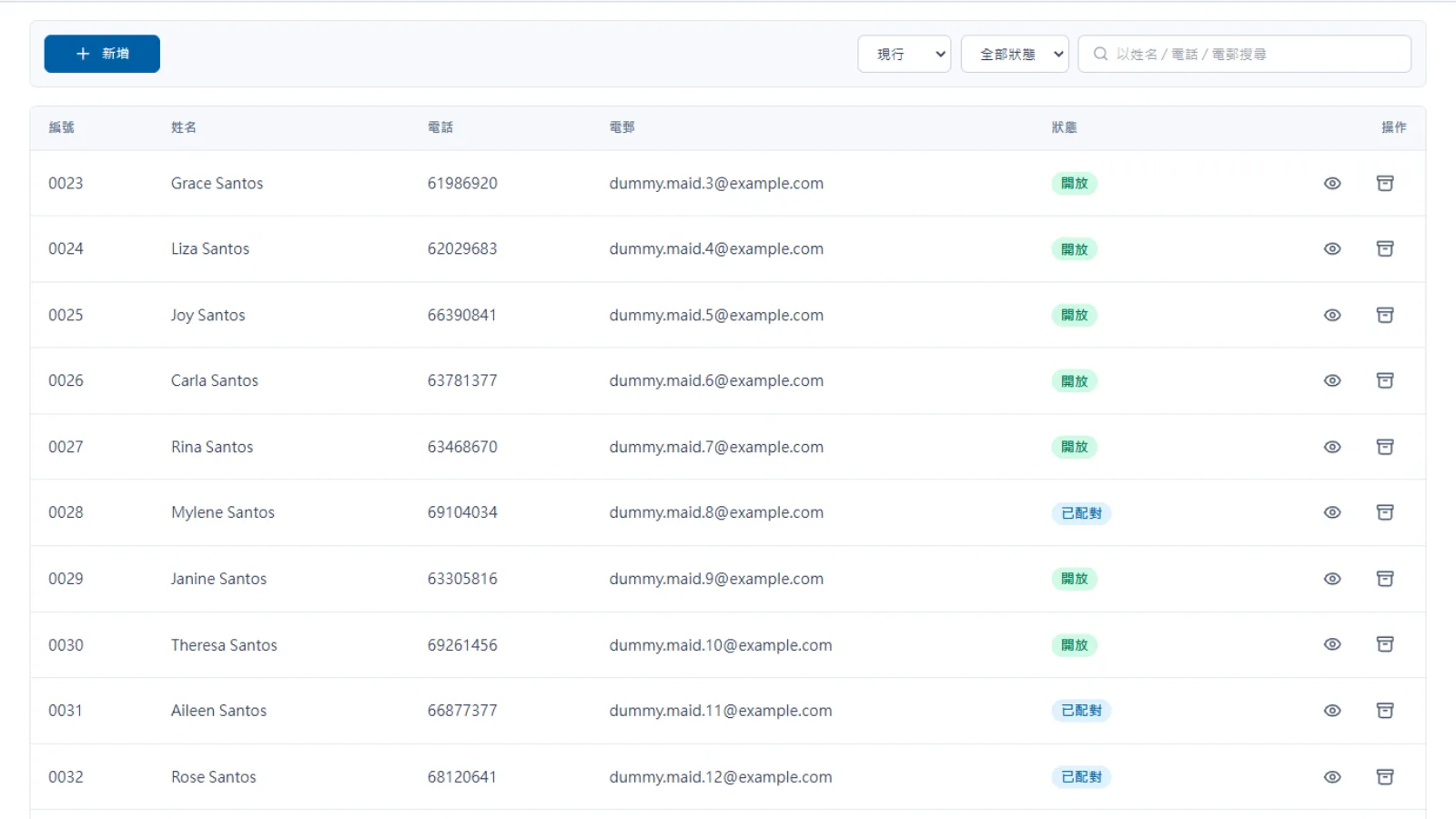
  • Handled by specialists: clean product catalogues and member records
  • Complete transfer: reduce manual re-entry of historical transactions
  • Quality control: consultants review product and member data consistency
Do we need to enter old data manually?

Can we keep our own backup?

Can sync automatically to your private cloud storage

You can keep control of sales and member data:

  • Auto sync: daily encrypted backups to your selected cloud drive
  • Data access: retrieve sales and member records when needed
  • Transparent setup: business data remains easier to manage and audit
Can we keep our own backup?

Can another vendor maintain it later?

Optional source code licensing to reduce vendor lock-in

For teams with long-term technical planning needs, we provide extra protection:
  • Source licensing: optional open source arrangement
  • Less lock-in: future self-hosting can be discussed
  • Business continuity: protect the system as a long-term operating asset
Can another vendor maintain it later?

How does Oneflash Agentic Business Suite support store operations?

Not only checkout, but a connected store operating system

Oneflash Agentic Business Suite is an AI agentic business system for SMEs.
  • Unified data: sales, inventory, members, payments and store performance stay together
  • Expandable modules: add ecommerce, CRM, promotions or reporting later
  • AI collaboration: connect AI agents through MCP to check sales, organise inventory and create follow-ups
How does Oneflash Agentic Business Suite support store operations?

Is the team experienced enough?

A team combining AI product thinking and 20 years of enterprise system experience

The Oneflash team combines AI agents, business systems and local SME implementation experience:

  • Market recognition: technical work recognised by listed companies and business awards
  • Deep experience: ERP, CRM and operating system delivery background
  • Implementation ability: clear UI, stable architecture and consultant-led delivery
Is the team experienced enough?

More implementation and support questions

The retail core for connecting online and offline stores

Can checkout continue if the store network is unstable?
Yes. The system supports offline checkout. Transaction data is stored temporarily and synced to the cloud when the network returns.
How long does a new staff member need to learn it?
The interface is designed to be intuitive. Most staff can learn order entry, checkout and refunds after short training.
Which hardware devices are supported?
It supports iPad, Android tablets and desktop computers, with connections to common label printers, scanners and cash drawers.
Can it handle online orders with in-store pickup?
Yes. Store staff can view ecommerce orders and complete pickup verification from the POS, with data updated automatically.
Does it support PayMe, FPS and credit card payments?
Yes. The system can generate payment QR codes or connect to smart card terminals to reduce manual reconciliation errors.
Can we set staff permissions, such as manager-only voids?
Yes. Permissions can be set for cashiers, store managers and finance staff, with different operation and viewing rights.
How do we manage inventory across multiple branches?
The backend supports multi-location inventory. You can check stock levels by branch and process store transfers systematically.
Can receipts include our company logo?
Yes. Receipt templates can include your logo, promotion message, QR code and customised terms.
Can staff register members and check points at checkout?
Yes. Staff can register members or redeem points by phone number, with point data synced to CRM in real time.
Does the closing Z-Report need manual calculation?
No. The system generates daily closing reports with payment totals and product sales ranking in one click.

Build a cloud POS system for store checkout, member management and inventory sync.

Do you have 5 minutes ?

Let’s organise your store sales, inventory and member data flow

Preferred Call Time *

Contact us

Consultants Online:0, Last Updated: 2026-06-22, 05:00

Please leave a message and we will reply on the next business day.